Grok 4.7 prompting guide: how to get good results on long, hard tasks
Published

Short answerGrok 4.7 is built for long, multi-step work, so give it a full brief: the goal, the context, the limits and what done looks like. Ask it to plan first and check its own work at the end, and give it the real files or error messages instead of describing them.
xAI released Grok 4.7 on 21 September 2026, and it reached GitHub Copilot the same day. According to launch coverage, it has a 500,000-token context window, accepts text and images, and replies in text. xAI says it was trained to spend longer on difficult tasks and to check its own work more carefully.
You don't need a new prompting style. The basics that work for Claude or GPT work here too. But a model built for long tasks rewards a better brief, and it can take much more context than you're probably giving it.
Give it a brief, not a question
Short questions get short answers. For real work, write a brief with four parts. Our agent task brief prompt is built around this:
Goal: [WHAT YOU WANT, e.g. add a password reset flow to the login page].
Context: [STACK AND CURRENT STATE, e.g. Next.js app, Supabase auth, the files are pasted below].
Limits: [WHAT NOT TO DO, e.g. no new libraries, don't change the database schema].
Done means: [HOW YOU'LL CHECK, e.g. a user can request a reset email and set a new password; the existing tests still pass].

Before writing code, list your plan in 5 steps or fewer and wait for me to say go.
"Done means" is the most useful line. It tells the model when to stop, and it gives it something to check its work against.
Ask for a plan first
A long task can go in the wrong direction early. Asking for a plan costs you one message and saves a lot of rework. The plan before coding prompt does this. Read the plan, fix anything wrong, and only then let it write code.
Use the long context
500,000 tokens is a lot, far more than one file. Paste the real code and the real error instead of describing them:
- Paste full files, not snippets, when the bug might cross files.
- Paste the whole error and stack trace. The stack trace root cause prompt asks the model to explain the cause before it suggests a fix.
- New codebase? Paste the folder tree and the main files, then use the codebase onboarding map prompt to get a map of how it fits together.
Long context isn't free. Paid API use is billed per token, so don't paste your whole repository out of habit.
Show it screenshots
Grok 4.7 accepts images. For a UI bug, a screenshot with one sentence ("the button overlaps the footer on mobile") often beats three paragraphs of description. Add the relevant CSS file with the screenshot, so it can see both the problem and the code.
Make it check its own work
Finish every coding task with a review step. You can use the review AI-written code prompt, or add this to the end of your brief:
When you finish, review your own changes as a strict senior engineer would. List any bugs, missing edge cases or security problems you find, then fix them. Tell me what you could not test.
"Tell me what you could not test" is important. It makes the model tell you where it's guessing.
Where Grok 4.7 fits
Launch coverage describes it as a strong model that still trails the very top of some benchmark tables. In practice, pick the model that works best for your own tasks. Try the same brief on two or three models and keep the one whose output you have to fix least. Our ChatGPT vs Claude vs Gemini prompt comparison shows how to run that test fairly.
Fixing common problems
It wrote too much code. Add "change as little as possible" to Limits.
It ignored a rule. Move the rule to the top and write it as a plain sentence, not a bullet at the end.
It says it's done but tests fail. Paste the test output back and ask for the cause first, then the fix.
Where to go from here
Browse the free AI coding prompts collection for debugging, reviews and tests. If you work in an agent tool, the Claude Code prompts and Cursor prompts pages have briefs that work in any model. For writing better prompts in general, start with what prompt engineering is.
Quick checklist
- Goal, context, limits, done means.
- Plan first, code second.
- Paste real files and full errors.
- Screenshots for UI bugs.
- End with a self-review and "what you could not test".
Prompts to try
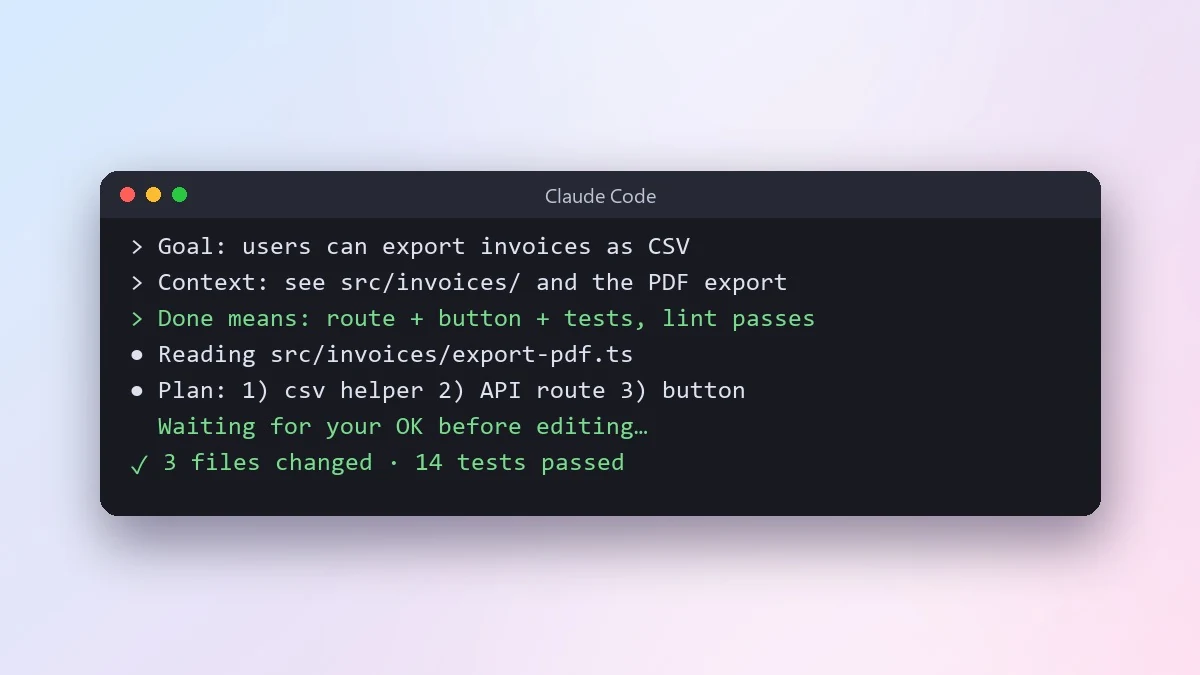 Give an AI coding agent a clear task briefClaude Code · Cursor
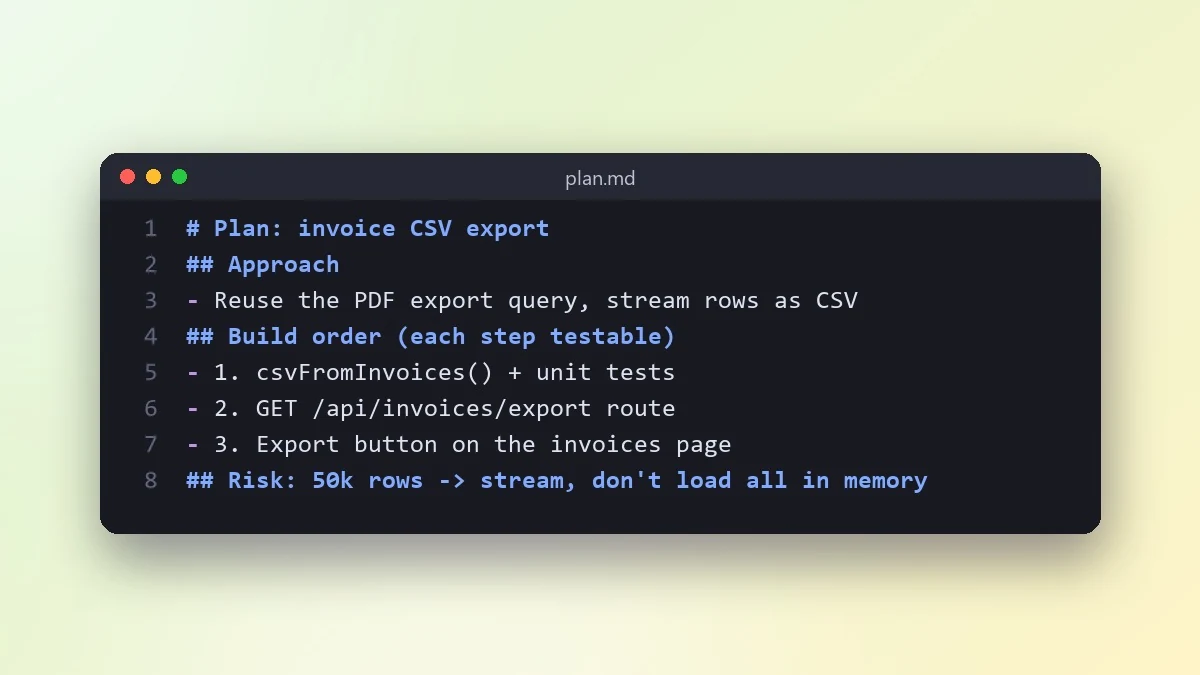 Plan a feature before writing any codeClaude · ChatGPT · Claude Code
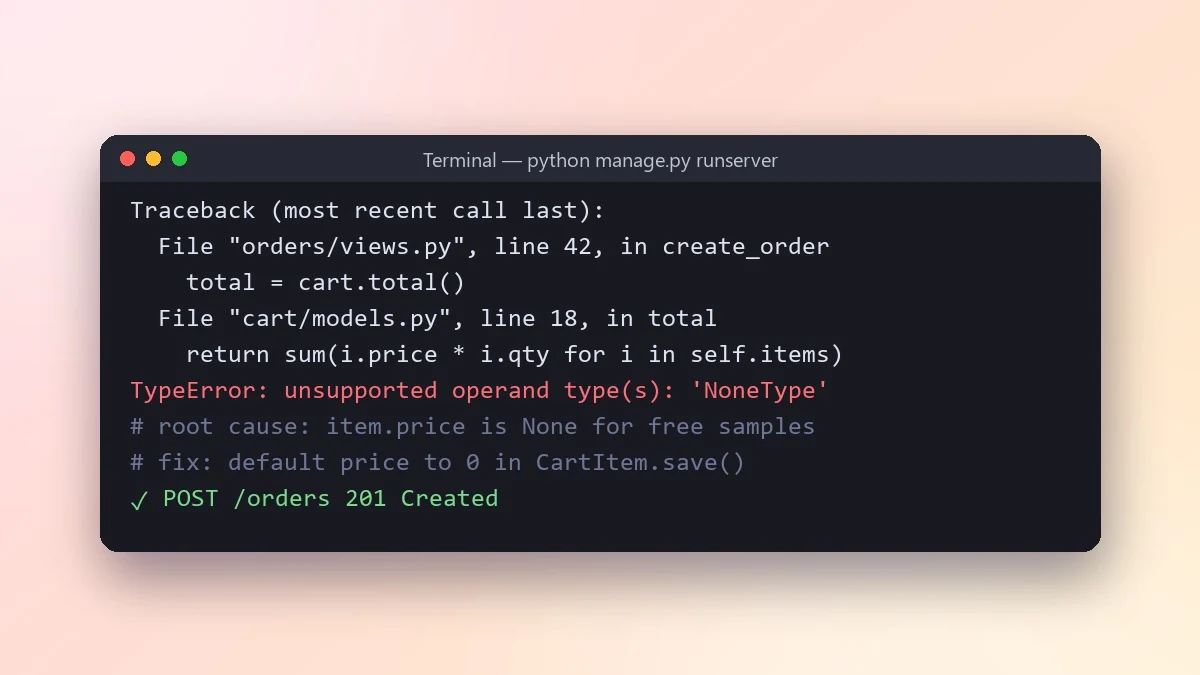 Find the root cause from a stack traceClaude · ChatGPT · Gemini
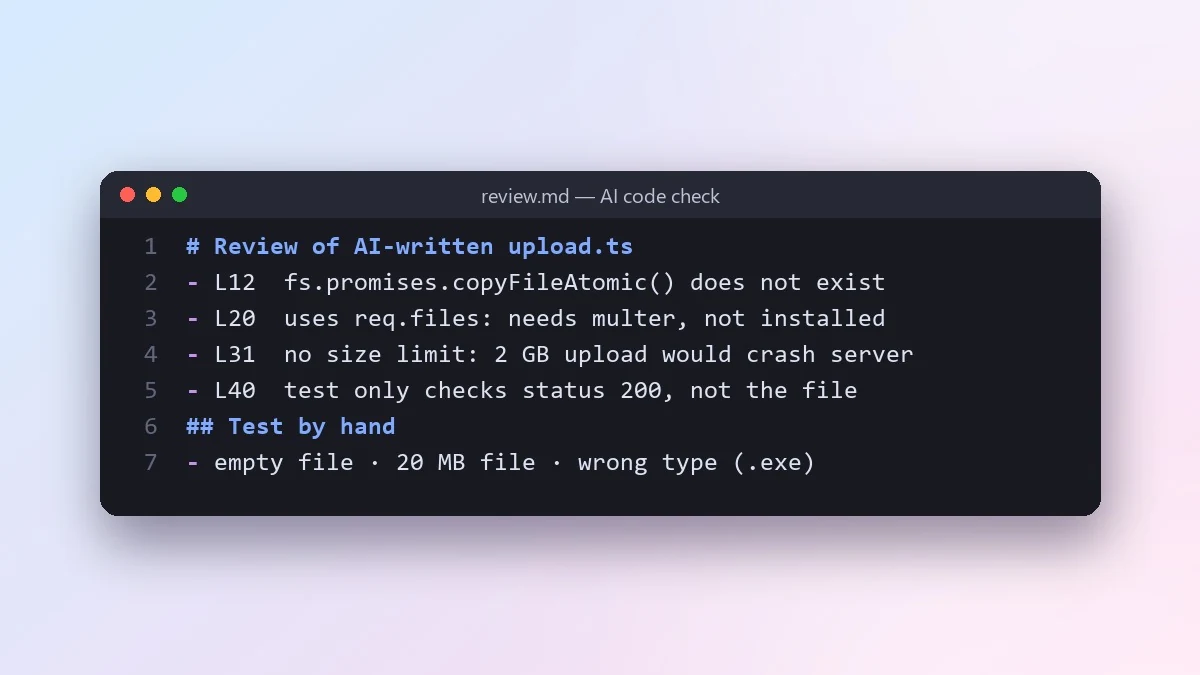 Review code written by an AI before you trust itClaude · ChatGPT · Claude Code
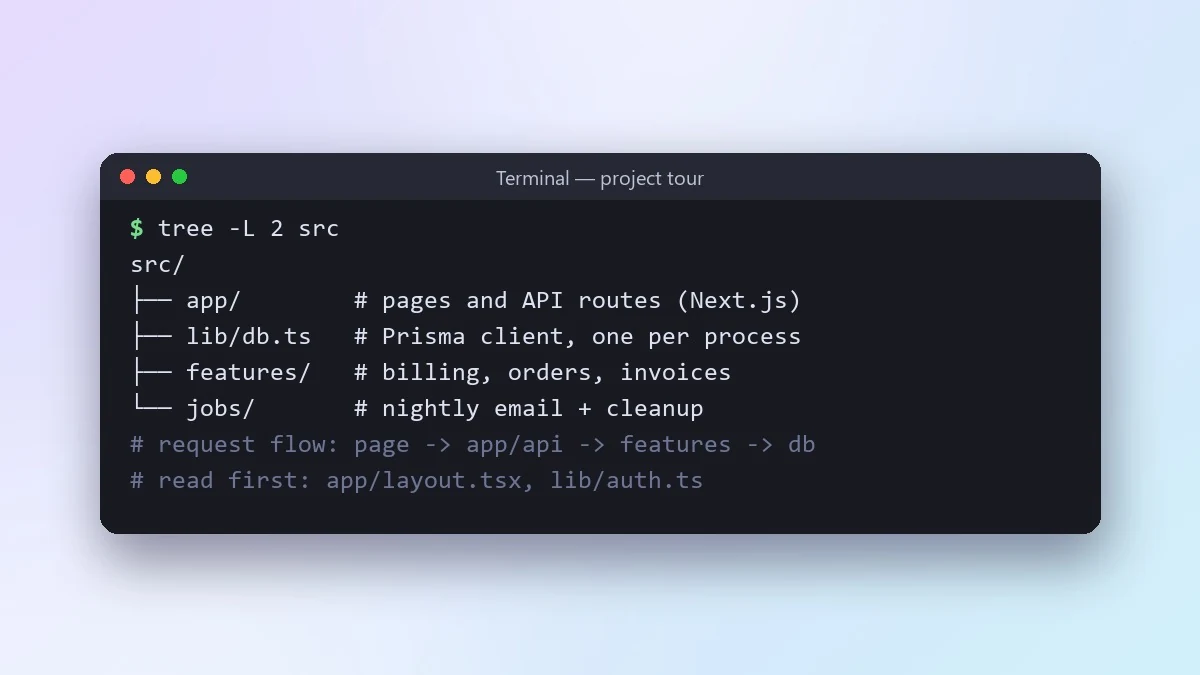 Understand a new codebase fastClaude · ChatGPT · Claude Code



Comments
No comments yet. Be the first to share what worked for you.