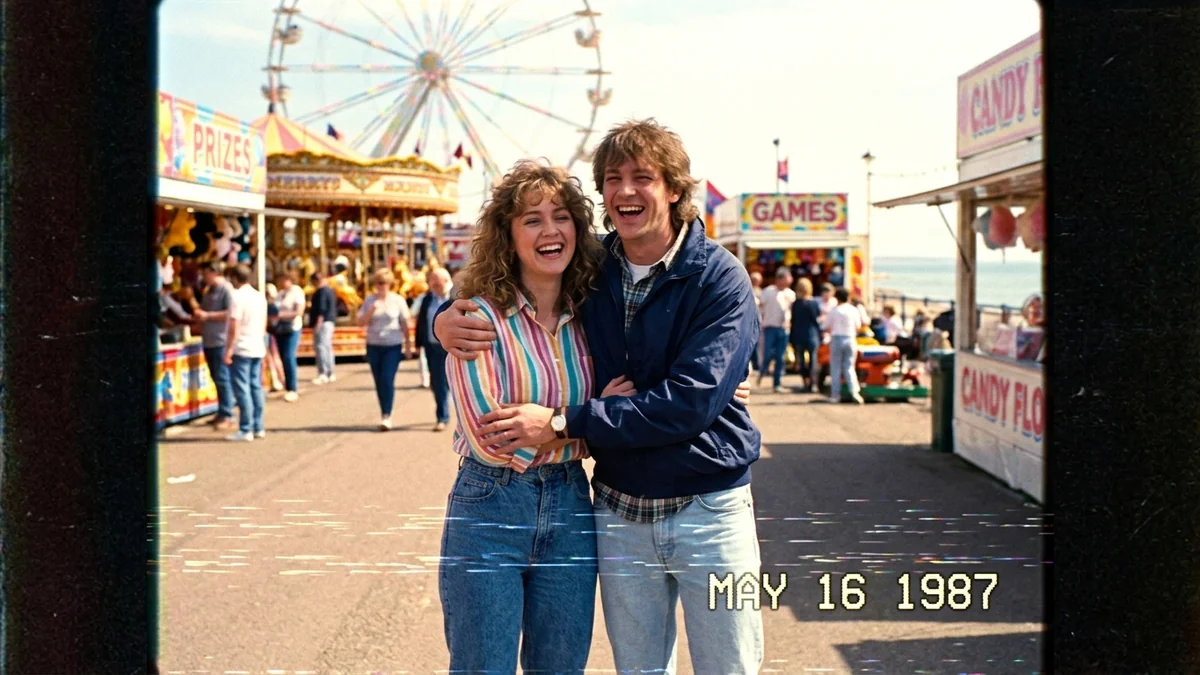
Three-shot short film scene
This prompt writes a short film as three numbered shots with camera sizes, which multi-shot models such as Seedance can follow. It keeps characters and light the same in every shot, so the scene feels like one film.
Multi-shot scene, 16:9, 12 seconds, same characters and lighting in every shot.
Shot 1: wide shot of [PLACE, e.g. a quiet railway station at dawn], [CHARACTER, e.g. an old man with a suitcase] waits alone on a bench.
Shot 2: close-up of his face as he hears a train and looks up, hopeful.
Shot 3: over-the-shoulder shot as [OTHER CHARACTER, e.g. his grown-up daughter] steps off the train and runs to hug him.
Warm soft light, gentle piano mood, natural acting. No on-screen text.
Number each shot and give it a camera size (wide, close-up, over-the-shoulder). Keeping characters and light the same across shots is what makes it feel like one film.
From copy to clip in four steps
- 1
Open Higgsfield.
- 2
Paste the prompt and fill in the [BRACKETED] fields. Add a starting image if the tool supports it.
- 3
Set the aspect ratio and length in the tool.
- 4
Generate two or three takes and adjust one detail at a time.
About this prompt
Which AI tools work with this prompt?
It is written for Higgsfield and Seedance. Paste it into your preferred tool and adjust the wording if the result is off.
What do I need to fill in?
Replace these fields before you send it: PLACE, CHARACTER, OTHER CHARACTER. Each field shows an example in the prompt.
Why does the result differ between video models?
Each model interprets camera moves, motion and audio differently. Keep the prompt, regenerate a few times and change one detail at a time.