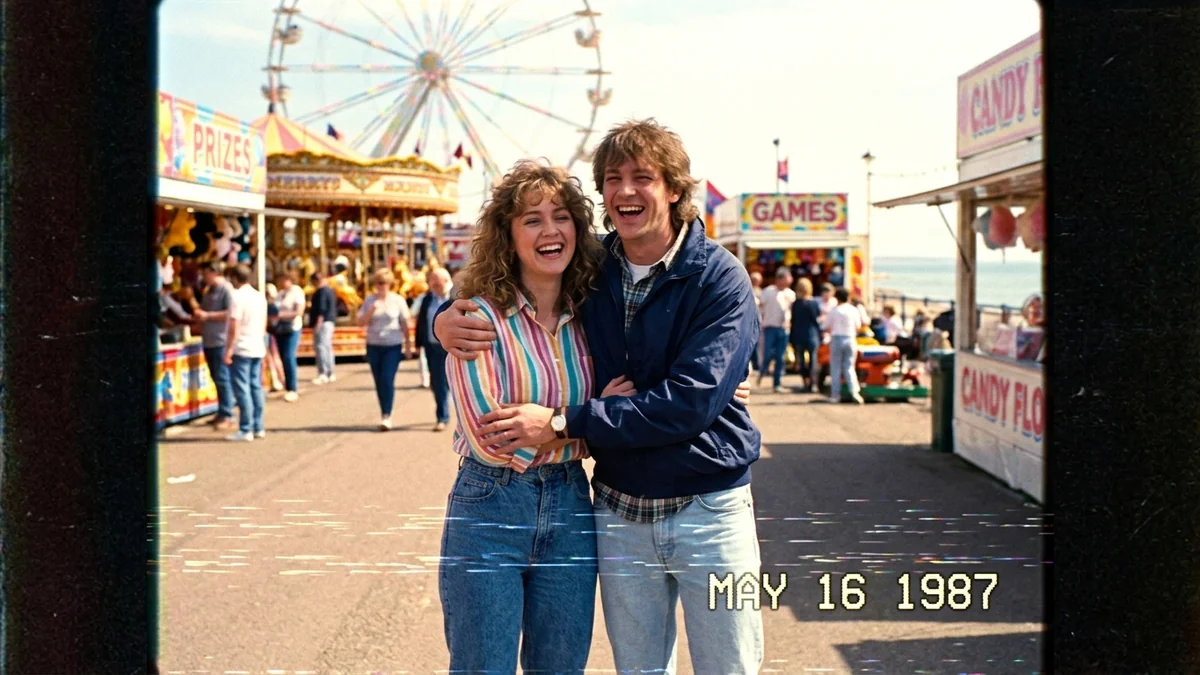
Whip Pan transition between two places
A whip pan swings the camera so fast that the blur hides a cut, which makes it a favourite Reel transition. This prompt jumps between two places with the subject in the same pose, so the change feels seamless.
Whip pan, 9:16, 5 seconds. Start on [SCENE A, e.g. a girl sipping chai at a Mumbai roadside stall], then the camera whips fast to the side with strong motion blur and lands on [SCENE B, e.g. the same girl sipping coffee at a Paris cafe]. Match the framing and her pose in both halves so the cut feels seamless. Bright daylight, playful travel-reel energy. No on-screen text, no logos.
For a clean transition, keep the subject in the same spot and pose in both scenes. The blur hides the change.
From copy to clip in four steps
- 1
Open Higgsfield.
- 2
Paste the prompt and fill in the [BRACKETED] fields. Add a starting image if the tool supports it.
- 3
Set the aspect ratio and length in the tool.
- 4
Generate two or three takes and adjust one detail at a time.
About this prompt
Which AI tools work with this prompt?
It is written for Higgsfield, Kling and Veo. Paste it into your preferred tool and adjust the wording if the result is off.
What do I need to fill in?
Replace these fields before you send it: SCENE A, SCENE B. Each field shows an example in the prompt.
Why does the result differ between video models?
Each model interprets camera moves, motion and audio differently. Keep the prompt, regenerate a few times and change one detail at a time.