Aquarium video prompt
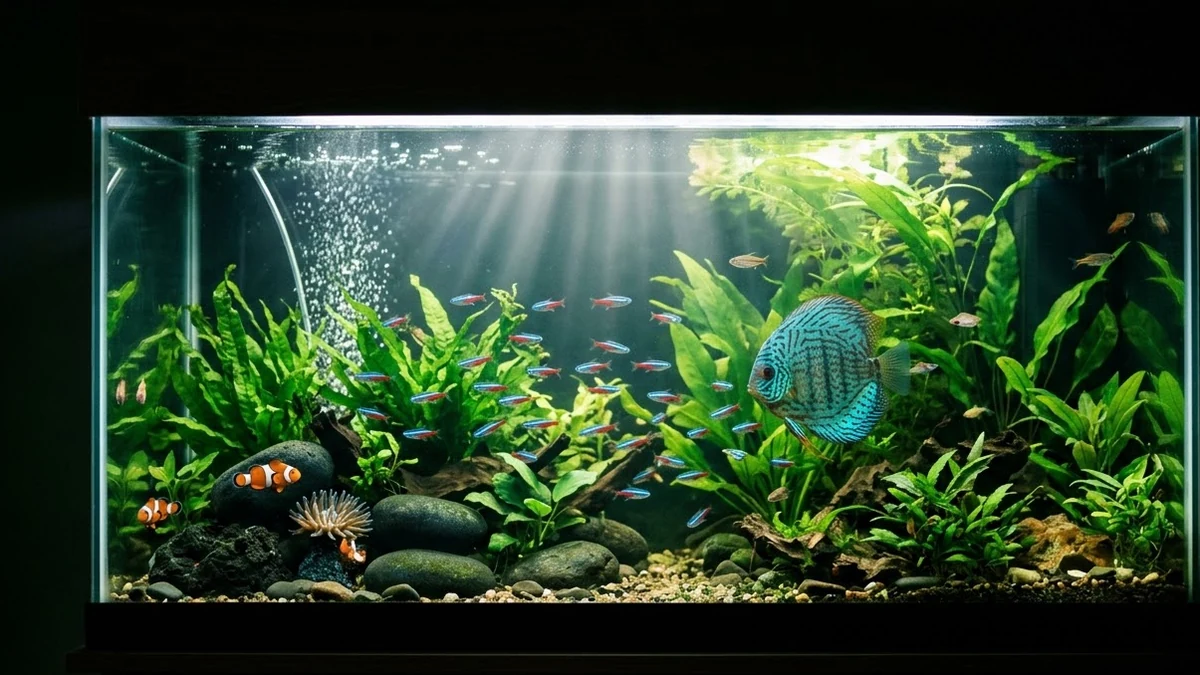
The Aquarium effect fills a room with water so the person floats among fish and bubbles. The prompt makes clear that the person stays calm and smiling, which keeps the result dreamy and safe to share.
Aquarium effect, 9:16, 6 seconds. Clear [WATER COLOUR, e.g. blue] water slowly rises around the person in this photo until they float weightlessly in a glass-walled room like an aquarium. Hair and clothes drift, small colourful fish swim past, bubbles rise, light rays shine from above. The person stays calm, relaxed and smiling with eyes open. Cinematic, dreamy, no text.
Some “open” links are affiliate links: if you sign up through them we may earn a commission, at no extra cost to you.
Say "calm, smiling and floating" so the result looks peaceful, not distressed. Add a colour for the fish if you want a specific palette.
From copy to clip in four steps
- 1
Open Higgsfield.
- 2
Paste the prompt and fill in the [BRACKETED] fields. Add a starting image if the tool supports it.
- 3
Set the aspect ratio and length in the tool.
- 4
Generate two or three takes and adjust one detail at a time.
About this prompt
Which AI tools work with this prompt?
It is written for Higgsfield, Kling and Veo. Paste it into your preferred tool and adjust the wording if the result is off.
What do I need to fill in?
Replace the field before you send it: WATER COLOUR. Each field shows an example in the prompt.
Why does the result differ between video models?
Each model interprets camera moves, motion and audio differently. Keep the prompt, regenerate a few times and change one detail at a time.