Travel photo with living motion
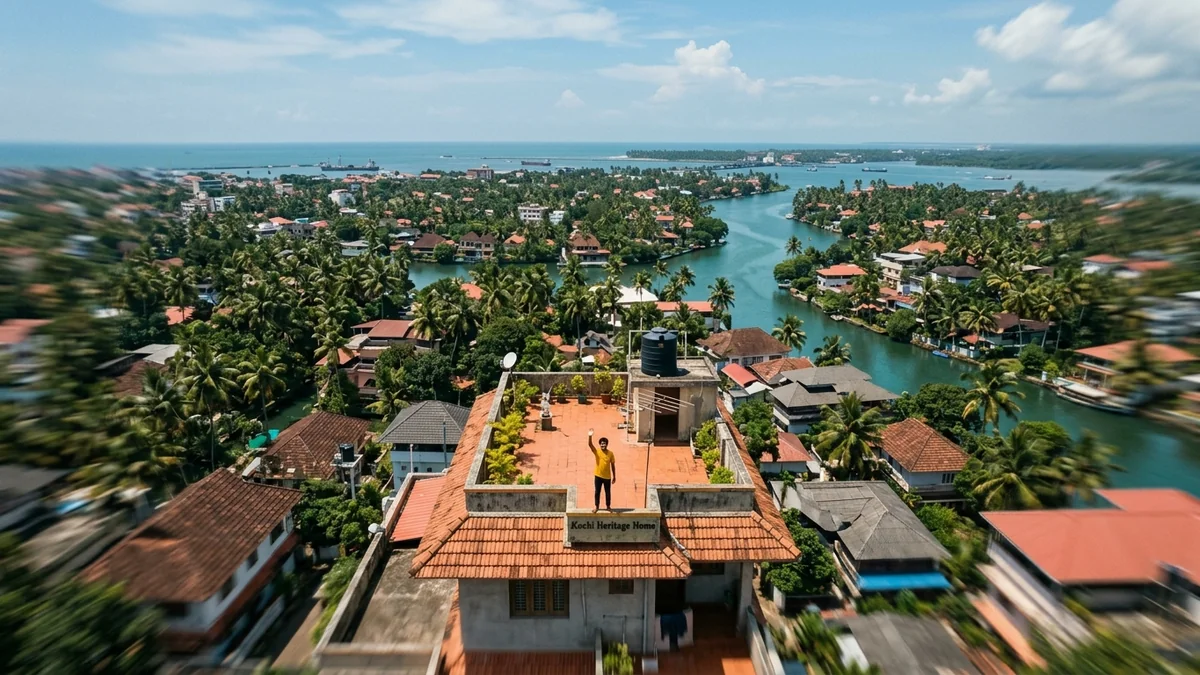
This prompt brings a landscape or travel photo to life with natural motion such as mist, flags and clouds, plus a slow drone-style push forward. Wide shots with sky, water or mist give the AI the most to work with.
Animate this travel photo, 16:9, 5 seconds. Keep the place and composition exactly the same. Add natural motion: [MOVEMENTS, e.g. mist rolls through the valley and prayer flags flutter]. Slow drone-style push forward, crisp detail, natural colours. No people added, no text.
Wide landscape photos with sky, water or mist give the AI natural things to move. City photos with cars and crowds are harder.
From copy to clip in four steps
- 1
Open Higgsfield.
- 2
Paste the prompt and fill in the [BRACKETED] fields. Add a starting image if the tool supports it.
- 3
Set the aspect ratio and length in the tool.
- 4
Generate two or three takes and adjust one detail at a time.
About this prompt
Which AI tools work with this prompt?
It is written for Higgsfield and Kling. Paste it into your preferred tool and adjust the wording if the result is off.
What do I need to fill in?
Replace the field before you send it: MOVEMENTS. Each field shows an example in the prompt.
Why does the result differ between video models?
Each model interprets camera moves, motion and audio differently. Keep the prompt, regenerate a few times and change one detail at a time.