- Updated
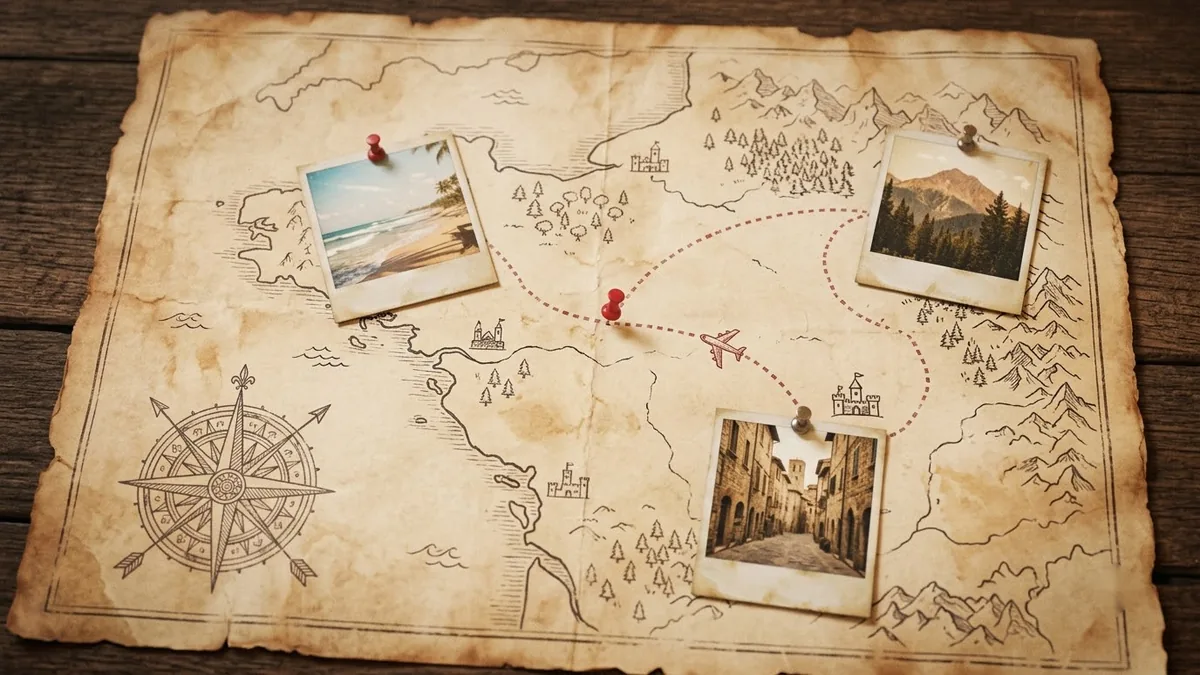
Travel photo with an animated route map
This prompt starts on your travel photo and transitions into a stylised map with an animated route.
Create a travel memory clip: start on this photo, then transition into a stylised map where a dotted line traces the route from [START PLACE] to [END PLACE], a small marker moves along it, and photos pop in at each stop. Warm vintage map style, smooth motion, 8 seconds.
Upload one photo per stop, then join the clips in your editor.
Get a better result
An eight-second travel memory clip that starts on your photo, moves into a warm vintage-style map, traces a dotted route from start to end with a small marker, and pops in photos at each stop.
A route map links your photos into a story, so the prompt starts on a photo and moves into a vintage map with a dotted line. A marker moving along it and photos popping in at each stop show the journey in eight seconds.
The route goes through the wrong places.
Fix: Name the start and end, and add the stops in order in the prompt, then check the map against a real one.
- The map text is garbled. Ask for no labels, or add place names in your editor afterwards.
- All stops look the same. Upload one photo per stop, as the tip says, and join the clips in an editor.
Use a car icon and a winding road line across the map, with polaroid-style photos that pop at each stop.
Keep the style. Add a small plane or train icon on the marker and slow the line so each stop has a moment.
More video generation prompts
See all 489 →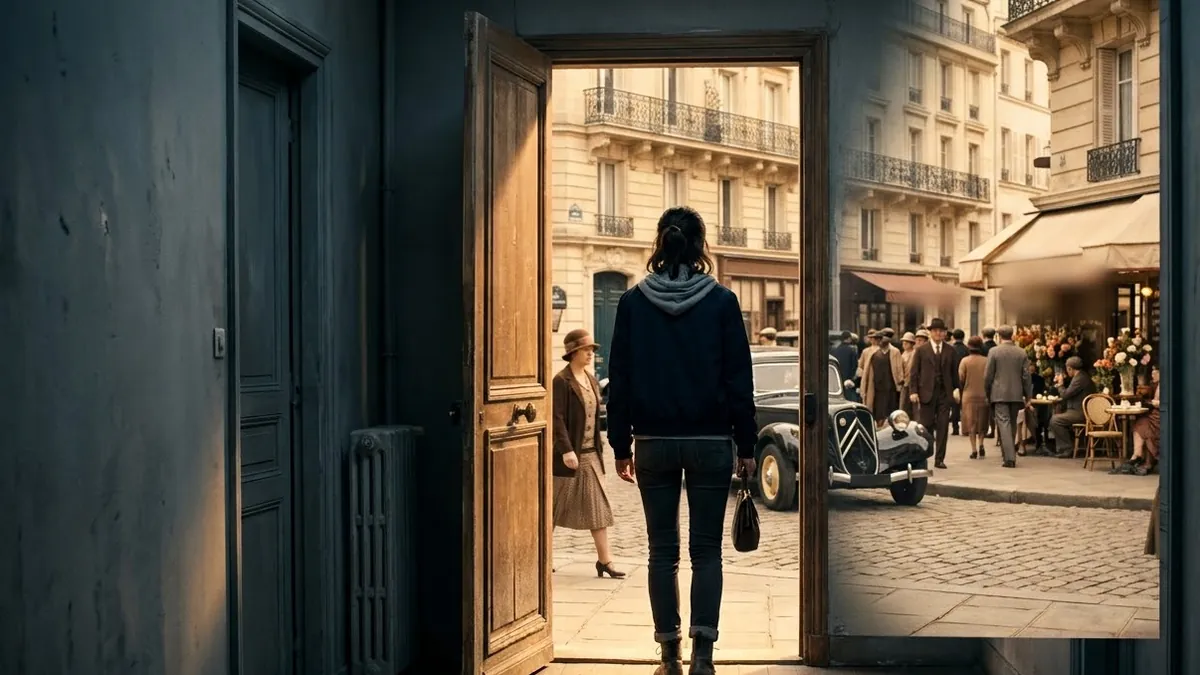

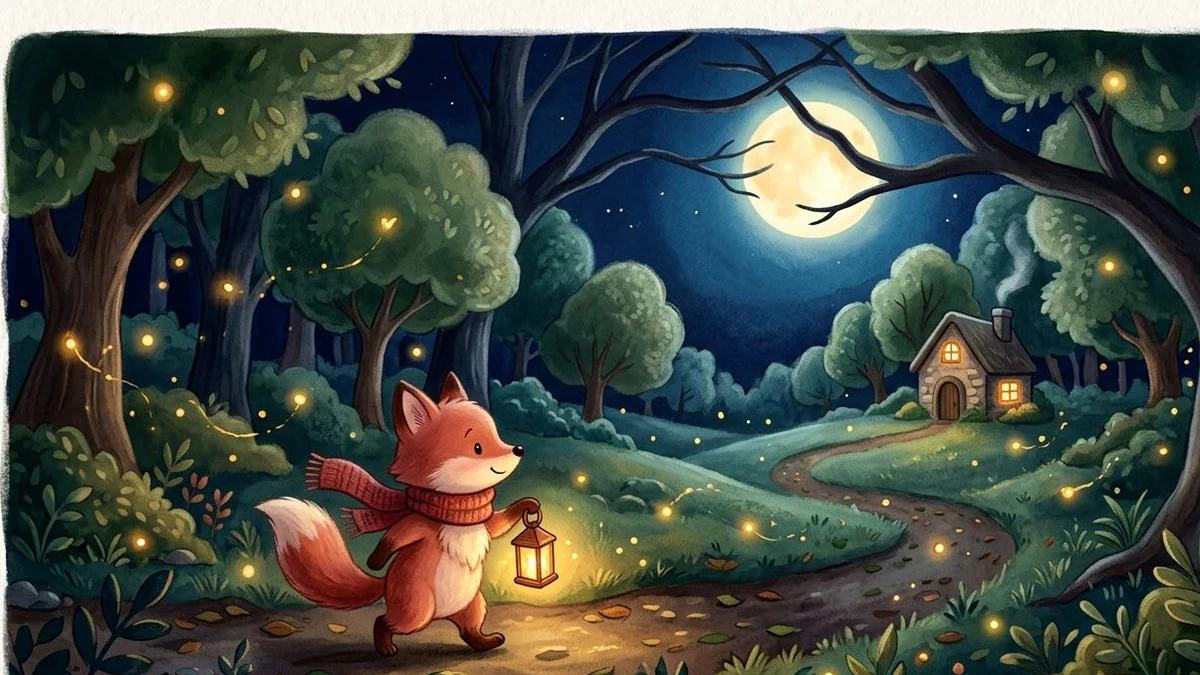
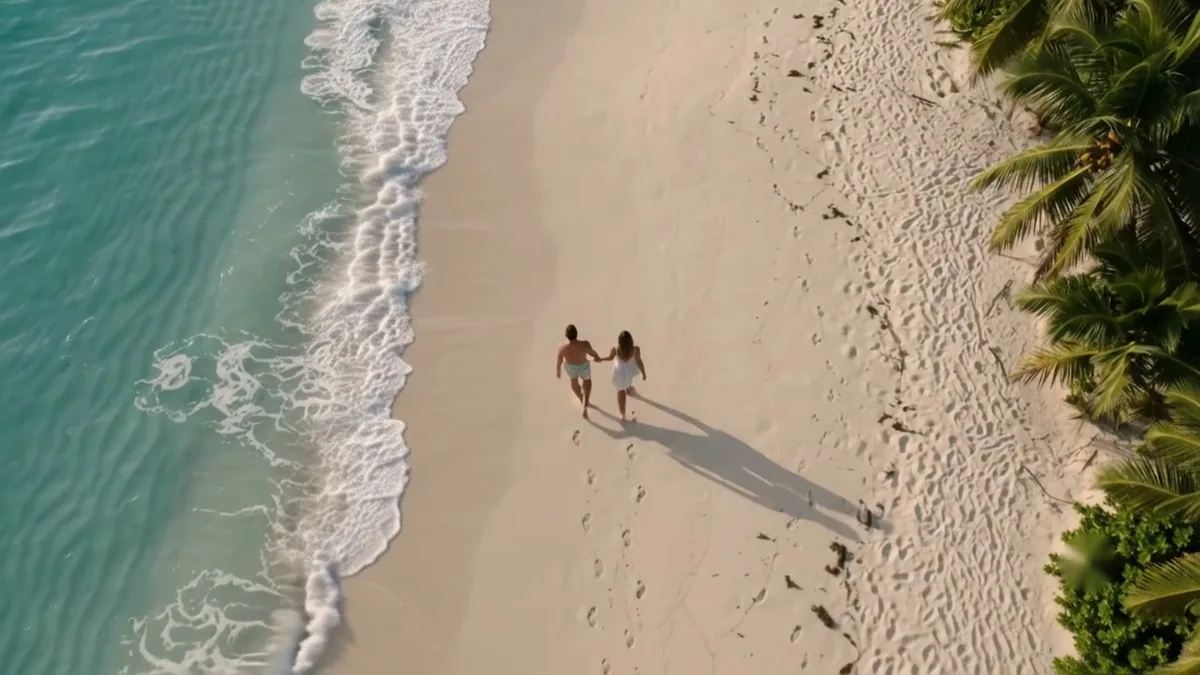
More like this
- Travel Reel with a drone revealHiggsfield · Kling
- Animated whiteboard explainer introKling · Veo · Seedance
- What to eat when you visit a new placeChatGPT · Gemini · Claude
- Turn a travel photo into a postcardGemini · ChatGPT
- Travel photo with living motionHiggsfield · Kling