Planning a baby shower? These AI prompts handle the details
Published
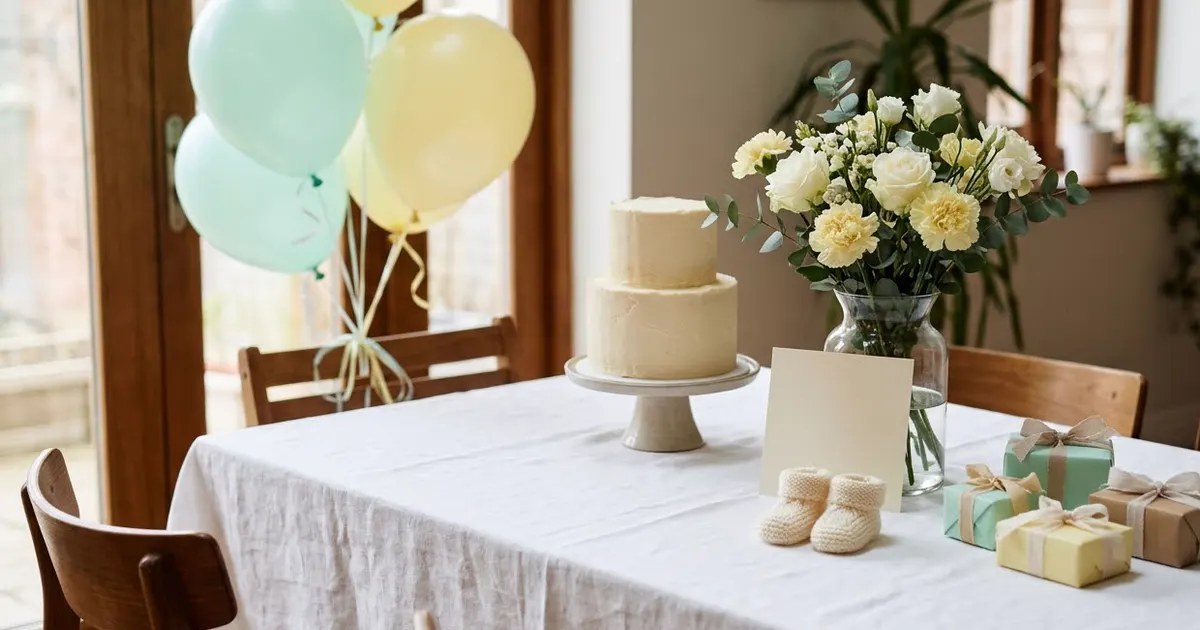
Short answerGive an AI chatbot the parent's details, the venue and your budget, then ask for a timed running order and a matching invitation design in one go. Naming the actual constraints, not just "plan a baby shower", gets you a plan you can use straight away.
Organising a baby shower usually means three separate jobs at once: a theme and invitation that look good, a running order that keeps the day moving, and a budget that doesn't creep up once favours and decorations are added. AI tools are useful for all three, as long as you treat them as a planning assistant rather than asking one vague question.
This guide covers the invitation, the running order, and a couple of extras for after the baby arrives.
Design an invitation that matches the theme
Start with the invitation, since the theme and colours you pick here will carry through the rest of the planning. The baby shower invitation prompt works well when you give it specifics instead of "something cute":
Design a baby shower invitation.
Theme: [E.G. "soft sage and cream, botanical", "classic pink and gold"].
Parent's name: [NAME].
Details to include: [DATE, TIME, VENUE, RSVP CONTACT].
Style: [MINIMAL / ILLUSTRATED / PHOTO-BASED].

Leave clear space for the text details, and keep the design calm rather than busy.
If you don't know the baby's sex yet, say "gender-neutral" rather than leaving it out, since the model will otherwise default to pink or blue on its own. Generate two or three versions with different colour combinations before you commit, since it's much quicker to compare options than to describe your way to the right one in a single try.
A running order that actually fits in the time you have
This is the part people skip and then regret. A baby shower with games, food, gift opening and photos can easily overrun by an hour if nobody has worked out how long each part should take. The event run-of-show prompt turns your plan into a timed schedule:
Baby shower, [NUMBER] guests, starts at [TIME] and needs to finish by [TIME].
Must include: arrival and mingling, [GAMES, IF ANY], food, gift opening, and photos.
Venue: [HOME / HALL / RESTAURANT].

Build a timed running order for the whole event. For gift opening, assume roughly [NUMBER] gifts and estimate time per gift. Flag anything that looks too tight for the time available.
Being specific about the number of gifts matters, because gift opening is usually the part that runs over. If you have more than about 15-20 guests bringing individually wrapped gifts, ask the model for ways to speed this up, such as opening in small batches while others mingle.
If you'd rather not fill in each bracket by hand, the PromptUp prompt builder asks you these details one at a time and writes the prompt for you.
Keep the budget in view from the start
Baby showers have a habit of growing once decorations, favours and food are added separately. Ask for a single view of it:
I have a budget of [AMOUNT] for a baby shower for [NUMBER] guests.
I need to cover: venue (if any), decorations, food, favours, and games/activities.
Give me a rough split across these, and two ways to cut costs if I go over, without it looking budget.
Asking for cost-cutting ideas that don't look cheap, rather than just "cheaper options", tends to get more useful suggestions, such as reusing decorations as favours instead of buying two separate things.
For after the baby arrives
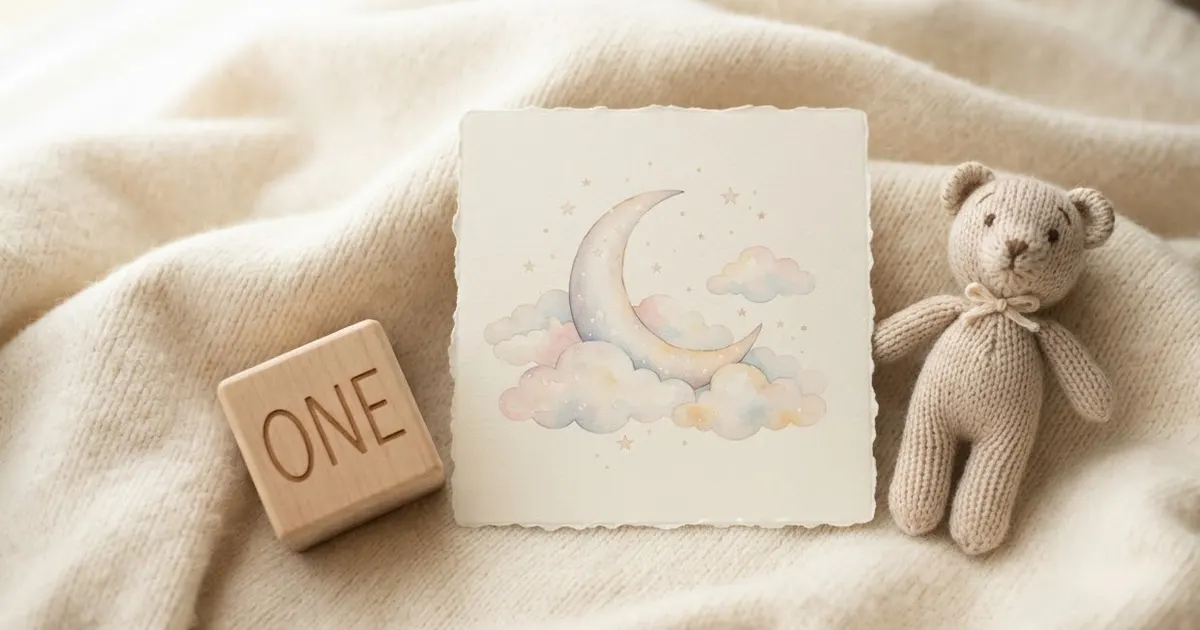
Once the shower is done, two more prompts are worth keeping for later. The newborn announcement card prompt makes a shareable design once the baby is born:
Design a newborn announcement card. Baby's name: [NAME]. Born: [DATE]. Weight: [WEIGHT, OPTIONAL]. Style: [SOFT PASTEL / MODERN / ILLUSTRATED]. Leave space for a photo to be added.
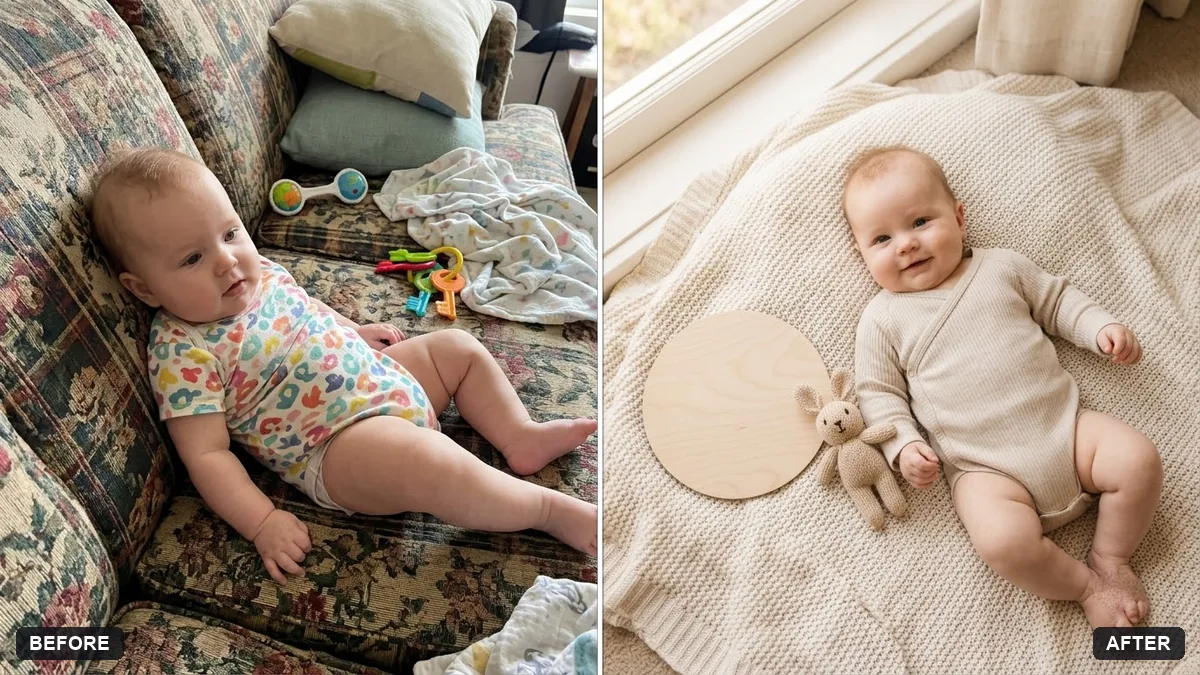
And the baby milestone photo card prompt is useful every month after that, for the "1 month old" style cards that track the baby's first year.
Fixing a bad answer
Invitation text is cramped. If the design looks busy once your real text goes in, ask for "a simpler layout with more space around the text" rather than a whole new theme.
Running order is too tight. If it tries to fit everything into too short a time, ask it to cut one activity rather than squeeze them all in, and say which one matters least to you.
Gender assumptions. If you haven't shared the baby's sex and the result assumes one, say "gender-neutral, please" and ask again.
Where to go from here
For the photo side of things once the baby arrives, see AI prompts for a baby milestone card and the wider baby and family photo prompts collection. The prompt builder can also turn any prompt on this page into one written for your exact shower.
Quick checklist
- Pick the theme and colours first, and generate a few invitation versions to compare.
- Say "gender-neutral" explicitly if the baby's sex isn't known or isn't being shared.
- Ask for a timed running order, with the real number of gifts factored in.
- Get one combined view of the budget before you start buying separately.
- Keep the announcement card prompt ready for after the birth.
Prompts to try

More prompts on this topic
- Clean up a baby photo backgroundGemini · ChatGPT
- Baby product soft lifestyleGemini · ChatGPT · Midjourney
- Fix an overexposed baby photoGemini · ChatGPT
- Wedding planning timelineChatGPT · Gemini · Claude
- Invitation card designGemini · ChatGPT · Ideogram
Comments
No comments yet. Be the first to share what worked for you.