AI maternity photoshoot prompts: a studio-style shoot from a single photo
Published
Short answerUpload one photo, describe the pose, outfit and setting you want, and tell the AI to keep your face, body shape and features exactly the same. That one instruction is what keeps a maternity edit looking like you.
A proper maternity shoot with a studio, a photographer and a flowing gown can cost a lot and take a free Sunday you don't have. An AI photo tool can get you a similar look from a single phone photo: soft light, a flowing outfit, a calm expression, the kind of portrait you'd normally book months in advance.
The whole series around this moment, from the announcement to the first birthday, works the same way: one clear photo in, one clear instruction about what to keep, and a description of the setting you want.
The maternity portrait
Start with a photo where your bump is visible and the lighting is reasonably even; a photo near a window works better than a dark room.
Turn this photo into a soft maternity portrait. Keep my face, body shape and features exactly the same.

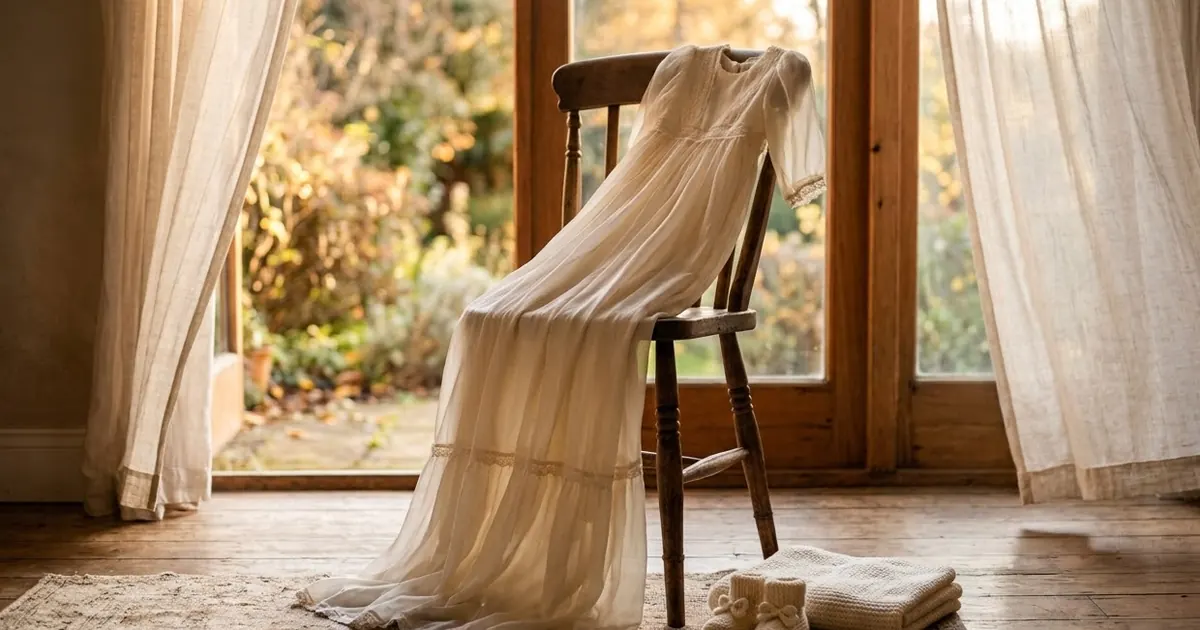
Setting: a sunlit window. Flowing cream gown, gentle golden light, soft focus background, a calm and joyful expression, natural skin texture, fine art photography style.
This is our maternity portrait prompt. Three things make it work:
- "Keep my face, body shape and features exactly the same" stops the AI from smoothing, slimming or changing you, which is the most common complaint with portrait edits.
- A named setting (a sunlit window, a simple studio, a flower field) gives it somewhere specific to build, instead of a generic blurred background.
- "Natural skin texture" keeps real skin instead of the plastic, over-smoothed look AI portraits can default to.
Try the setting in brackets as a studio backdrop or an outdoor flower field instead of a window if you want a different mood; the rest of the prompt stays the same.
The baby announcement card
Once you're ready to share the news, a designed card reads better on social media than a plain photo with a caption:
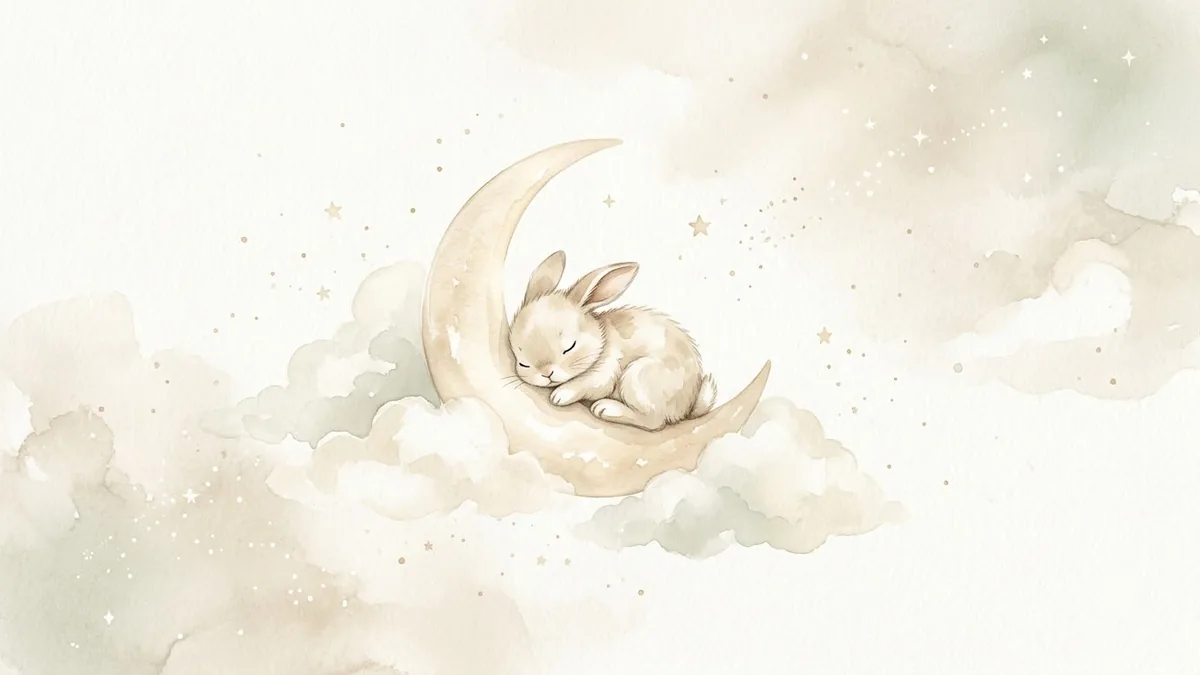
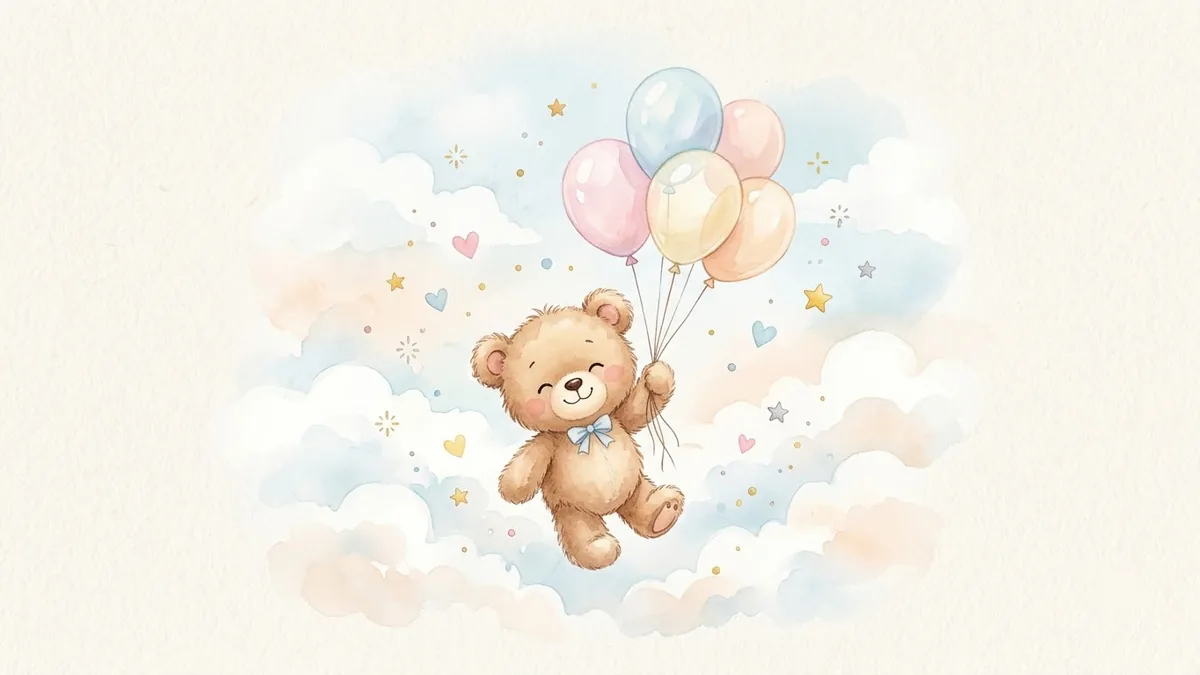
Baby announcement card design. Soft pale blue palette, a crescent moon with tiny stars and a sleeping teddy bear, delicate watercolour clouds, text "Welcome, [BABY NAME]" and "Born [DATE]", gentle handwritten font, calm and sweet mood, plenty of white space.
This is our newborn announcement card prompt. It works in Gemini, ChatGPT or Midjourney, and the bracketed name, date and colour palette are the only things you need to change. If the AI misspells the text (a common issue with image models), keep the words short and ask it to try the text again on its own, or add it afterwards in a simple design app.
The baby shower invitation
The same idea, with a theme instead of a name and date:
Baby shower invitation with a safari theme. Soft pastel watercolour animals, balloons and bunting, text "Baby shower for [NAME]", "[DATE, TIME]", "[LOCATION]", warm and playful, hand-lettered heading with a clean sans serif for details, generous margins.
This is our baby shower invitation prompt. Swap "safari" for clouds, teddy bears, or any theme you prefer, and keep the three lines of event text exactly as shown so the layout has somewhere to put them.
The milestone card
Once the baby arrives, milestone photos (one month, three months, six months) are one of the most shared formats on Instagram:
Turn this photo of my baby into a milestone card. Keep the baby's face, features and expression exactly the same.

Place the baby on a soft cream blanket with a wooden number sign reading "6 months", a small stuffed toy and gentle window light. Soft, warm colours, shallow depth of field, calm and sweet mood.
This is our baby milestone card prompt. The number sign text is the one detail to double-check once the image comes back, since AI tools still occasionally misread handwritten-style numbers.
For the one-year mark specifically, our first birthday portrait prompt adds a party hat, a cake with a "1" candle and soft balloons instead of the milestone sign.
Fixing common problems
The face changed. This is the single most common issue with maternity and baby edits. Repeat "keep the face and features exactly the same" at both the start and end of the prompt if one attempt drifts.
The baby's hands or the number sign look wrong. Small details and text are where AI models are weakest. Ask it to redo just that detail, or fix it with our fix a weird AI photo prompt, which is built for exactly this kind of touch-up.
The outfit or pose looks stiff. Describe a specific, relaxed pose instead of leaving it to the AI: "one hand resting on the bump, looking down and smiling" works better than no pose description at all.
The lighting looks flat. Name the time of day and light direction, such as "soft morning light from the left", rather than just "nice lighting".
Where to go from here
For more on general portrait edits, our realistic AI photo prompts guide covers the same "keep this, change that" structure for everyday photos. All the prompts here are free in the photo editing prompts collection, and the prompt builder can write a custom version for your own photo and theme.
Quick checklist
- Start from one clear, evenly lit photo.
- Say what must stay the same: face, body shape, features.
- Name a specific setting, pose and time of day.
- Keep card text short, and double-check names, dates and numbers.
- Use a natural-skin instruction to avoid an overly smoothed look.
Comments
No comments yet. Be the first to share what worked for you.