AI birthday photo prompts: party portraits, cake shots, posters and wish videos
Published
Short answerFor a birthday portrait, keep the face exactly the same and describe the party details: the cake, the balloons, the colours and the light. For posters and invitations, ask for the picture with empty space and add names, ages and dates yourself.
Every day is someone's birthday, which is why birthday photo and wish ideas are searched every single day of the year. AI makes it easy to turn an ordinary photo into a party portrait, make an invitation, or send a short wish video. Here's how to do each one well.
A birthday portrait from a normal photo
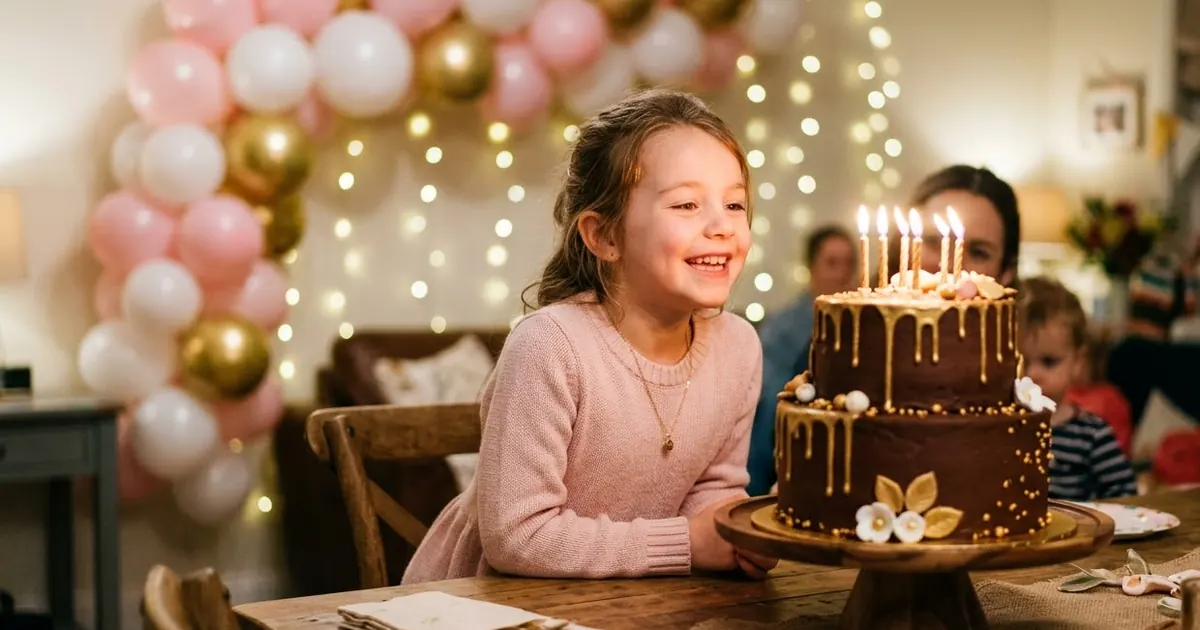
Upload a clear photo of the birthday person. This builds on our birthday party portrait prompt:
Keep this person's face, hair and features exactly the same.

Put them at a birthday party: a table with a [CAKE, e.g. two-tier chocolate cake with gold drip and lit candles], a backdrop of [COLOURS, e.g. pastel pink, white and gold] balloons, and soft fairy lights.
Pose: smiling, leaning towards the cake, about to blow out the candles.
Light: warm candlelight on the face, soft room light behind.
Style: natural photography, 50mm lens, soft background blur. Portrait 4:5. No text, no numbers on the balloons.
"No numbers on the balloons" matters. AI often puts the wrong age on number balloons. If you want them, add them in an editor or use a real photo of number balloons.
First birthday
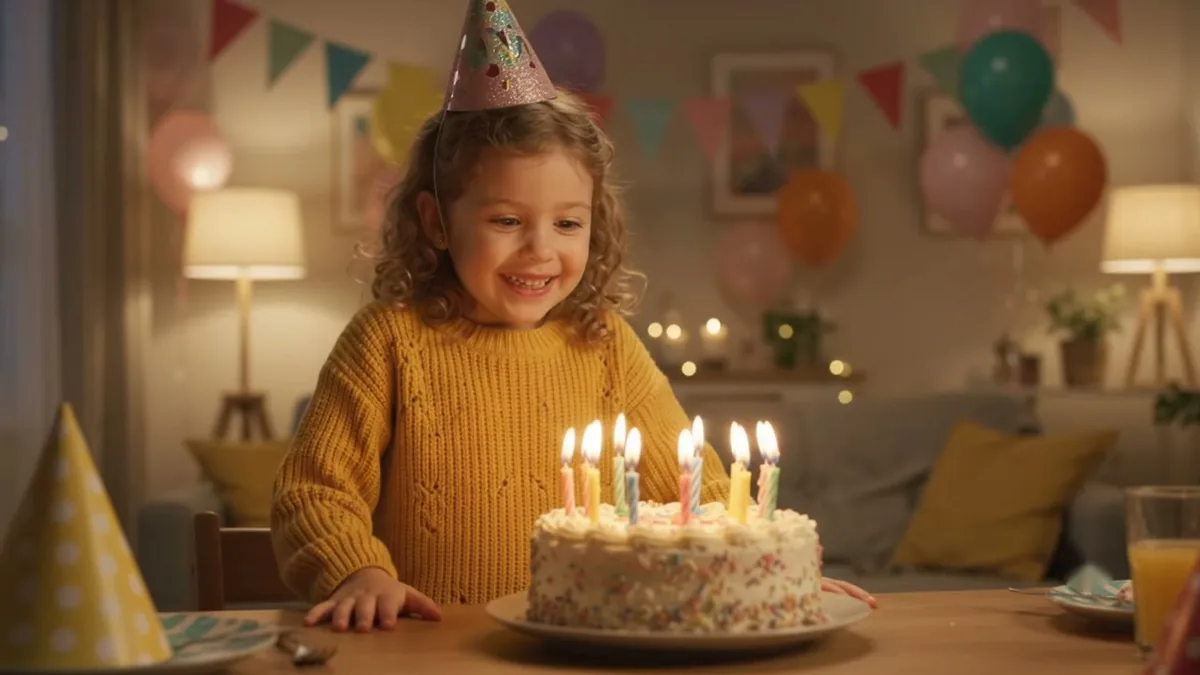
A baby's first birthday is one of the most photographed days. The first birthday portrait prompt is made for it:
- Use a photo where the baby's face is clear and well lit.
- Say "keep the baby's face exactly the same, do not age them up".
- Keep the setting simple: a smash cake, a few balloons, a soft backdrop.
Don't ask for anything unsafe, such as candles near the baby. AI will draw it, but it's not a good example to share.
The cake shot
For bakers and home cooks, a great cake photo sells. Upload a photo of your real cake:
Keep this cake exactly as it is: same shape, colours, decorations and piping. Improve only the photo: clean white table, soft window light from the side, a blurred party background with a few balloons. Professional food photography. No text on the cake.
To design a cake idea from scratch, use the birthday cake hero prompt.
Invitations and posters
For a kids' party invite:
Design a birthday party invitation background: [THEME, e.g. jungle animals / space / princess castle], bright and friendly, with a large empty area in the centre for text. Portrait 4:5. No text, no letters, no numbers.
Then add the child's name, age, date, time and address yourself. Check the spelling of the name twice.
A wish video
A short video wish feels more personal than a forwarded image. Take a photo of the birthday person into a video tool with the birthday wish video prompt: confetti falling, a gentle smile, balloons moving slightly. Add the "Happy Birthday" text and music in your editing app afterwards. Five seconds is enough for a WhatsApp status.
The message
Stuck on what to write? The birthday message prompt writes a personal wish if you give it details:
Write a short birthday message for my [RELATION, e.g. best friend from college], turning [AGE]. Mention [ONE MEMORY, e.g. our 3 a.m. Maggi during exams] and [ONE THING I LIKE ABOUT THEM, e.g. how she always shows up]. Warm, a bit funny, under 60 words. No clichés.
One real memory makes a message feel personal. Without it, AI writes something anyone could have sent.
Fixing common problems
Face changed. Put "Keep this person's face exactly the same" first.
Wrong age or name. Never ask the AI to write them. Add them yourself.
Too many balloons. Ask for "a few balloons, not crowded".
Where to go from here
For family pictures, see our AI family portrait prompts. The photo editing prompts collection has more party and portrait ideas, and the chat and writing prompts have more message ideas.
Quick checklist
- Keep the face the same.
- Cake, balloons, colours, light.
- No numbers or names from the AI.
- Add text yourself and check spelling.
- One real memory in the message.


Comments
No comments yet. Be the first to share what worked for you.