How to make a birthday post for Instagram and WhatsApp: size, layout and what to write
Published
Short answerUse 1080 x 1350 pixels for a feed post and 1080 x 1920 for a Story, make the name and age big and keep them in the middle, and put one short wish underneath. Leave the top and bottom of a Story empty, because the app covers them.
A birthday post does one job: tell the person it is their day, in a way they will want to share. It does not need a designer or an app. It needs the right size, a name and age you can read on a phone, and one line that sounds like you.
Pick the size first
The size decides how the post looks where people will see it. Current Instagram size guides agree on these:
| Where it goes | Size | Shape |
|---|---|---|
| Instagram feed post | 1080 x 1350 px | 4:5, tall |
| Square post, WhatsApp profile picture | 1080 x 1080 px | 1:1 |
| Story, WhatsApp Status, Reel cover | 1080 x 1920 px | 9:16, full screen |
The tall 4:5 size is the one most guides recommend for the feed, because it takes more of the screen than a square. One more thing worth knowing: the Instagram profile grid now shows posts as tall 3:4 thumbnails rather than squares, according to those same guides. A 4:5 post loses a thin strip from each side there, so keep the name and age away from the edges.
A layout that reads at thumbnail size
On a phone, a birthday post is seen small, often in a row of other posts. Three layouts work well and are easy to make:
- The big number. The age takes up most of the card, with the name under it. Nothing else competes. This is the best choice for a milestone birthday, such as a first, 18th or 50th.
- The photo. One good picture of the person, with the name and age set clear of their face. Crop so the face sits in the middle.
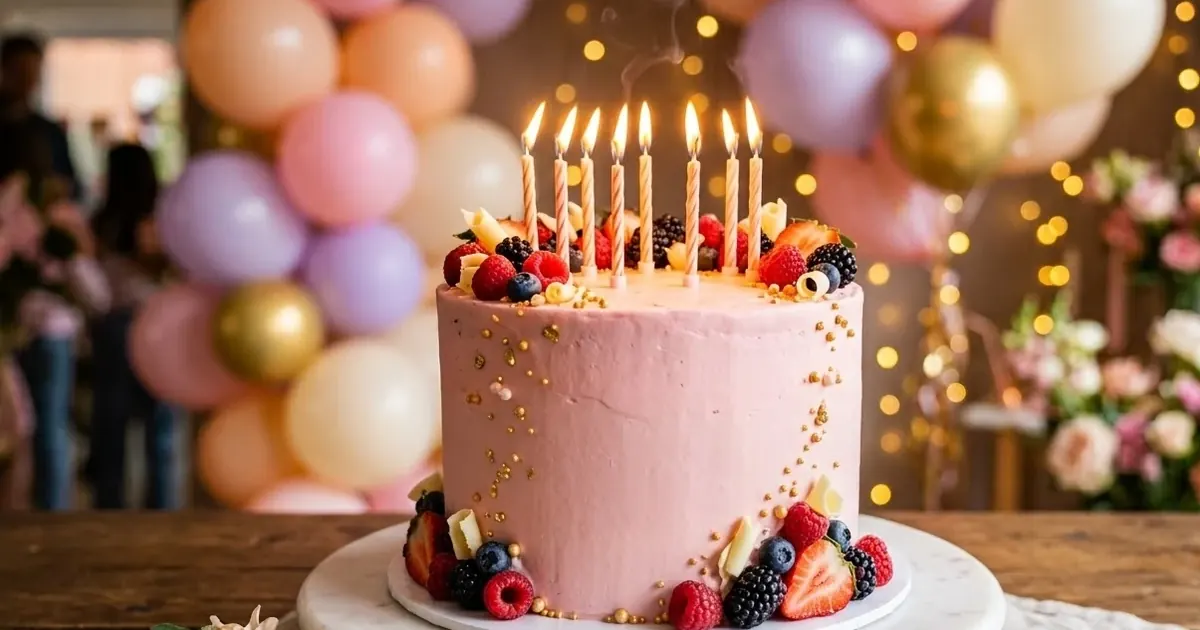
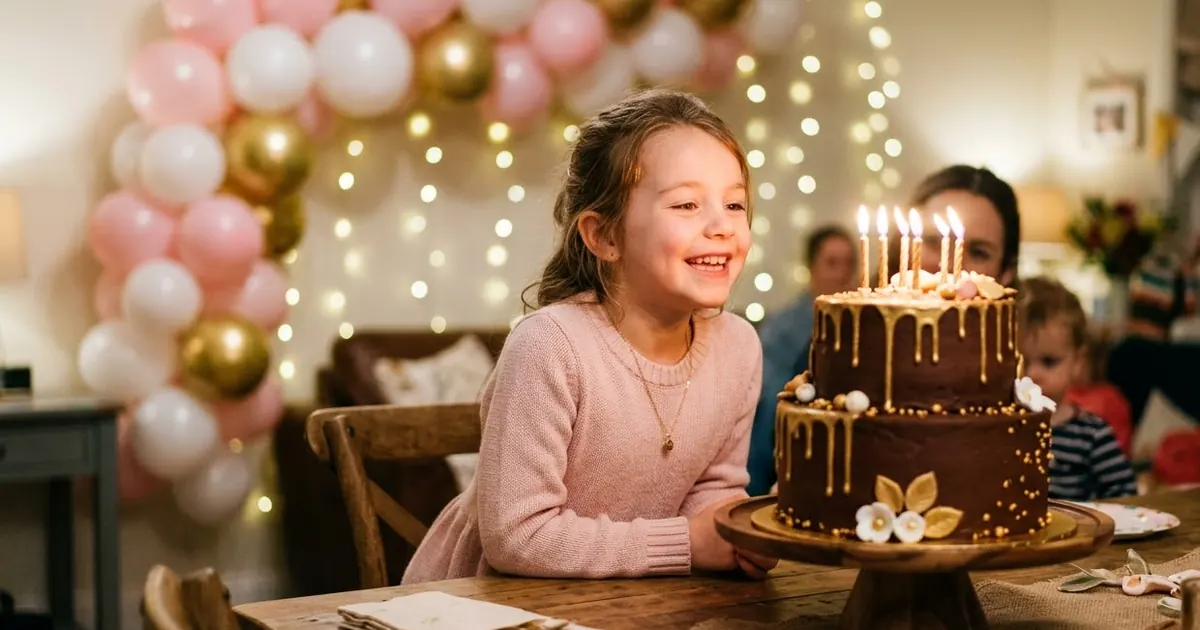
- The party picture. A cake, balloons or a festive scene, with the name over a calm part of it.
Whichever you choose, a few habits keep it clean:
- Use two colours and one accent, not five.
- Pick strong contrast between the text and the background. Light text on a dark area, dark text on a light one.
- Keep about 100 pixels free on every edge, so nothing is cut off in the grid or by the screen corners.
- Use one big element. If the name, the age, a photo and a long message all shout, none of them is read.
Stories: the top and bottom belong to the app
A Story is full screen, but Instagram puts its own controls over it: the progress bar and your profile name at the top, the reply box at the bottom. Size guides advise keeping text and logos away from the top and bottom of a Story for that reason. As a rule of thumb, leave roughly 250 pixels free at each end of a 1080 x 1920 card, and put the name, age and wish in the middle.
Once the Story is up, tag the birthday person with a mention sticker. Instagram lets them add a Story they are mentioned in to their own, which is the point of the post.
The one line of text
You do not need a paragraph on the picture. The picture carries the name and age, and the caption or a sticker can carry the rest. For the line itself, use a real detail rather than "wishing you all the happiness". The guide to birthday wishes that sound like you has a simple four-part formula and examples for eight kinds of person.
If the post is for Instagram, remember the caption rules too: the first line is what shows before "more", and Instagram now caps a post at five hashtags, so #birthday and a couple of specific ones are plenty. The Instagram five hashtag limit guide explains the change.
Photo or no photo
A photo makes the post personal, but only if it is a good one. Choose a picture where the face is clear and the background is not busy. If you only have a busy photo, the big-number layout is safer, because the age is the centre of the card and no one is searching it for the person.
If you want the photo in a round frame with the age on a badge, the free Birthday Studio does that. You pick Post, Story or Square, and the photo stays on your phone or computer, because the card is made in the browser and nothing is uploaded.
Make it with AI instead
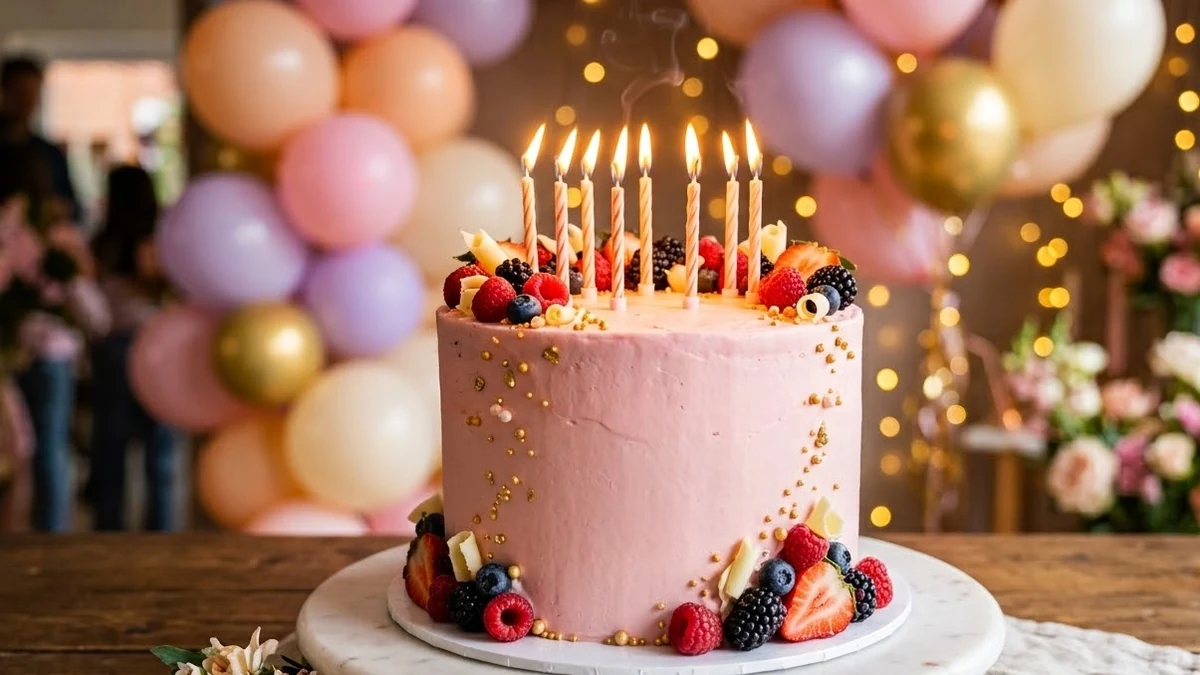
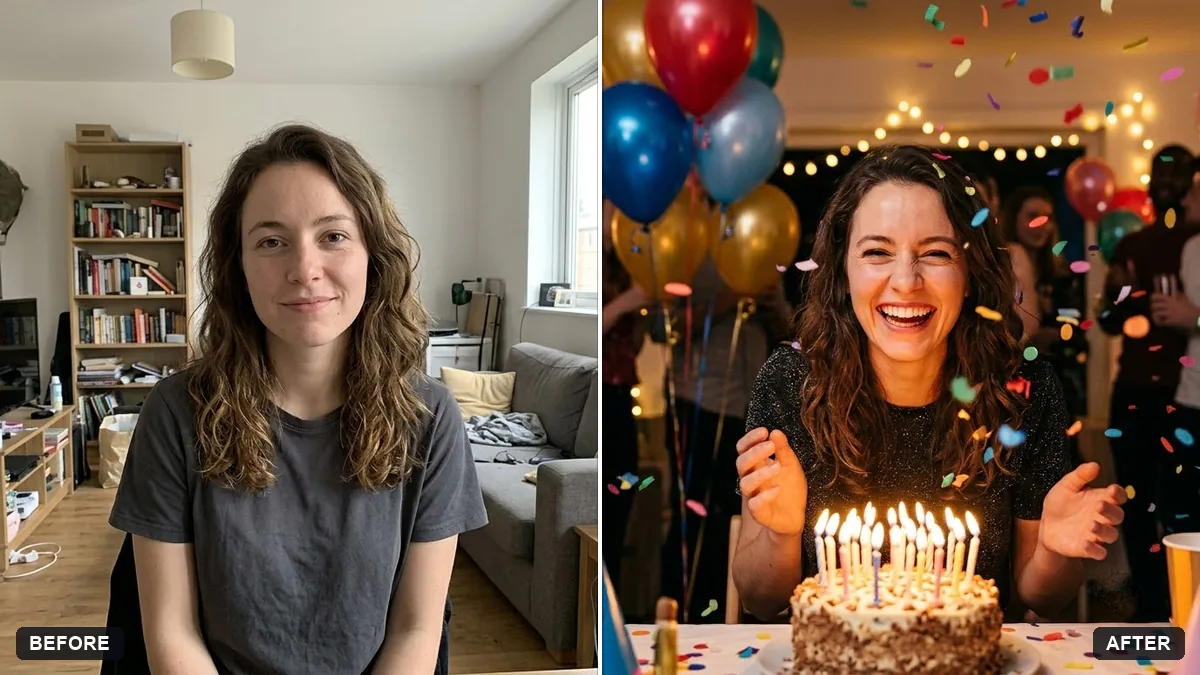
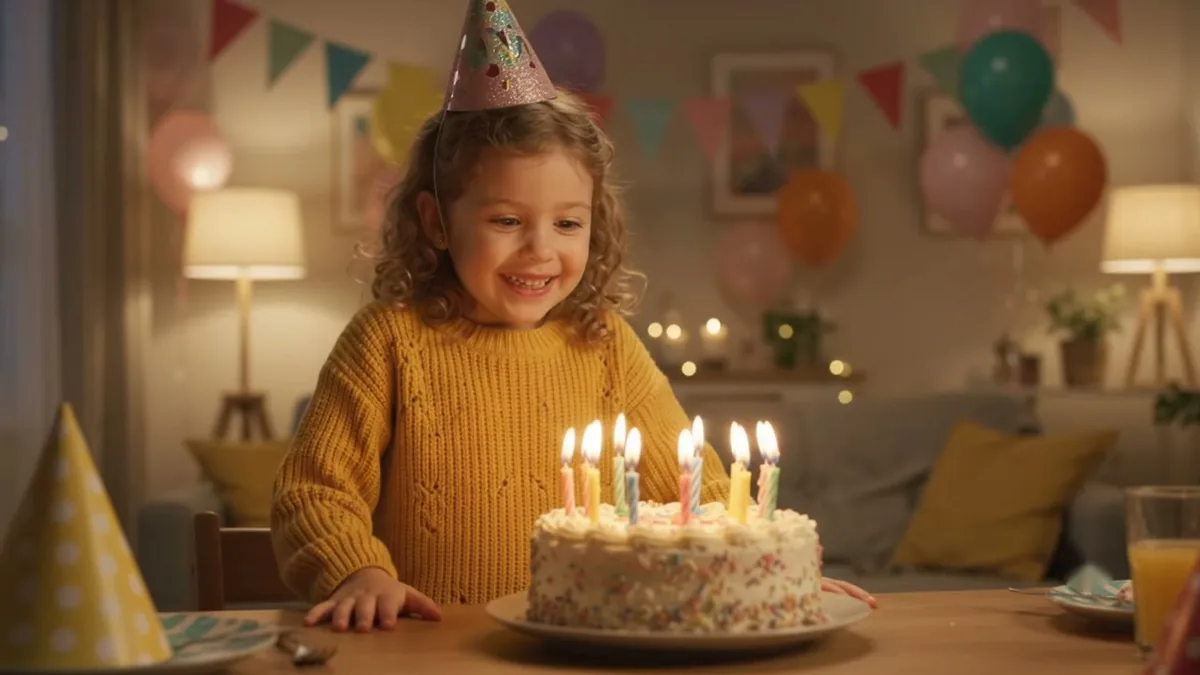
If you want a picture rather than a card, an AI tool can build the scene: a cake with the name written on it, or a party portrait from a photo. The birthday cake picture prompt and the party portrait prompt are good starting points, and AI birthday photo prompts covers posters, invitations and wish videos too. When AI draws the cake, add the name and age yourself afterwards. AI tools often misspell short words on a cake.
Quick checklist
- Feed post 1080 x 1350, Story 1080 x 1920, square 1080 x 1080.
- Keep the name and age big and in the middle, with about 100 pixels of space on every edge.
- Leave the top and bottom of a Story empty.
- Two colours and one accent, with strong contrast.
- One short, specific line, and at most five hashtags.
Prompts to try
More prompts on this topic
- First birthday portraitGemini · ChatGPT
- Write a heartfelt birthday messageChatGPT · Gemini · Claude
Comments
No comments yet. Be the first to share what worked for you.