Gemini 3.8 Flash TTS: prompts and audio tags for natural AI voices
Published
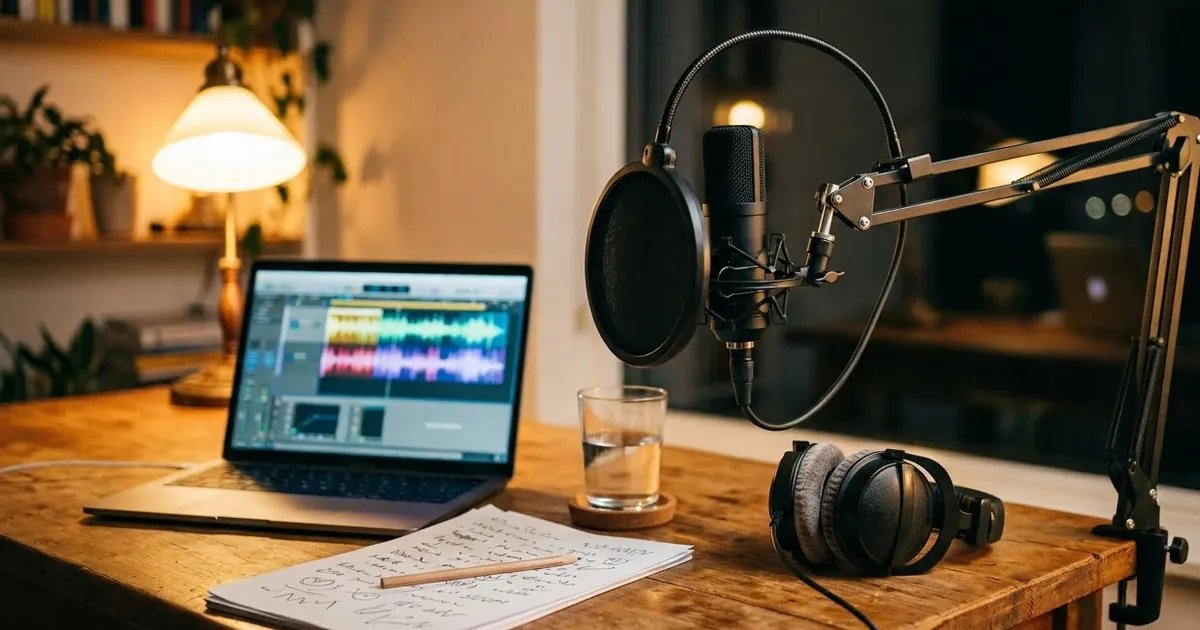
Short answerWrite the script first, then tell the model who is speaking, how they feel and how fast they talk. Use inline tags such as [excited], [whispers] or [short pause] only where the delivery changes, and keep each clip short so you can fix one line at a time.
Google released Gemini 3.8 Flash TTS and Flash-Lite TTS last week. They're text-to-speech models: you give them a script and a description of how it should sound, and they return spoken audio. According to MarkTechPost's report on the launch, they're available in Google AI Studio, the Gemini API and Google Vids, with more than 200 expressive audio tags and two-speaker scenes from a single script.
The big change is control. Older AI voices read everything in the same calm tone. With these models you can ask for a whisper on one word, a pause before the punchline, or a nervous speaker and a calm one in the same clip. You do that with prompts, so the same rules apply as for writing any good prompt.
The three parts of a voice prompt
Every good TTS prompt has three parts, in this order:
- Who is speaking. Age, accent and role. "A friendly Indian woman in her thirties, a science teacher".
- How they should sound. Mood, pace and energy. "Warm, unhurried, smiling as she speaks".
- The script. The exact words, with tags only where the delivery changes.
Here's a simple template you can paste into AI Studio:
Voice: [WHO, e.g. a friendly Indian man in his twenties, a food vlogger].
Style: [HOW, e.g. upbeat and quick, like he's talking to a friend, smiling].
Read this script exactly:

"[YOUR SCRIPT]"
Keep "read this script exactly" in the prompt. Without it, the model sometimes rewrites your words.
Using audio tags
Tags go inside the script, in square brackets, right where the change happens. Reports on the launch mention tags such as [whispers], [excited], [short pause] and [slow], and Android Authority's coverage describes the model performing scripts like an actor. Some non-speech sounds, such as a laugh or a sigh, can also be written inline.
Voice: a calm narrator, late forties, soft British accent.
Style: slow and warm, like a bedtime story.
Read this script exactly:

"The house was quiet. [short pause] Too quiet. [whispers] And then, somewhere upstairs, a door creaked open."
Use two or three tags per clip at most. If every line has a tag, the voice starts to sound like a cartoon.
Two speakers in one script
The models can stage a short conversation between two voices. This is useful for podcast intros, explainer videos and ads:
Speaker A: Priya, a cheerful host, late twenties, quick and bright.
Speaker B: Arjun, a relaxed guest, early forties, slower and dry.

Priya: Welcome back! Today we're talking about saving money on groceries.
Arjun: [slow] Which I'm terrible at.
Priya: [excited] That's exactly why you're here.
Give each speaker a clear difference in age, speed or mood. Two similar voices are hard to tell apart.
Ideas that are worth making
- Reel voiceovers. Write a 15-second script, ask for "energetic, clear, not shouting", and add it to your video.
- Podcast intros. Plan the episode with the podcast episode outline prompt, then voice the intro. Pair it with a cover from the podcast cover prompt.
- Explainer narration. Turn numbers into a story with the data story prompt, then voice it.
- Birthday or festival greetings. Record a short message and add it to a clip made with the birthday wish video prompt.
Voice cloning: use your own voice only
Coverage of the launch says the model can also copy a voice from a sample. Only do this with your own voice, or with clear permission from the speaker. Copying a friend, a celebrity or a politician without consent can hurt people, and it may break the tool's terms.
Fixing common problems
It sounds flat. Your style line is too short. Add a reason: "excited, because she just got the job".
It rushed the important line. Add [short pause] before it and [slow] on it.
It changed your words. Add "read this script exactly" and put the script in quotation marks.
Names sound wrong. Spell them as they sound: "Aa-ruh-v" for Aarav.
Where to go from here
For more on prompting Google's tools, see our Gemini prompts collection and the post on Gemini Omni Flash video prompts. The prompt builder can draft a script for you to voice.
Quick checklist
- Voice, then style, then script.
- "Read this script exactly".
- Two or three tags per clip.
- Clear differences between two speakers.
- Only clone your own voice.



Comments
No comments yet. Be the first to share what worked for you.