AI prompts for starting a podcast: cover art, outlines and clips
Published
Short answerDesign your cover art and host portrait first, since those are what a new listener sees before they hit play. Then use an outline prompt for every episode so you're not improvising, and a short clip prompt to turn one good moment into something people share.
Most new podcasts fail at the first two things a listener sees: the cover art and the first episode. Neither needs a budget any more. This guide covers the AI prompts that cover the parts of starting a podcast that have nothing to do with recording: the art, the structure, the pitch to get guests, and the clip that gets someone to click play.
Cover art that works as a tiny thumbnail
Your cover art is judged at the size of a thumbnail, in a list of dozens of other shows. Busy art or small text disappears at that size. Use the podcast cover art prompt:
Design square cover art for a podcast called "[PODCAST NAME]" about [TOPIC, e.g. startups in India].

Bold title text that stays readable even as a tiny thumbnail. One strong visual idea, not several. [COLOUR PALETTE]. No clutter, no small text anywhere.
Keep the title short. Four words or fewer tends to stay legible when the art shrinks down. If your first result has fine detail or thin lettering, ask for "thicker, bolder lettering" rather than regenerating the whole design.
A host portrait for your show page
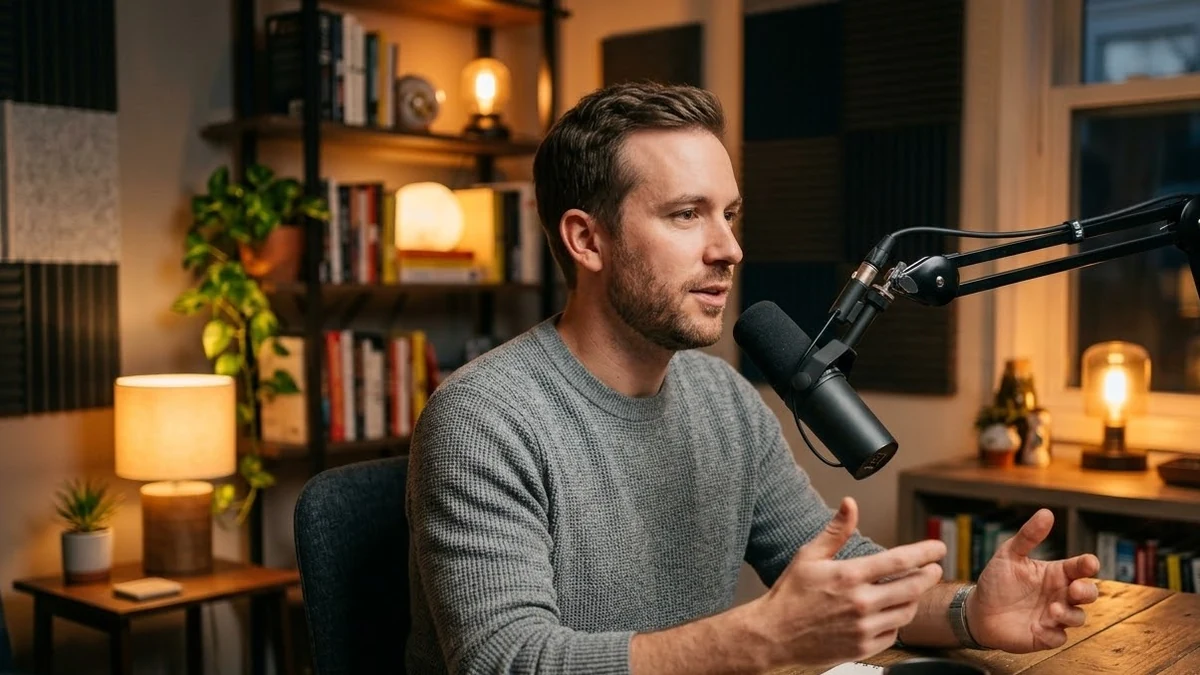
Most podcast directories and your own show page want a photo of you, not just a logo. A podcast host portrait prompt turns an ordinary photo into something that looks like it belongs on a show page, without losing the fact that it's you:
Turn this photo into a portrait of me as a podcast host. Keep my face and features exactly the same.

Sit at a table with a professional microphone and headphones in [SETTING, e.g. a warmly lit home studio with a bookshelf behind me]. Natural, confident expression, soft studio lighting.
Keep "keep my face and features exactly the same" in the prompt even if the first result looks close. It's the line that stops the model from quietly smoothing or changing your face on the next try.
An outline before you hit record
The biggest difference between a podcast that sounds confident and one that rambles is usually not the speaker. It's whether there was a plan. Use the podcast episode outline prompt before every episode, not just the first:
Create an outline for a [MINUTES]-minute podcast episode.

Show topic: [NICHE]
Episode topic: [TOPIC]
Format: [SOLO / INTERVIEW WITH GUEST NAME]

Include: a cold open hook, 3 to 5 main talking points in order, one place to pause for a sponsor or call to action, and a closing line.
For an interview, paste the guest's background into the prompt and ask for questions specific to them, not a generic interview template. A guest who gets asked something only they could answer gives you a better episode than one asked the same five questions every show uses.
Getting your first guests
Before you have an audience, you need guests willing to come on anyway, and before that, you'll want to appear on other people's shows to build your own audience. The podcast guest pitch prompt writes that outreach email:
Write a pitch email to the host of [PODCAST NAME] asking to be a guest.

About me: [YOUR BACKGROUND, IN TWO SENTENCES]
My angle for their audience: [WHAT YOU'D TALK ABOUT AND WHY THEIR LISTENERS WOULD CARE]
An episode I enjoyed and why: [EPISODE AND WHAT YOU LIKED ABOUT IT]
Mentioning a specific episode you listened to is what separates this from a mass email. Fill that field in honestly. If you haven't listened to the show, listen to one episode before you send it.
Turning one moment into a clip
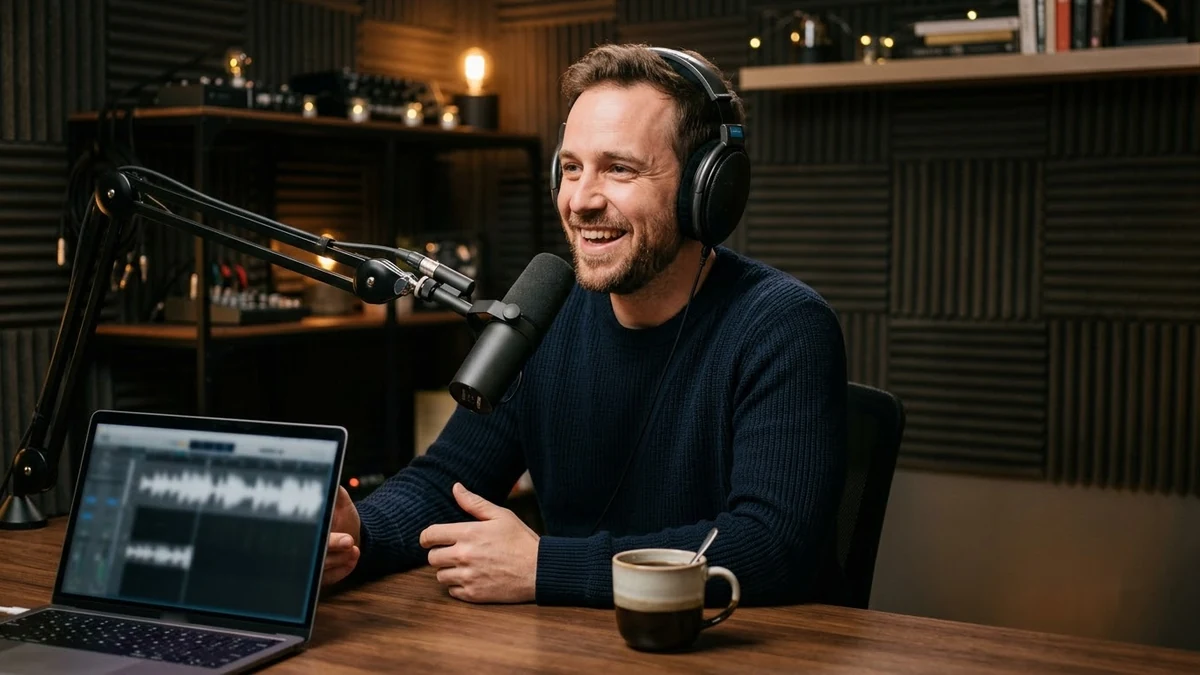
The clips that get shared are almost never the whole episode. They're fifteen seconds where someone said something sharp. Once you've picked that moment, the podcast clip prompt turns a still photo of you into a short vertical clip for Reels or Shorts:
Podcast clip, 9:16. Use my photo and keep my face exactly the same. I sit at a desk with a microphone in [SETTING, e.g. a cosy studio with warm lamps and a bookshelf].

Add the line "[YOUR BEST QUOTE FROM THE EPISODE]" as on-screen captions, synced to a natural speaking rhythm.
Pick the quote first, then build the clip around it. A clip without a specific line to hook someone in the first two seconds won't get watched past the first two seconds.
A few things that save you from starting over
- Settle on one cover design before episode one. Changing it later loses the recognition you've built, even if the new one is better.
- Keep the same host portrait across your show page, directory listings and social profiles. Inconsistent photos make a new show look less established than it is.
- Write the outline before you pitch guests, not after. Knowing your show's format makes the pitch email clearer, and makes it easier for a guest to say yes.
Where to go from here
If you'll also be publishing a newsletter or YouTube version of each episode, see our prompts for YouTube thumbnails, which use the same "readable as a tiny thumbnail" principle as podcast cover art. Browse more prompts for creators in content creator prompts, or use the prompt builder to fill in your own show name and topic.
Quick checklist
- Cover art: one bold idea, four words or fewer, no fine detail.
- Host portrait: keep "keep my face exactly the same" in the prompt.
- Outline every episode, including a cold open hook and a closing line.
- Mention a specific episode you listened to in every guest pitch.
- Pick the quote first, then build the clip around it.
Comments
No comments yet. Be the first to share what worked for you.