Wedding planning with AI: a timeline, a budget, the invitations, the speech and the honeymoon
Published

Short answerStart with the date, the guest count and the total budget, then ask the AI for a month-by-month timeline and a budget split. Use it for the lists and the drafts, and keep the personal parts, such as vows and speeches, in your own words.
Many couples get engaged around Christmas and New Year, and then face the same question: where do we even start? A wedding is a project with a deadline, a budget and a lot of people. AI is very good at turning that into a list. It is not good at knowing what matters to the two of you, so keep that part for yourselves.
1. Fix three numbers first
Before you look at venues, agree on three things: the date range, the guest count and the total budget. Almost every other decision follows from these. If you are paying for it yourselves, the monthly budget planner prompt can show how much you can save each month before the date.
2. A timeline that works backwards
The wedding planning timeline prompt builds a month-by-month plan:
We are getting married on [DATE] with about [NUMBER] guests, in [COUNTRY / REGION]. Our total budget is [AMOUNT]. Build a timeline from now to the wedding day, month by month, including legal steps, booking the venue, photographer, caterer, outfits, invitations and the final week. Mark what must be booked early.
Check the legal requirements for your wedding, such as notice periods, licences and documents, on the official government or local registry website. They differ by country, state and type of ceremony.
The venue and the date usually decide the most. Book those first, and the rest of the timeline gets much easier.
3. Split the budget sensibly
Ask the AI to propose a budget split by category, such as venue, food, photography, clothes, flowers and a contingency of about 10%. Compare it to real quotes and adjust. People often underestimate food, drink and extras.
4. Plan the wider events
Engagement parties, rehearsal dinners and showers need planning too. The party planner prompt builds a schedule and shopping list for each, around a budget.
5. The invitations
The invitation card prompt gives you a design brief for an AI image tool. Add the names, date, address and reply-by date yourself, and check every letter of the finished card. For more design ideas, see AI wedding invitation card prompts.
6. Speeches and toasts
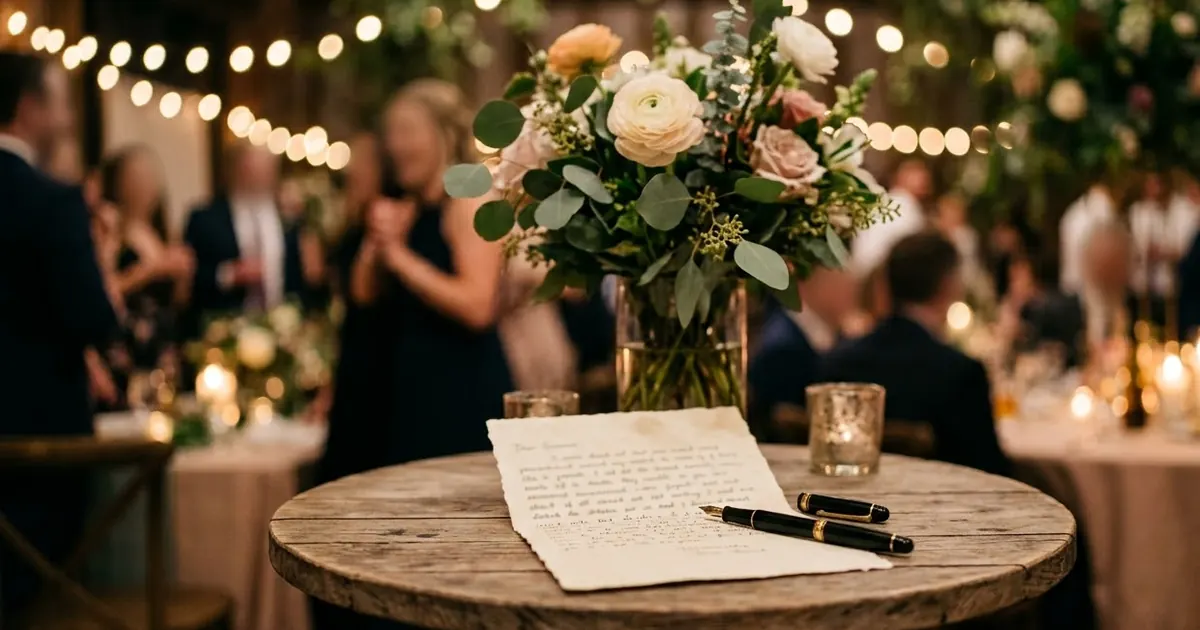
If you or someone close has to speak, the wedding speech prompt helps you structure the stories and the jokes. Give it real memories and keep the final words your own. Our guide to AI wedding speech prompts goes further. Read it aloud, and cut anything that would embarrass someone in the room.
7. The honeymoon
The honeymoon itinerary prompt plans a trip around your budget, the season and how much rest versus adventure you want. Check entry rules and any vaccination or visa requirements on official sources.
Where to go from here
For picture ideas, see Indian wedding AI photo prompts. Planning the honeymoon travel? Read holiday travel planning with AI, and see the prompt builder to adapt any prompt above.
Quick checklist
- Agree the date range, guest count and total budget first.
- Book the venue and date early.
- Check legal requirements on an official website.
- Keep a 10% buffer in the budget.
- Write the vows and the speech in your own words.
Prompts to try
 Wedding planning timelineChatGPT · Gemini · Claude
 Plan a party or event on a budgetChatGPT · Gemini · Claude
 Invitation card designGemini · ChatGPT · Ideogram
 Write a wedding speechChatGPT · Gemini · Claude
Honeymoon itineraryChatGPT · Gemini · Claude
Plan a simple monthly budgetChatGPT · Gemini · Claude
Write a wedding speechChatGPT · Gemini · Claude
Honeymoon itineraryChatGPT · Gemini · Claude
Plan a simple monthly budgetChatGPT · Gemini · Claude


Comments
No comments yet. Be the first to share what worked for you.