- Prompt at a glance
- Category
- Text & chat
- Works with
- Claude · ChatGPT · Gemini
- Length
- 92 words
- Fields to fill
- DATABASE, SHORT DESCRIPTION, PASTE CREATE TABLE STATEMENTS OR ORM MODELS
- Last updated
Review a database schema before it goes live
Paste your tables and the main queries your app runs, and this prompt reviews the schema like a database architect. It checks keys, types and indexes, and suggests fixes before a painful migration is needed.
Act as a database architect. Review this schema for [DATABASE, e.g. PostgreSQL].

What the app does: [SHORT DESCRIPTION, e.g. a booking app for clinics]
Schema:
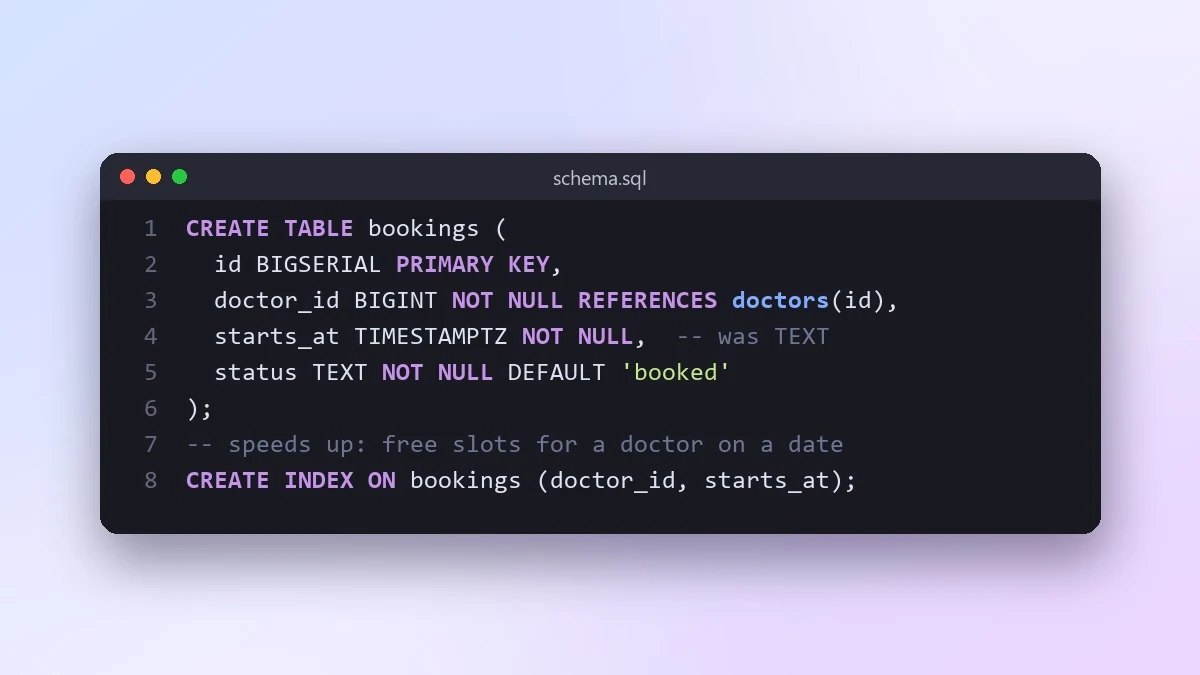
[PASTE CREATE TABLE STATEMENTS OR ORM MODELS]
Main queries it must handle: [e.g. find free slots for a doctor on a date]
Expected size: [e.g. 50 clinics, 2 million bookings a year]

Check keys, relations, data types, nullability, indexes, naming, and anything that will hurt at scale or make migrations painful. Give each issue a severity, and show the corrected SQL. Suggest indexes for the main queries.
List your real queries. A schema can only be judged against the questions it has to answer.
From copy to answer in four steps
- 1
Open Claude and start a new chat.
- 2
Paste the prompt.
- 3
Replace each [BRACKETED] field with your real details and paste in your own text where asked.
- 4
Reply with follow-ups such as "make it shorter" or "make it sound more like me".
About this prompt
Which AI tools work with this prompt?
It is written for Claude, ChatGPT and Gemini. Paste it into your preferred tool and adjust the wording if the result is off.
What do I need to fill in?
Replace these fields before you send it: DATABASE, SHORT DESCRIPTION, PASTE CREATE TABLE STATEMENTS OR ORM MODELS. Each field shows an example in the prompt.
Should I paste private information into the prompt?
Only what the task needs. Remove names, contact details and other sensitive data before pasting a resume or document into any AI tool.



