- Updated
Sharpen a blurry sports action shot
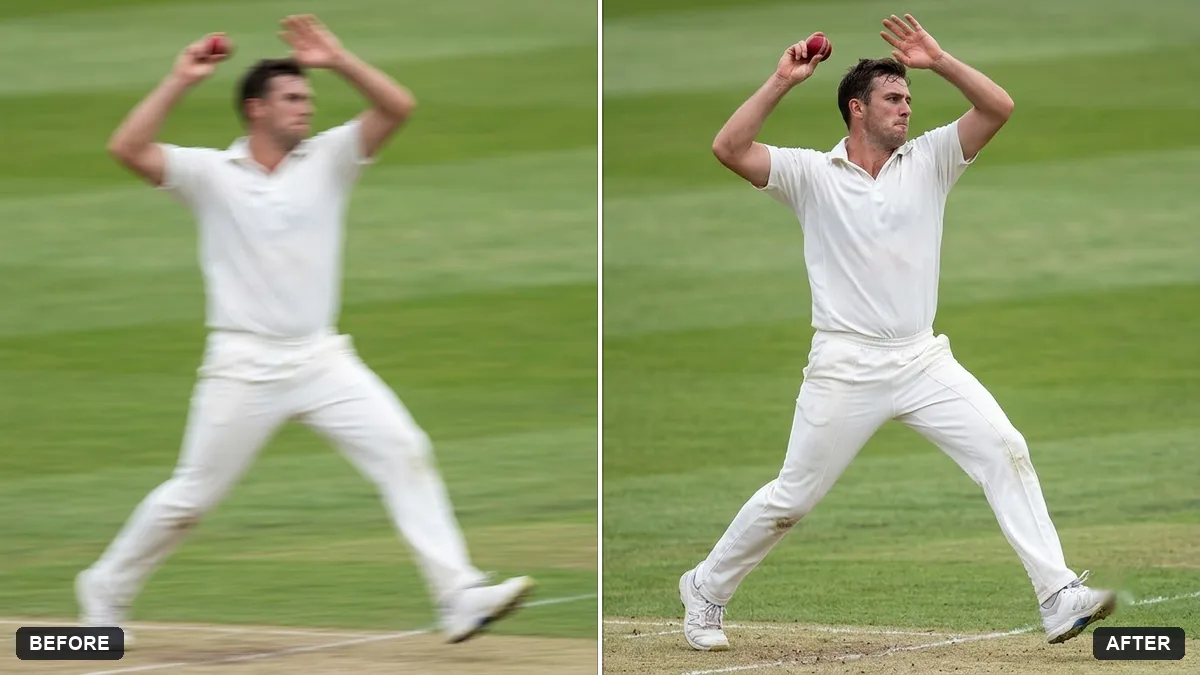
This prompt reduces motion blur on the athlete and restores detail in the face and equipment, while keeping a small amount of natural motion blur in the background, without changing the pose, jersey or expression.
Sharpen this photo of a [SPORT] action moment. Reduce motion blur on the athlete, restore detail in the face and equipment, and keep a small amount of natural motion blur in the background.

Do not change the pose, jersey or expression.
Ask to keep a bit of motion blur in the background so the action still feels fast.
Your photo goes to the AI app you choose, never to PromptUp.
Get a better result
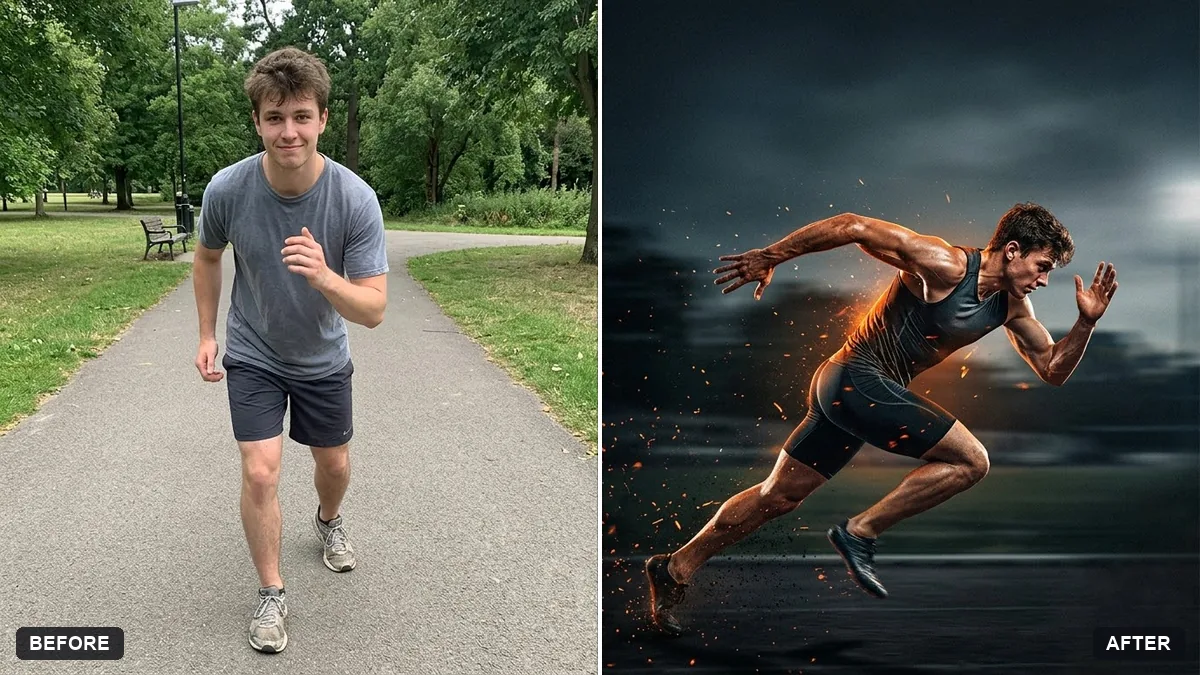
Your action photo with the athlete sharper, face and equipment clearer, and a small amount of natural motion blur left in the background so the moment still feels fast.
Sports photos should still feel fast after sharpening, so the prompt reduces blur on the athlete but keeps a little in the background. Restoring detail in the face and equipment is where it matters most. Protecting the pose, jersey and expression stops the edit from changing the moment.
The face looks smooth, rebuilt or different.
Fix: Say “restore detail but keep the face exactly as in the photo, do not invent features”. Heavy blur cannot be fully recovered, so expect an improvement rather than a new photo.
- The whole picture becomes sharp and the sense of speed is gone. Follow the tip: “keep a little horizontal motion blur in the background and the moving limbs”.
- Jersey numbers or ball details are changed. List what to protect, such as “jersey number, bat grip and ball seams”, and check the result against the original at full size.
Add “make the ball and the bat edge crisp, as if shot at a fast shutter speed, with the rest of the motion blur kept light”.
Keep the pose, jersey and expression exactly the same. Make the athlete a little sharper and leave the background blur as it is.
Guides that use this prompt
More photo editing prompts
See all 334 →
More like this
- Blur strangers in the backgroundGemini · ChatGPT
- Sports team posterGemini · ChatGPT
- Sports jersey portraitGemini · ChatGPT
- Sharpen your thesis statementChatGPT · Gemini · Claude
- Brighten a face in a backlit photoGemini · ChatGPT