Bullet-time AI video prompts: freeze a moment and spin around it
Published
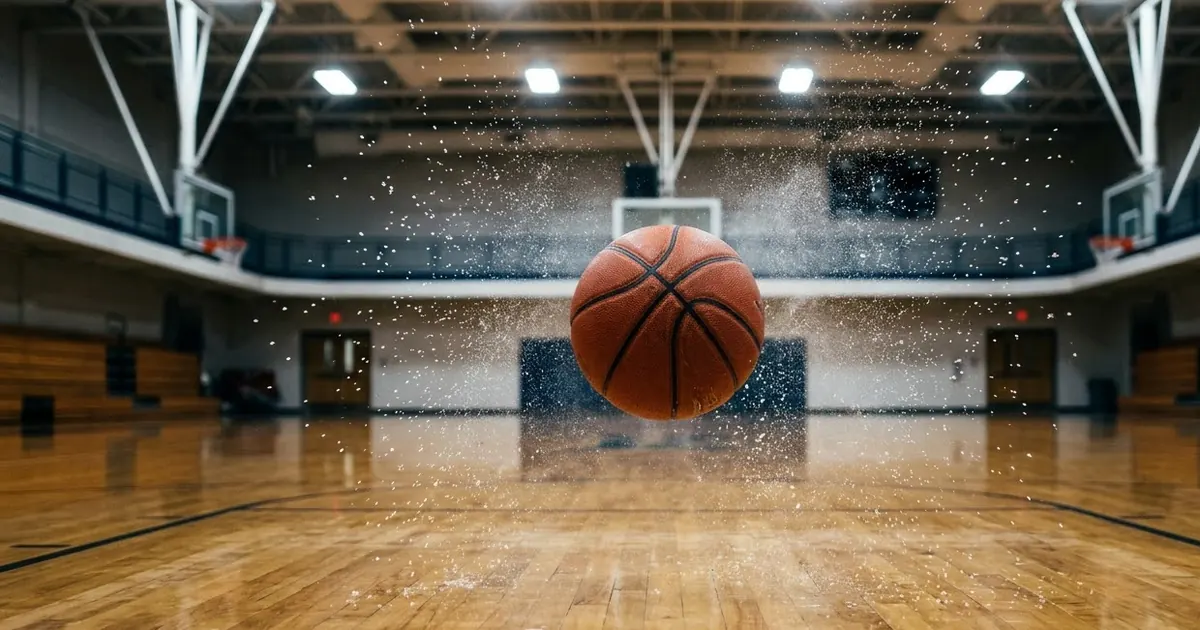
Short answerName the frozen instant and what's suspended in the air, then ask for a camera orbit around it in one smooth move. The things frozen mid-air, dust, water, a ball, matter more to the effect than the orbit itself.
Bullet time, the effect of a moment frozen in time while the camera sweeps around it, is one of cinema's most recognisable tricks, made famous by The Matrix in 1999. It used to need a rig of dozens of still cameras fired in sequence. AI video tools can now build a close version of the same shot from a single photo and a text prompt.
What makes the effect read correctly
A bullet-time shot has two things happening that need to be described separately:
- The frozen instant. One specific moment, with specific details suspended mid-air: dust, water droplets, a ball, loose hair.
- The moving camera. A smooth orbit, usually most of the way around the subject, while that instant holds still.
Naming both of these, rather than just saying "bullet time," is what gives the model enough to work with.
The core prompt
Start with the bullet-time frozen moment prompt:
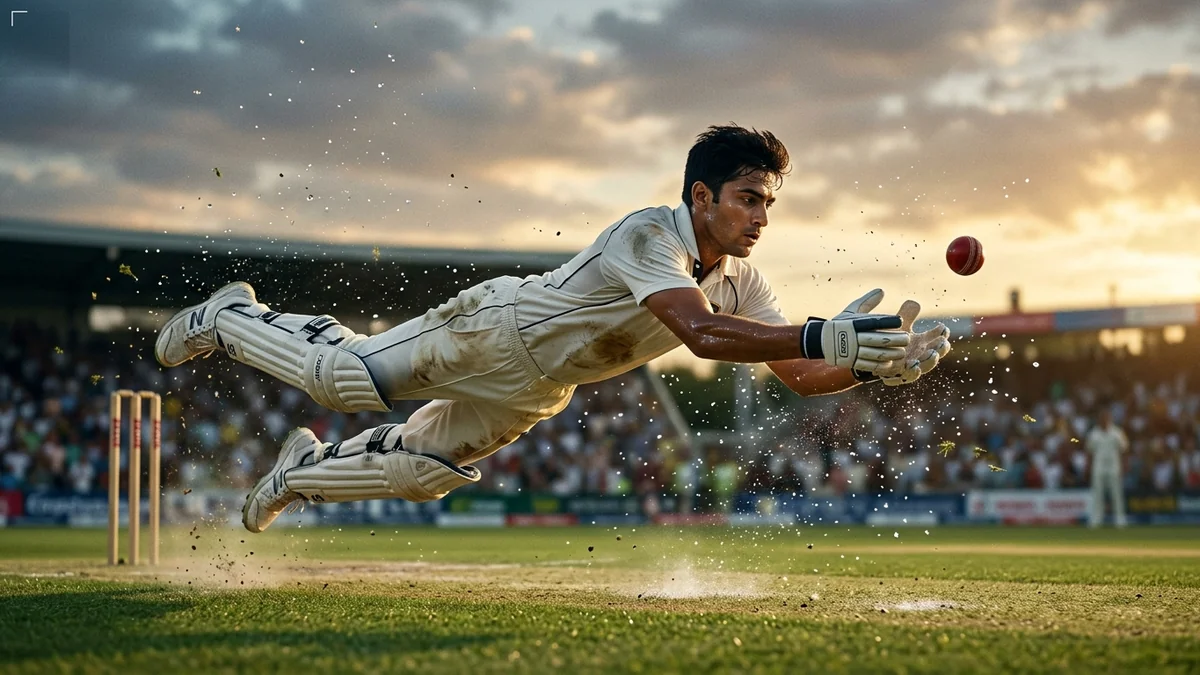
Bullet-time shot: [SUBJECT, e.g. me jumping mid-air on a cricket ground] frozen in a single instant while the camera orbits 180° around me.

Frozen details in the air: [DETAILS, e.g. dust, water droplets, and a flying ball]. Strong 3D parallax, sharp focus on me, dramatic backlight.

A slow deep "whoosh", then time snaps back to normal speed at the end. 16:9, 6 seconds.
Start from a photo of yourself mid-jump or mid-action if you have one. A real pose, caught at the right instant, gives the model a far more convincing freeze than a standing photo asked to "jump."
Pick a moment worth freezing
The effect works best on an instant that's naturally dramatic or precarious, a moment you'd actually want to pause on:
- A jump at its highest point.
- A ball or object mid-flight, just before or after contact.
- Water, confetti or powder caught mid-splash.
- A spin, caught halfway round.
Avoid asking for a frozen moment with nothing happening. If the pose is ordinary, slowing time down just makes an ordinary photo, not an effect.
Give the camera a clear path
"Orbits around me" is a reasonable start, but a few extra words make the move more deliberate:
- Orbit angle. 90° for a quarter-turn reveal, 180° for a full side-to-side sweep, 360° for the full loop The Matrix popularised.
- Direction. "Orbits left to right" or "orbits from behind to the front" gives the model a specific path rather than an arbitrary one.
- Speed of the snap-back. "Holds for two seconds, then time snaps back to full speed" gives the ending a clear beat, rather than fading out vaguely.
Sport and action variations
Bullet time suits any moment with real physical motion. Two ready-made prompts give you a frozen instant to build from, even if you'd rather generate the regular slow-motion version first:
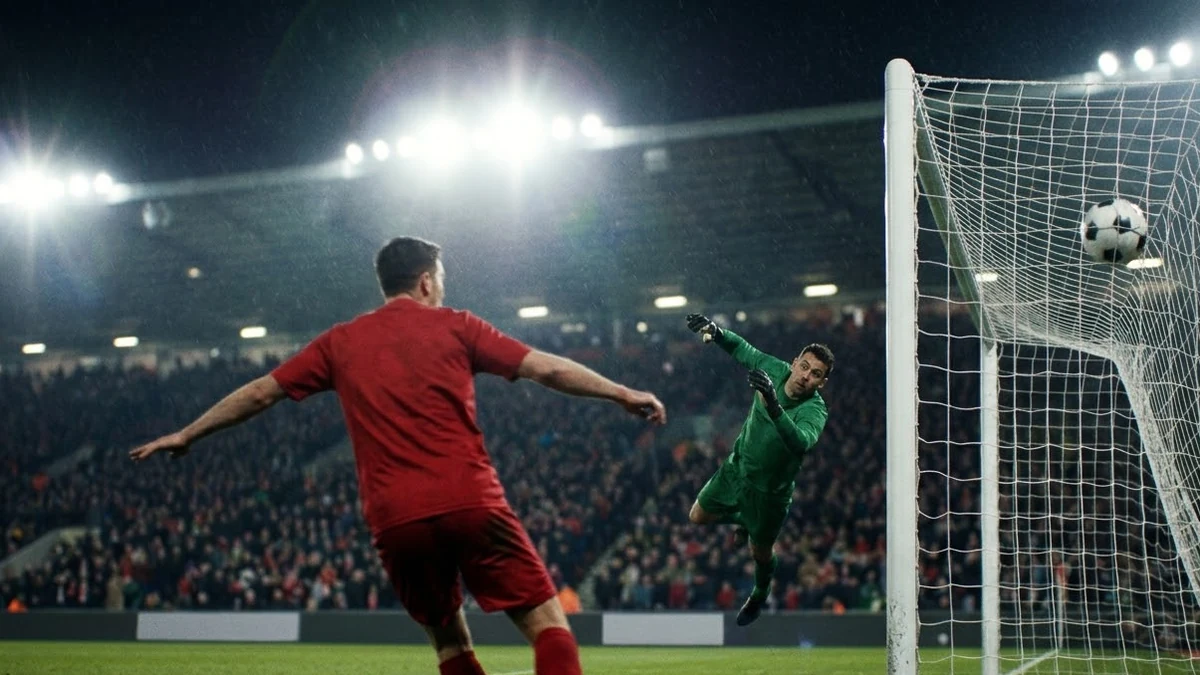
The football goal slow-motion prompt gives you a ball mid-flight toward the top corner, a natural point to freeze and orbit around:
Dramatic slow-motion football goal: a striker in a [COLOUR] kit hits a powerful shot from the edge of the box, ball curling past the goalkeeper into the top corner, net rippling, stadium lights flaring, crowd roar erupting.
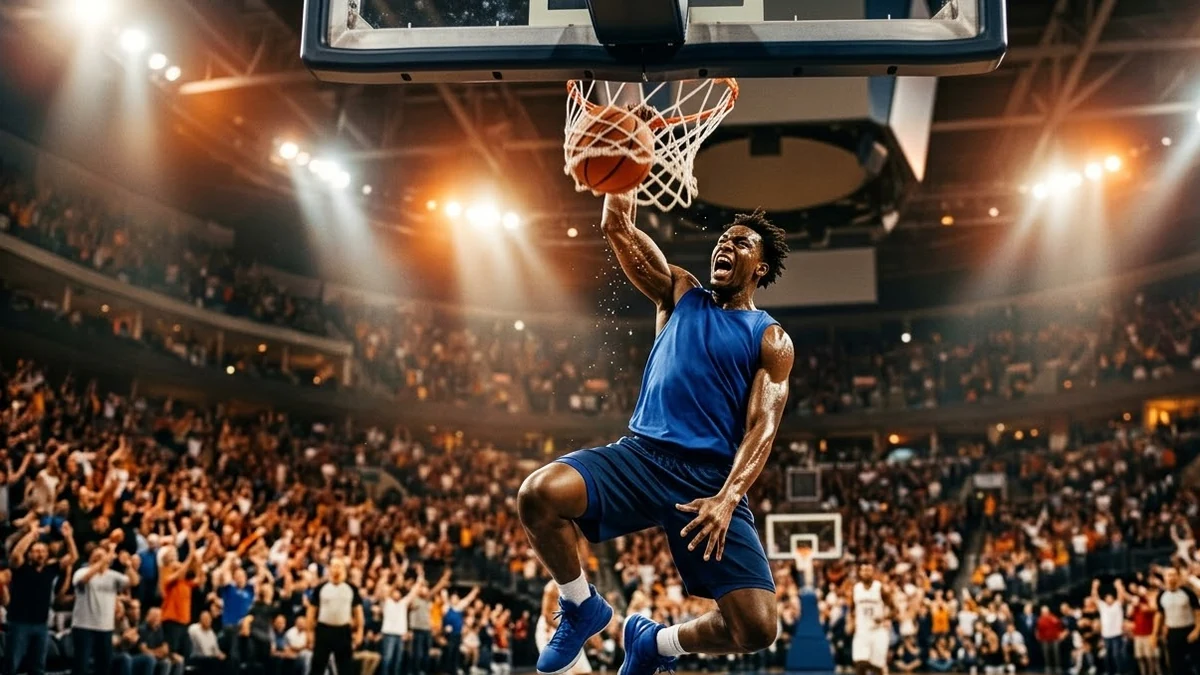
The basketball dunk slow-motion prompt does the same for the instant just before the ball hits the rim, another natural freeze point mid-air.
Describe the same pose in a bullet-time prompt once you know which frame you want, since generating the slow-motion version first can help you decide exactly where the freeze should land.
Starting from a real action photo
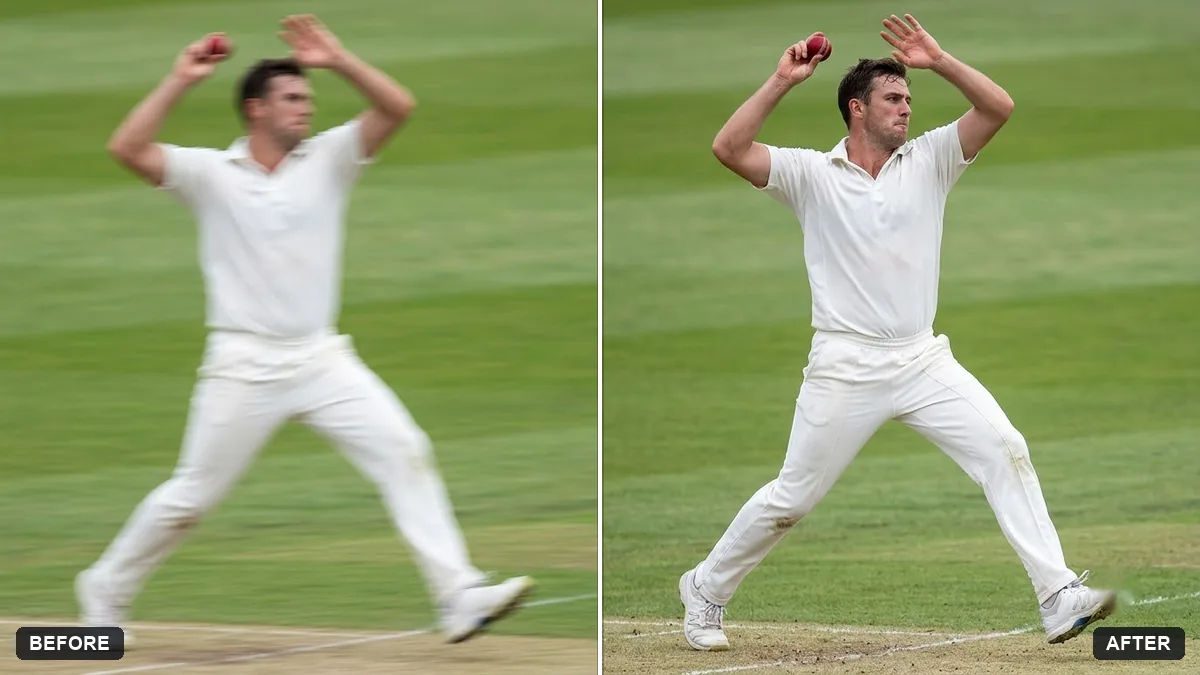
If you already have a real sports or action photo you like but it's a little blurry, the sports action sharpen prompt cleans it up first without changing the pose:
Sharpen this photo of a [SPORT] action moment. Reduce motion blur on the athlete, restore detail in the face and equipment, and keep a small amount of natural motion blur in the background.
A sharp starting photo gives the bullet-time video prompt a clearer pose to freeze and build the camera move around.
Fixing common problems
The orbit looks jerky, not smooth. Add "one continuous, smooth camera move, no cuts" to the prompt.
The frozen details look static instead of suspended. Be specific about what's mid-air and where: "water droplets suspended at chest height," not just "water droplets."
The subject's pose looks unnatural. Start from a real action photo rather than describing a pose from scratch; the model has a real reference to freeze instead of inventing one.
The ending feels abrupt. Add a short hold before the snap-back: "holds the frozen moment for one full second before time resumes."
Where to go from here
For more on describing camera moves clearly, see AI video prompts for beginners. For a cricket-season version of the frozen-moment idea, cricket fan AI photo prompts has a matching slow-motion six. More effect-style clips like this one live in the viral AI video effect prompts collection, and the prompt builder can fill in your own moment and setting.
Quick checklist
- Name the exact frozen instant, not just "bullet time."
- List what's suspended mid-air: dust, water, an object.
- Give the camera a clear orbit angle and direction.
- Start from a real action photo where you can, sharpened first if it's blurry.
- Add a short hold before the snap-back to normal speed.
Prompts to try
More prompts on this topic
- Bullet Time freeze on a jumpHiggsfield · Kling · Veo



Comments
No comments yet. Be the first to share what worked for you.