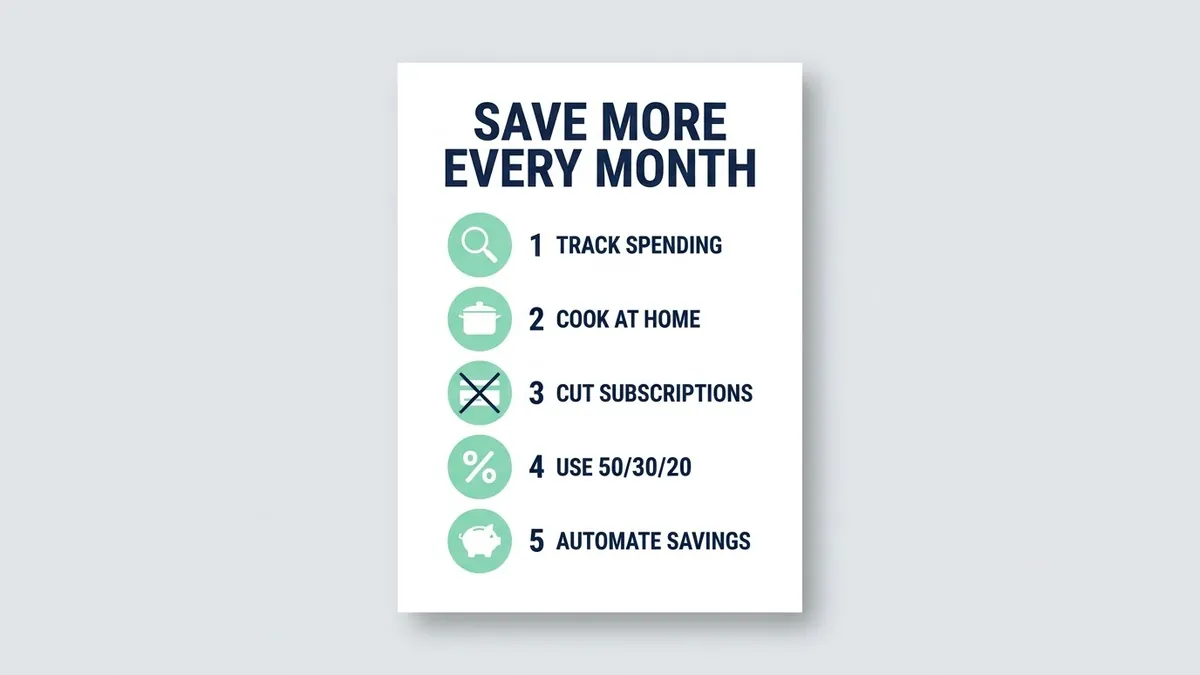
- Updated
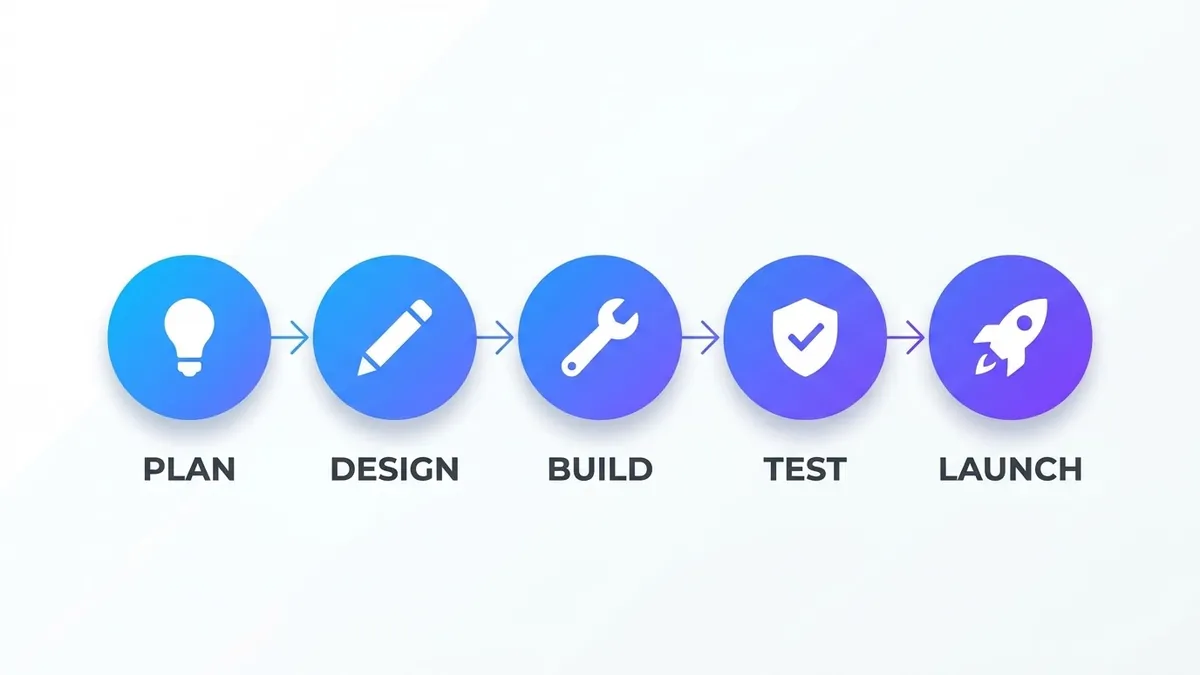
Clean infographic with readable text
This prompt makes a modern infographic with a title of your choice and your points as numbered sections, each with a simple flat icon. Keep each point short so the text stays readable, and check the spelling in the result.
Create a clean, modern infographic titled "[TITLE, e.g. 5 Ways to Save Money Every Month]".

Show these points as numbered sections, each with a simple flat icon:
[POINTS, e.g. 1. Track every expense 2. Cook at home 3. Cancel unused subscriptions 4. Use the 50/30/20 rule 5. Automate savings]

Style: flat vector design, a [COLOURS, e.g. navy and mint green] palette, lots of white space, and large readable sans-serif text spelled exactly as written. Portrait 4:5.
Keep each point under 6 words — shorter text renders more accurately.
Get a better result
A clean 4:5 flat vector infographic with your title, numbered sections each with a simple icon, a two-colour palette, plenty of white space and large readable text spelled as you wrote it.
Words are misspelt or the numbering skips or repeats.
Fix: Write “exactly five sections, numbered 1 to 5 in order, text copied letter for letter”, and read every line. Short points are rendered more accurately.
- The AI adds statistics or claims that you did not give. Say “use only the five points I wrote, no extra numbers, percentages or sources”. Invented facts make an infographic untrustworthy.
- The icons do not match the points. Name an icon for each point: “a notebook, a cooking pot, a crossed-out calendar, a pie chart, a piggy bank”.
Ask for “five square slides, one point per slide, the same colours and icon style, and a cover slide with the title”. A carousel is easier to read on a phone than one tall graphic.
Use exactly five sections numbered 1 to 5, copy the text letter for letter, add no extra numbers and use a notebook, pot, calendar, pie chart and piggy bank as icons.
Guides that use this prompt
More image generation prompts
See all 347 →
More like this
- Clean up a bottle label photoGemini · ChatGPT
- Cozy interior design renderStable Diffusion
- Minimal modern logoChatGPT · Ideogram · Gemini
- Shorten text without losing the pointChatGPT · Gemini · Claude
- LinkedIn tips post graphicGemini · ChatGPT · Midjourney