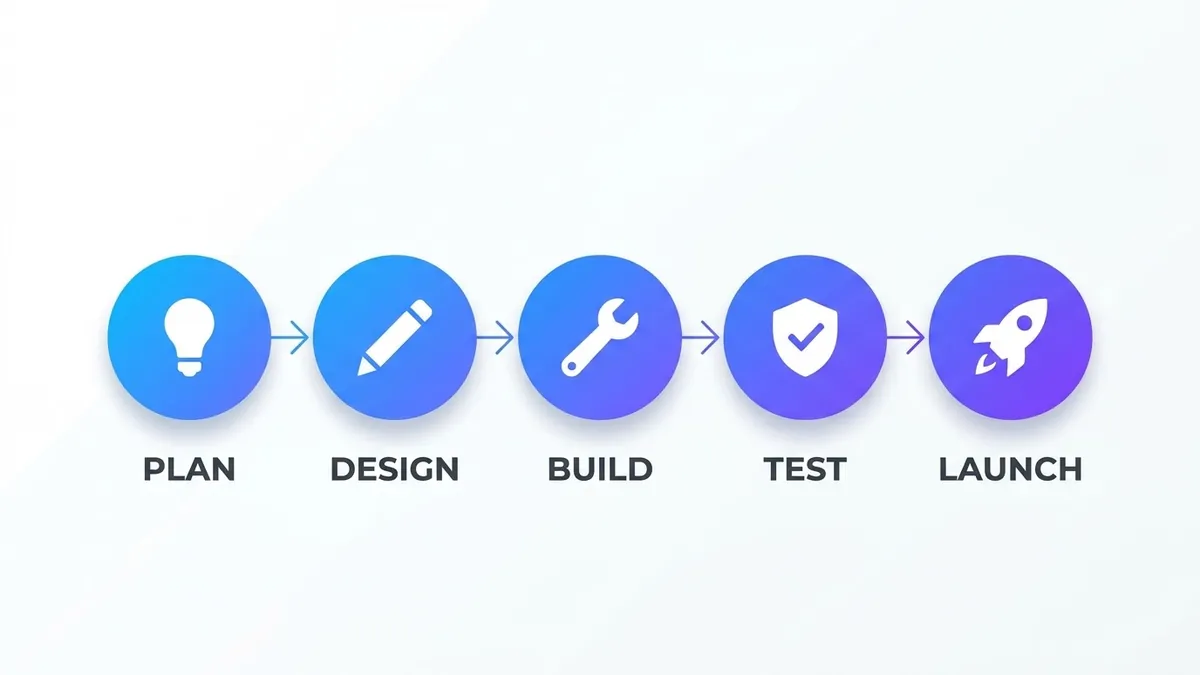
- Updated
Process flow infographic
This prompt makes a process infographic with a number of steps, each with a simple icon in a circle connected by arrows. Give the AI exact step names.
Horizontal process flow infographic with [5] numbered steps: [STEP 1], [STEP 2], [STEP 3], [STEP 4], [STEP 5], each with a simple icon in a circle connected by arrows, [COLOUR] gradient accents on a white background, clear readable labels, modern minimal business design. --ar 16:9
Limit the flow to five steps and keep each label under four words.
Get a better result
A wide infographic with five numbered steps, each with a simple icon in a circle joined by arrows, gradient accents on white and short readable labels in a clean business style.
Labels are misspelt or merge into the icons.
Fix: Keep every label under four words, and check each. If one fails, leave labels off and add them yourself in an editor.
- The steps are out of order or the arrows point the wrong way. Say “left to right, step 1 at the far left, arrows point right only”, and number the circles.
- The icons are inconsistent in style. Name one style, such as “outline icons, same line weight, one accent colour”, and repeat it.
Change the shape to “vertical flow, top to bottom, on a tall canvas”. It suits phone screens and carousels better than a wide layout.
Keep the five steps and the layout. Use simpler outline icons in one colour and make the numbers larger inside the circles.
Guides that use this prompt
More image generation prompts
See all 347 →
More like this
- Microcopy for a signup flowChatGPT · Gemini · Claude
- Turn a process into a step-by-step SOPChatGPT · Gemini · Claude
- Simple 3-month cash flow forecastChatGPT · Gemini · Claude
- Sunrise yoga flowVeo · Kling · Seedance
- Food chain illustrationMidjourney · Gemini · ChatGPT