- Updated
Company org chart graphic
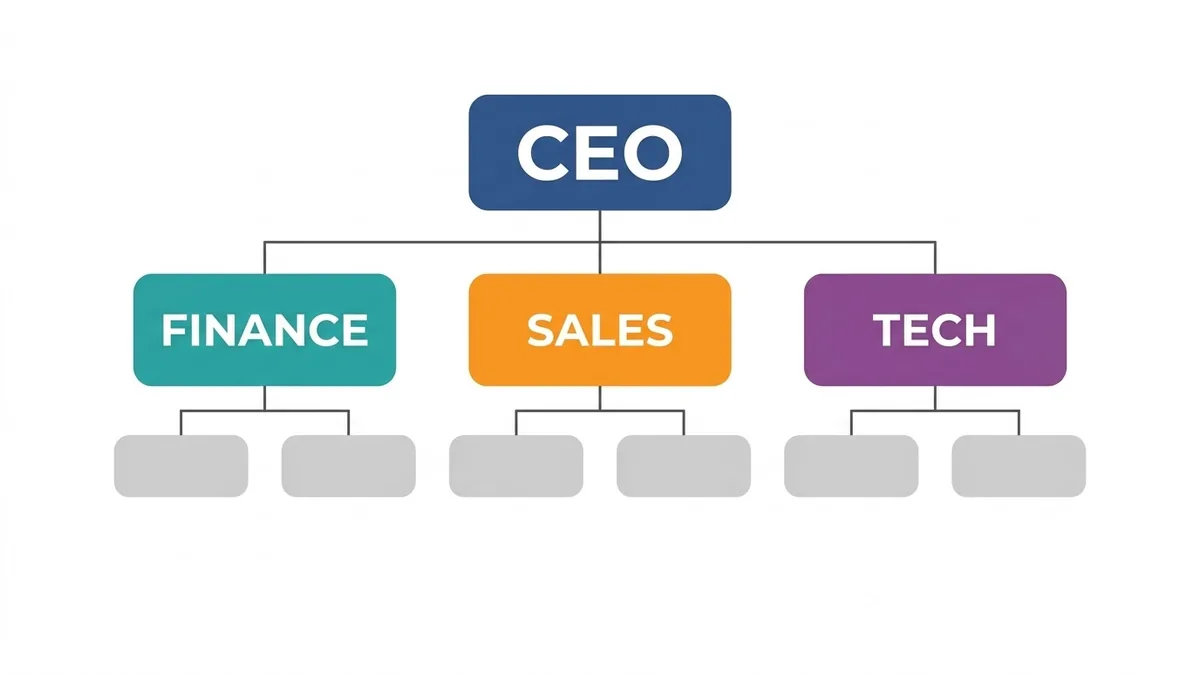
This prompt makes an organisation chart with a top box for the CEO connected to three heads, each with two smaller boxes below. Replace the placeholder names and check the spelling.
Clean company organisation chart graphic with a top box "[CEO]" connected to three boxes "[HEAD 1]", "[HEAD 2]" and "[HEAD 3]", each with two smaller boxes below, rounded rectangles, small circular avatar icons, [COLOUR] and white palette, tidy connecting lines, modern flat design. --ar 16:9
Give exact names and titles in the prompt; avoid more than about 10 boxes.
Get a better result
A tidy organisation chart in a flat modern style, with one top box, three heads beneath and two smaller boxes under each, rounded corners, small avatar icons and neat connecting lines.
Names come out misspelt.
Fix: Keep each label to one or two short words and check every one. Fix longer names in an editor afterwards.
- The lines cross or end in the wrong box. Ask for “straight right-angle connectors, no crossings” and generate again if a line misses its box.
- There are too many boxes. Stay near ten. For a bigger company, make one chart per department.
Ask for a 4:5 portrait chart with the same hierarchy, larger text and more space between the levels.
Keep the layout. Replace the faces with plain grey circle placeholders and keep the names and titles exactly as I wrote them.
Guides on this topic
More image generation prompts
See all 347 →
More like this
- Emotions chart for kidsMidjourney · Gemini · ChatGPT
- Design an age-appropriate chore chartChatGPT · Gemini · Claude
- Dark mode analytics dashboardGemini · ChatGPT · Ideogram · Midjourney
- T-shirt graphic for printIdeogram · Midjourney · ChatGPT
- Valentine's Day promotion graphicGemini · ChatGPT · Midjourney