Midjourney Thinking Mode: what we know, and how to write prompts that benefit
Published
Short answerThinking Mode is an experiment on Midjourney's alpha website, announced on 8 October 2026. It adds an extra step before an image is rendered, to improve prompt accuracy, text inside images and scene coherence. Midjourney's "60 to 80 percent" claim is unverified, and no Discord or API access has been announced.
On 8 October 2026 Midjourney started testing a Thinking Mode on its alpha website. AlphaSignal's write-up pulls together Midjourney's own post and a community Office Hours summary. This guide uses that report, and we haven't tested the mode ourselves.
What it is
Thinking Mode adds extra processing before an image is rendered. Midjourney says the aim is better prompt adherence, better text inside images and better scene coherence: fewer pictures where the model ignored a detail you asked for. It lives on the alpha website at alpha.midjourney.com. The report says you can switch it on when rerunning a generation or editing an existing image, although the exact button label isn't confirmed.
What's claimed, and what isn't proven
- The headline number. Midjourney's testing note, as reported, says internal tests suggest it "fixes 60 to 80 percent of prompt-related issues". No test set, sample size or method has been published, so treat that as marketing until independent users check it.
- Cost and speed. No separate price, fast-hour charge or latency has been announced. Expect extra processing to cost something, but nobody has said what.
- Where you can use it. Only the alpha site so far. No Discord or API access has been announced.
- How it works. Midjourney hasn't published the method. The word "thinking" names a mode, not a known technique.
- It's an experiment. There's no timeline for a wider launch, and Midjourney is asking alpha users for feedback.
Why prompt writing matters even more
An extra reasoning step can only fix what it can check. A vague prompt gives it nothing to check against. A prompt with clear, countable, checkable details gives it a list to test the image against. So the best way to get something out of a mode like this is to make your requirements explicit.
1. Put text in quotes, and say where it goes
A vintage travel poster for a coastal town. Headline in large Art Deco capitals, exactly: "VISIT PORTHVEN". Small line underneath, exactly: "Trains daily from the city". Cream paper texture, deep teal sea, a lighthouse on the left third, 3:4 vertical
Text is the obvious test of whether the mode helps. Compare the standard result with the rerun, and check every letter.
2. Use numbers and positions
Five wooden chairs in a row facing a window, the third chair painted red and the others natural oak. One potted fern on the floor to the right of the last chair. Soft morning light, wide shot, calm and symmetrical
Counts ("five"), ordinal positions ("the third") and relative positions ("to the right of") are the details models most often get wrong. They're also easy to check at a glance.
3. Use "keep" and "avoid" lists
Portrait of a baker holding a tray of bread, warm bakery light. Must include: flour on the apron, steam from the bread, three loaves visible. Avoid: extra fingers, text on the apron, a second person
A short "must include / avoid" list is the cheapest accuracy upgrade in any image tool.
4. Change one thing at a time
When you rerun with thinking switched on, keep the prompt, seed and settings identical. Otherwise you can't tell whether the mode or your edit made the difference.
A fair way to test it
- Pick three prompts that regularly fail for you: one with text, one with a count, one with several objects in set positions.
- Run each on your usual settings and save the result.
- Rerun the same job with Thinking Mode and compare line by line against the prompt.
- Score each result: how many of the written details are right? Note the time and any extra cost.
If it fixes two of your three, that's a useful personal result, whatever the claimed percentage says.
Starter prompts from the library
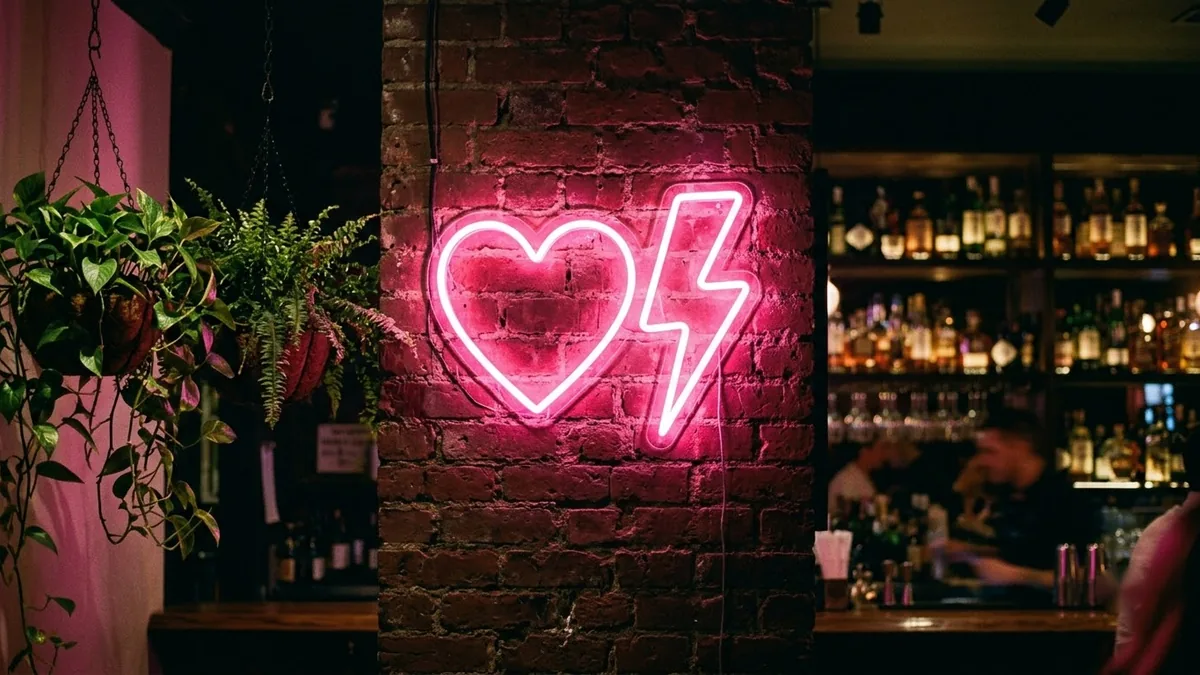
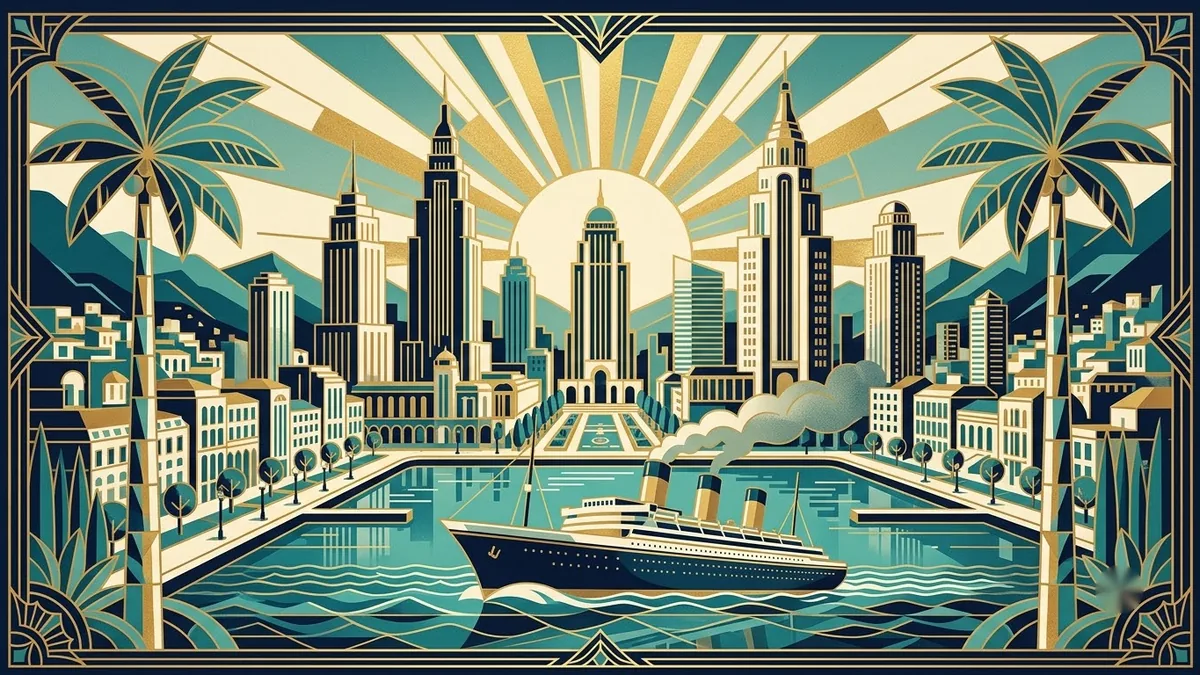
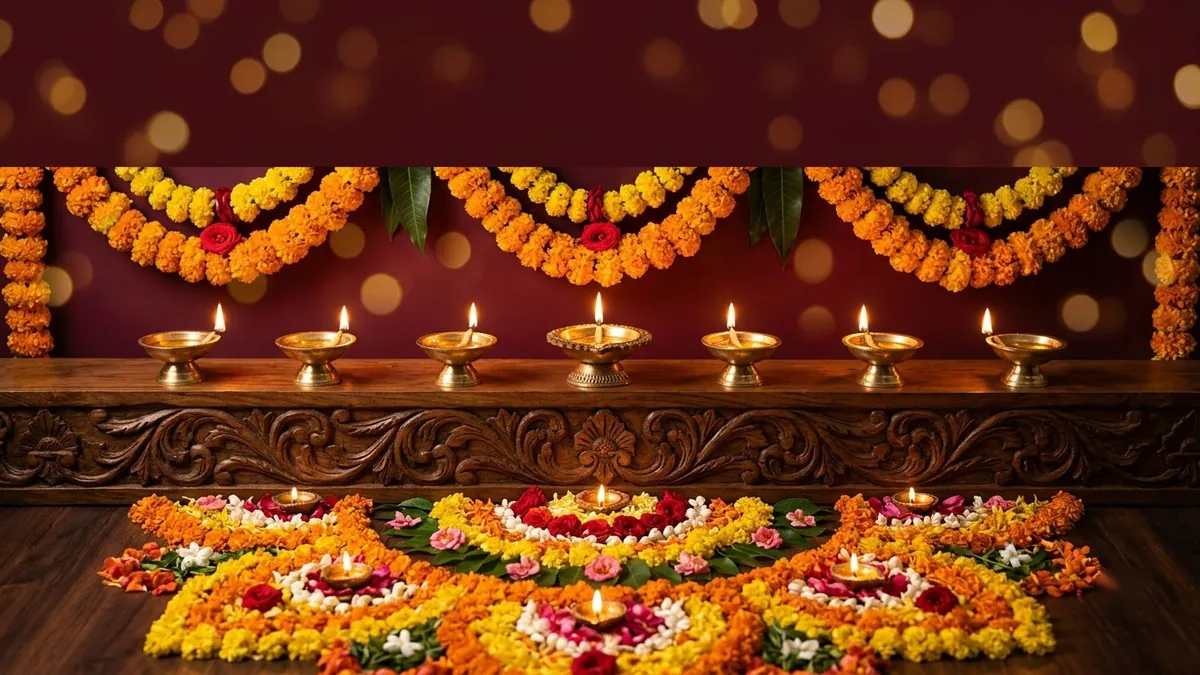
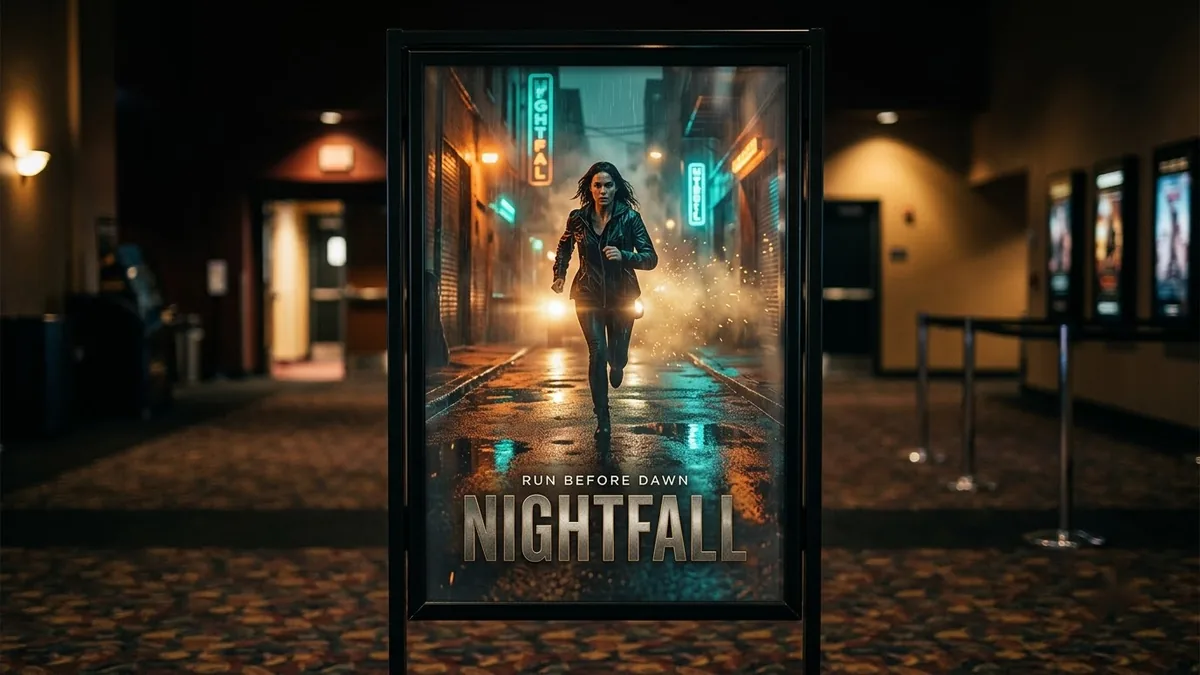
These prompt cards all lean on the details a reasoning step could check, such as readable text and precise layout: the neon sign mockup, the Art Deco poster, the festival greeting poster, the clean infographic and the movie poster starring you.
Where to go from here
If Midjourney keeps ignoring parts of your prompts, start with our Midjourney prompt not working fixes and the Midjourney V8.2 prompting guide. Our Midjourney prompts collection has ready-to-copy prompts, and the free prompt analyzer can check whether yours includes the checkable details above.
Quick checklist
- Midjourney began testing Thinking Mode on its alpha website on 8 October 2026.
- It aims to improve prompt accuracy, text in images and scene coherence.
- The "60 to 80 percent" figure is Midjourney's own and unverified; cost and wider access are unannounced.
- Put exact text in quotes, give counts and positions, and add a must-include and avoid list.
- Test with the same prompt and seed, with the mode on and off.
Comments
No comments yet. Be the first to share what worked for you.