AI prompts for restaurant menus and small food brands
Published
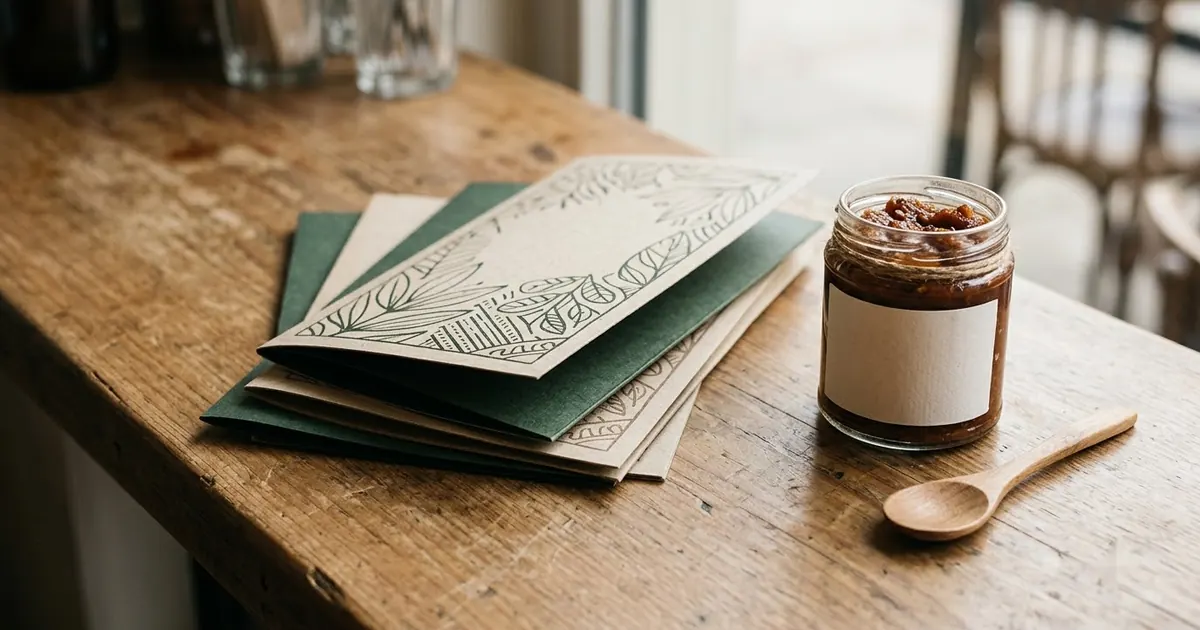
Short answerDescribe your dish names and prices in quotes, keep one product and one format per prompt, and never ask for a health claim you can't actually prove. Those three habits fix most of what goes wrong with food branding prompts.
A menu redesign or a product label used to mean waiting on a designer or wrestling with a template in Canva. AI image tools can now mock up a full menu layout, a packaging design or a short brand video well enough to test an idea, show a partner, or print straight away if it comes out clean. This guide covers the food-business versions specifically: menus, labels and short ads, with the habits that keep the text and the claims on them honest.
A menu you can actually read
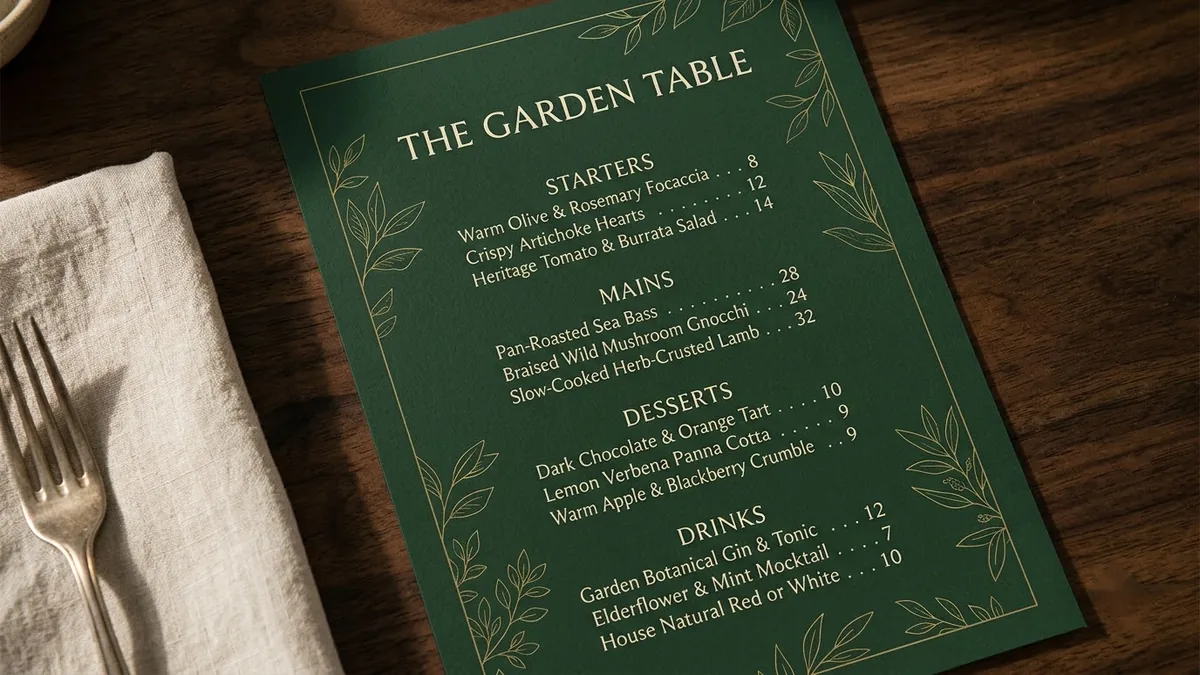
Start with the sections and a few real item names and prices. A vague "make me a nice menu" gives the AI nothing to anchor the layout to.
A one-page restaurant menu design for "[RESTAURANT NAME]", a [CUISINE] restaurant. Sections: Starters, Mains, Desserts, Drinks, each with three items and prices like "[ITEM] — [PRICE]". Elegant [DARK / CREAM] background, [COLOUR] accents, delicate line illustration of [MOTIF], easy-to-read typography, balanced spacing.
This is the restaurant menu design prompt. Two habits make the difference between something you can print and something you have to redo:
- Keep item names short. Long dish names are the most common thing that comes out garbled. If a name is long, shorten it for the mockup and fix it properly in Canva or a design tool afterwards.
- Put every piece of text in quotation marks. It tells the model exactly what's meant to be read as text, rather than decoration.
A label that looks like it's been on the shelf a while
For a jar or bottle product, a convincing label usually needs a small story element, not just a logo floating on a plain background.
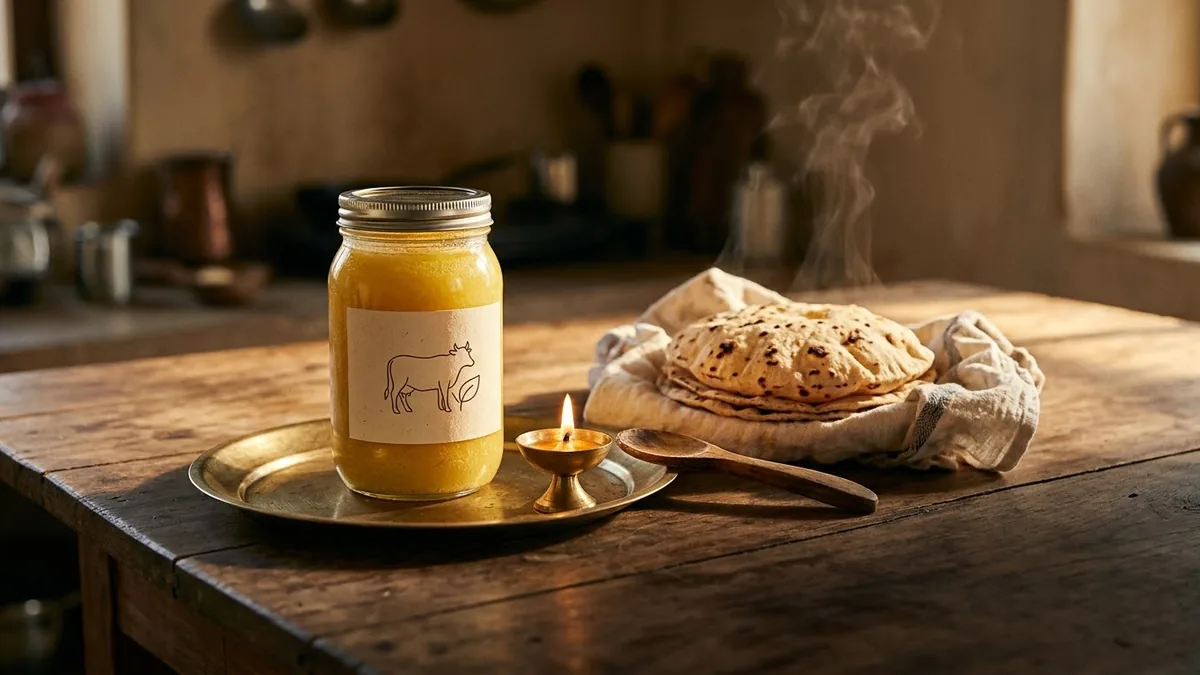
A glass jar of [PRODUCT] with a [COLOUR] label showing a simple line illustration of [MOTIF] and the text "[BRAND]", "[PRODUCT NAME]", beside [A SMALL PROP, e.g. a brass spoon and fresh flowers], soft warm light, traditional yet premium food brand style. --ar 4:5
This follows the ghee jar label prompt. The small prop next to the jar, rather than the jar alone on white, is what makes it look like a real lifestyle shot instead of a product catalogue thumbnail.
Packaging that doesn't promise more than you can prove
Pouches and snack packs are one of the easiest formats to get wrong, because it's tempting to add a bold claim on the front before you've checked whether it's accurate.
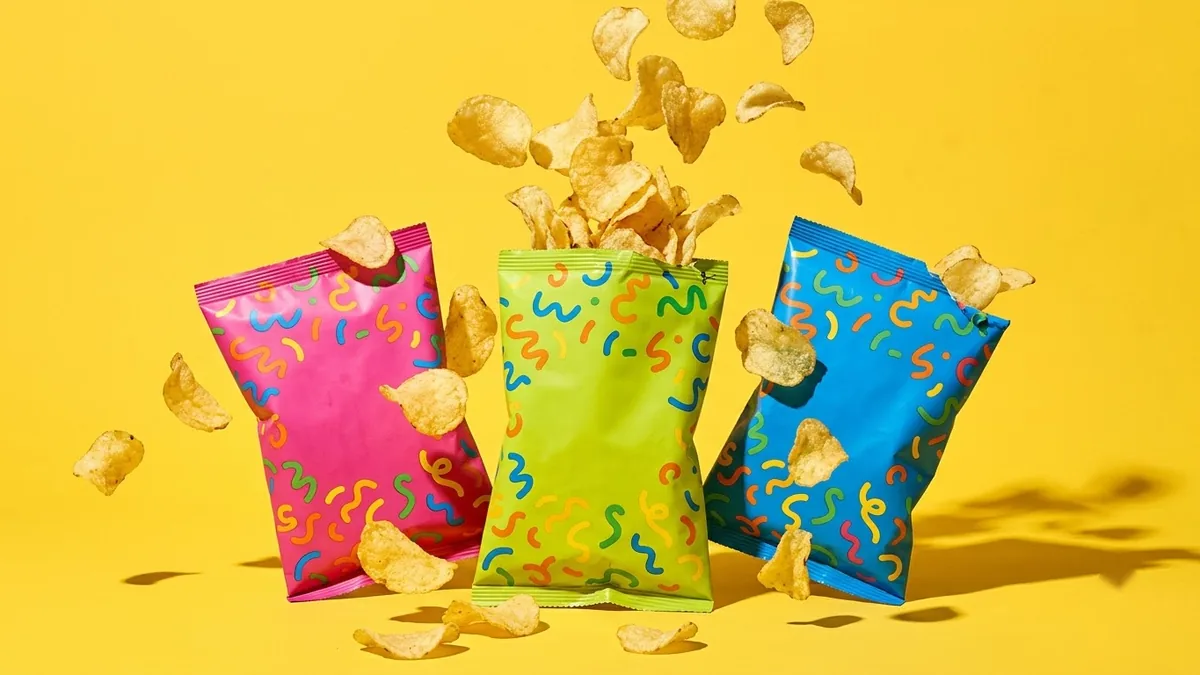
A playful snack pouch design for "[SNACK NAME]", [FLAVOUR] flavour: bold [COLOUR] and [COLOUR] blocks, cartoon illustration of [INGREDIENT] with a happy face, chunky rounded lettering, starburst badge saying "[CLAIM]", pouch floating on a clean bright background with a few flying pieces of the snack.
This is the snack packaging prompt, and its own tip is worth repeating: don't add health claims you can't prove. "No added sugar" or "high protein" are specific, checkable statements, and in most places food labelling rules mean you need to be able to back them up before they go on real packaging, not just a mockup. If you're not certain, use something vague and true instead, like "[FLAVOUR] flavour" or "family favourite."
A short ad that sells the feeling, not just the product
Video tools are good at the small sensory details that make food look appealing: steam, pouring, a slow slice. Build the prompt around one of those moments rather than trying to tell your brand's whole story in one clip.
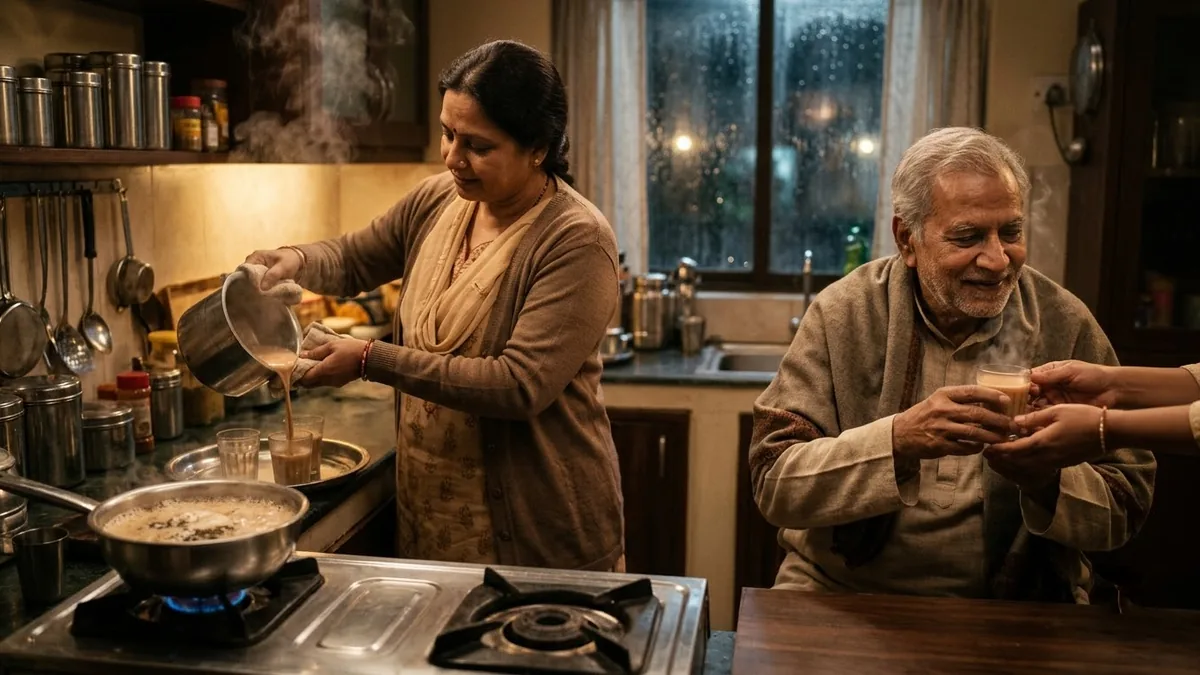
A warm evening scene of a family sharing [DRINK]: liquid boiling in a pan, a high pour into glasses, steam curling up, hands passing cups, laughter, a rainy window behind, soft golden light, gentle music, heartwarming brand film. Brand name: [BRAND]. Tone: [WARM / ENERGETIC / PREMIUM].
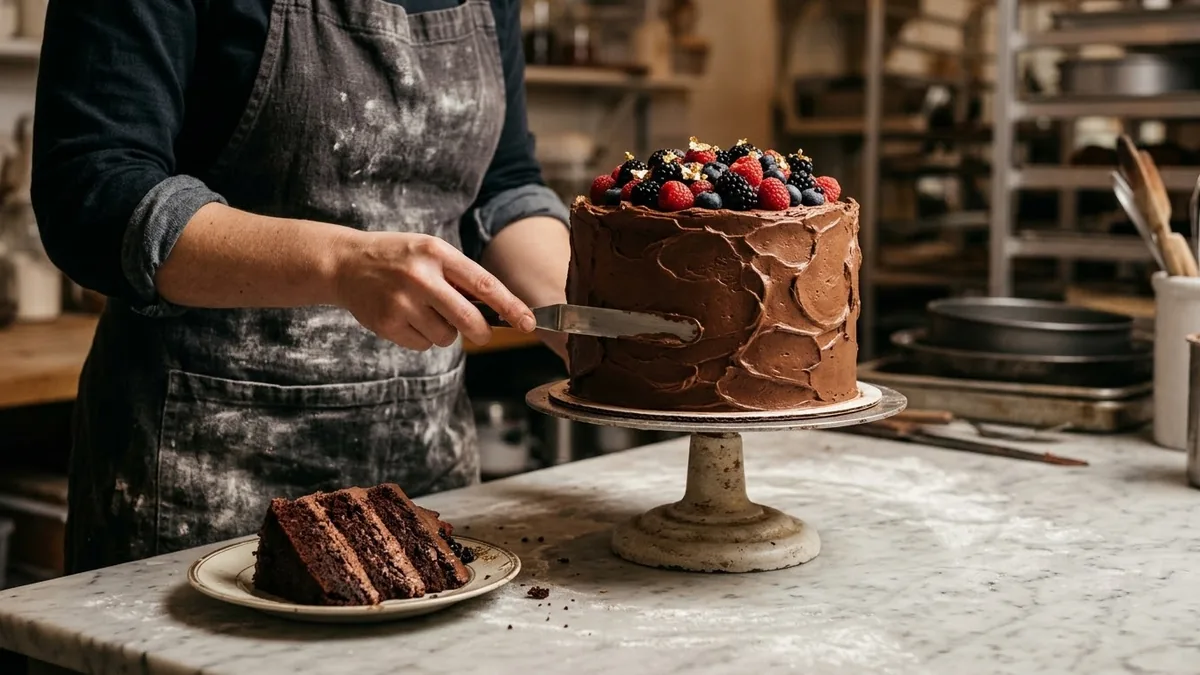
This is the chai brand ad prompt, built around pouring and steam. The same structure works for a bakery with a different centrepiece moment: the celebration cake ad prompt uses a slow frosting shot and a slicing reveal instead. Pick the one sensory moment your product actually has, and let the camera stay on it a little longer than feels necessary.
Before you print or publish anything
- Check every piece of text twice. Zoom in on prices, spellings and your brand name specifically, since these are the details a customer will notice first.
- Generate a few colour options side by side rather than committing to the first result, especially for a label or menu you're about to print in bulk.
- Keep one product and one format per prompt. A menu, a jar and a pouch in the same prompt tend to blend into something that's none of them clearly.
Where to go from here
For the other jobs AI can take off a small business owner's plate, see ChatGPT prompts for small business owners. For packaging mockups beyond food specifically, see AI packaging mockup prompts. Browse more options in the small business prompts collection, or build your own with the prompt builder.
Quick checklist
- Name your real dishes, prices and brand text, and put all of it in quotation marks.
- Keep dish and product names short to avoid garbled lettering.
- Never put a health or quality claim on a mockup you can't back up on the real product.
- Add one small prop or sensory detail (steam, a spoon, fresh flowers) to make a product shot feel real.
- Generate a few colour or layout options before picking one to print.
Prompts to try
More prompts on this topic
- Brighten a dim restaurant dish photoGemini · ChatGPT
- Spice jar set with labelsGemini · ChatGPT · Midjourney
- Menu photo for food delivery appsGemini · ChatGPT
- Food truck menu boardGemini · ChatGPT · Midjourney
- Make a restaurant dish photo look deliciousGemini · ChatGPT
- Clean dish cutout for menusGemini · ChatGPT


Comments
No comments yet. Be the first to share what worked for you.