Winter aesthetic AI photo prompts: snow, cosy knits and warm light
Published
Short answerKeep your face and pose the same, then describe three winter details: the snow (where it's falling and settling), the layers (coat, knit, beanie) and the light (cool blue with a warm glow from windows or lanterns). A touch of visible breath in the cold air sells the rest.
"Winter aesthetic" and "cosy winter" searches climb every year once the clocks change and the evenings get darker. Pinterest and Instagram fill with snow, knitwear, candles and warm window light, and you don't need an actual snowy place to get the look. AI photo tools can add winter to almost any photo, as long as you describe it properly.
The three winter details
A prompt that just says "winter vibes" tends to come back flat or oddly cartoonish. Name three things instead:
- The snow. Falling, settled, or both, and where it sits (on shoulders, rooftops, branches, the ground).
- The layers. A wool coat, a chunky knit, a beanie, gloves, a scarf.
- The light. Cool blue daylight or dusk, with a warm glow from a window, lantern or string lights somewhere in frame.
The main portrait prompt
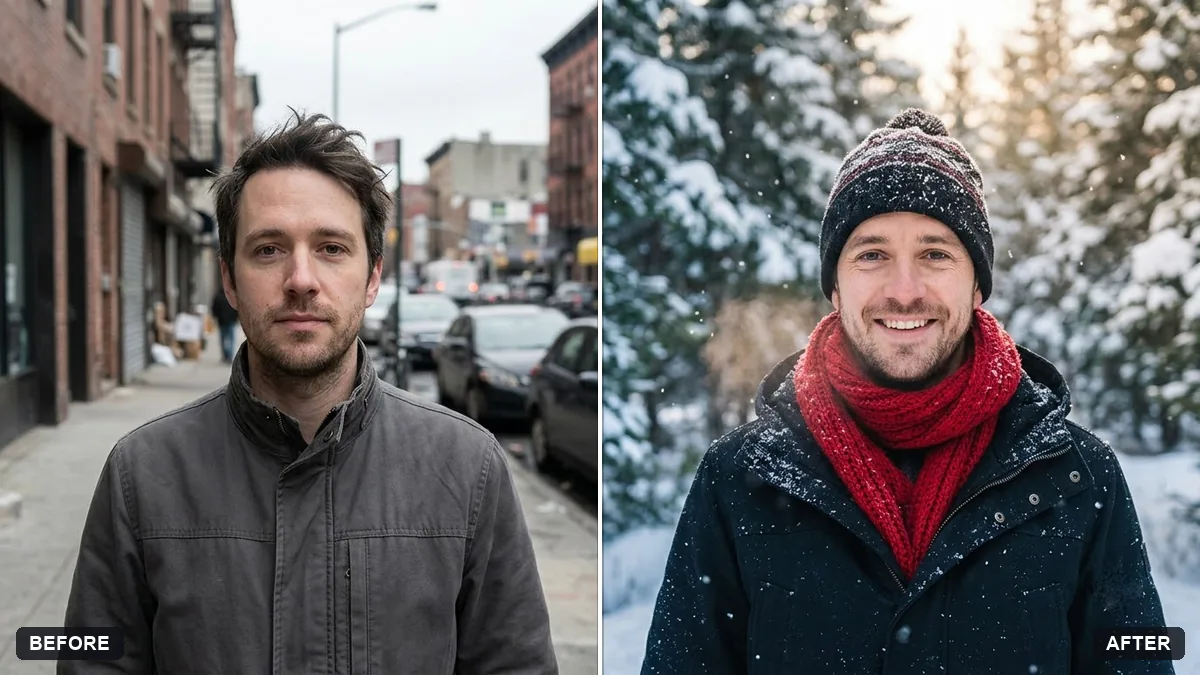
This builds on our snowy winter portrait prompt:
Keep my face, hair, body and pose exactly the same.

Place me in a snowy scene with gentle falling snow settling on my shoulders and hair. Dress me in a [COLOUR, e.g. cream] wool coat, a knit beanie and gloves.
Light: cool blue dusk light with a warm glow from [SOURCE, e.g. a cabin window] behind me, visible breath in the cold air.
Style: natural photography, 85mm lens, soft background blur, light film grain. Portrait 4:5. No text.
If you'd rather keep your own outfit, swap the clothing line for "keep my clothes exactly the same, just add a scarf".
Add winter to a photo you already have
Have a photo from spring or summer you like the composition of? The change the season prompt swaps the environment without touching you or anyone else in the shot:
Change the season in this photo to winter. Keep the people, pose, clothing style and camera angle the same.

Update the environment: snow settled on the ground, bare trees, a cold blue-grey sky. Match the lighting and colour tone to a winter afternoon. Realistic result, no cartoon effects.
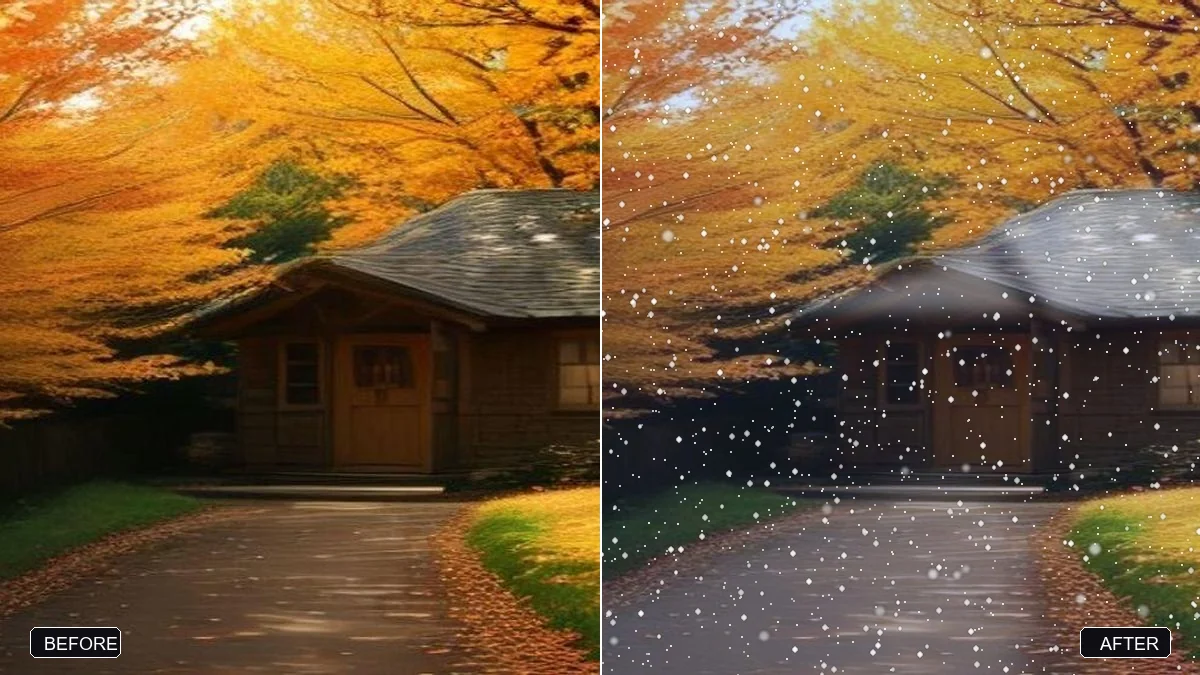
For a lighter touch, the add falling snow prompt just adds snowfall and a dusting on roofs, trees or the ground, without changing anything else in the photo.
Cosy indoor ideas
Not everything needs snow outside the window. These work just as well indoors:
- Window seat. "Sitting by a frosted window with a blanket and a hot drink, warm lamp light, snow falling outside."
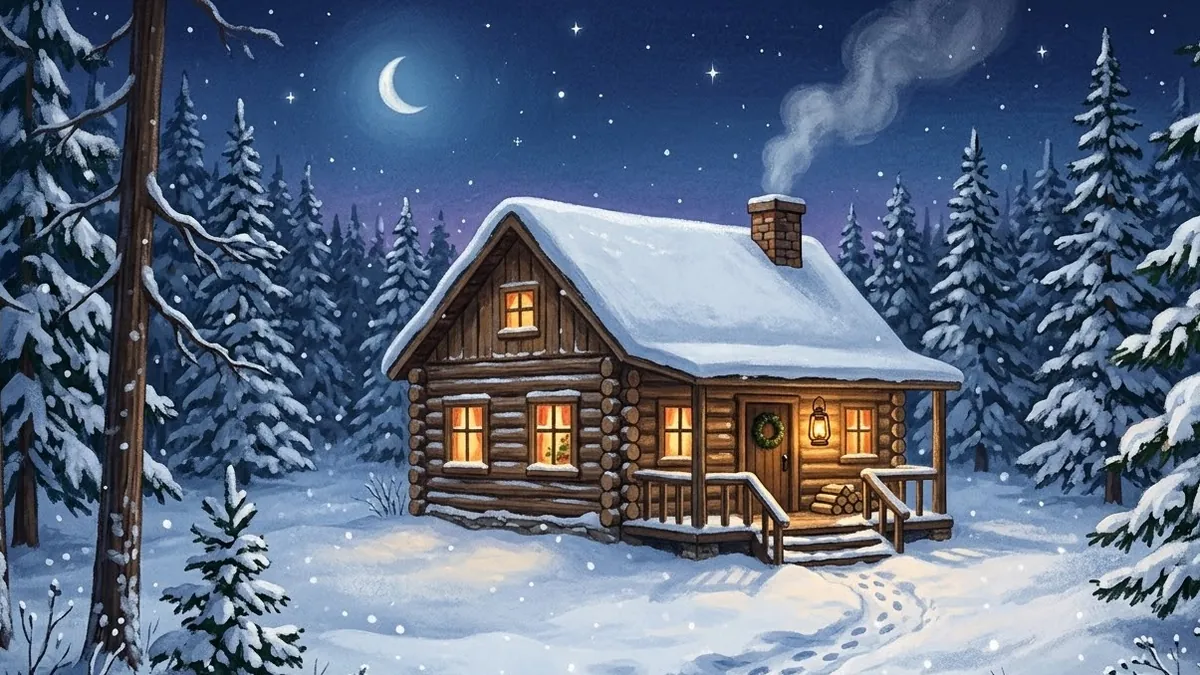
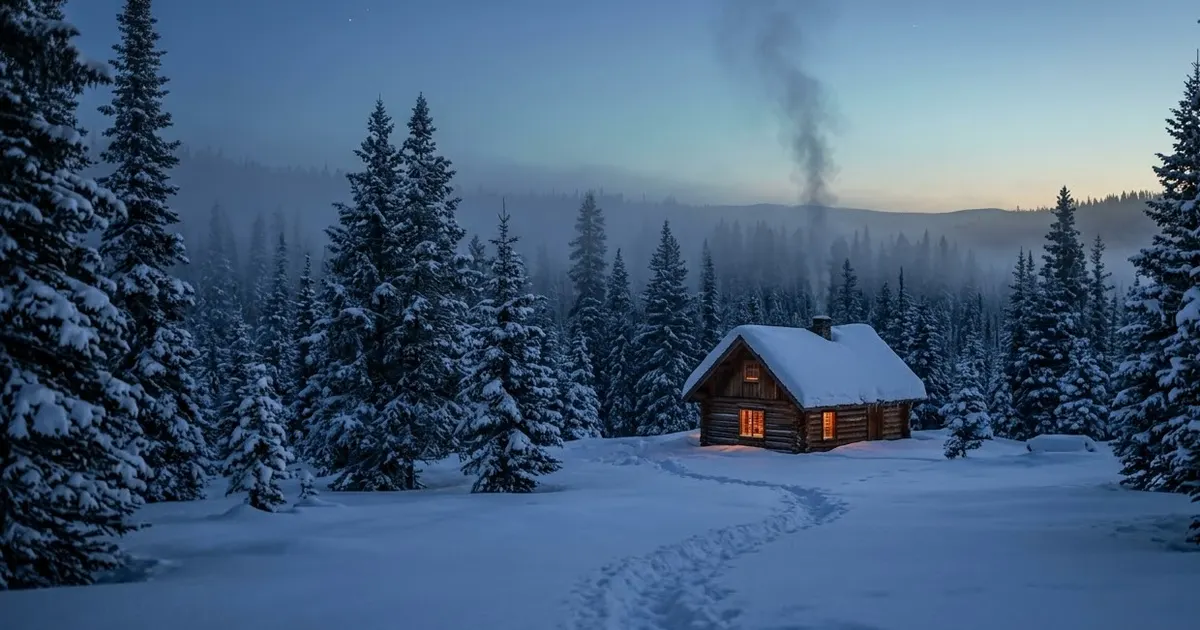
- Cabin feel. Pair a portrait with the cosy winter cabin prompt as a background reference: warm glowing windows, smoke from the chimney, a lantern on the porch.
- Hands and mug. A close-up of hands in a knit sleeve wrapped around a mug, steam rising. You don't need to show a face at all for this one.
A short winter video
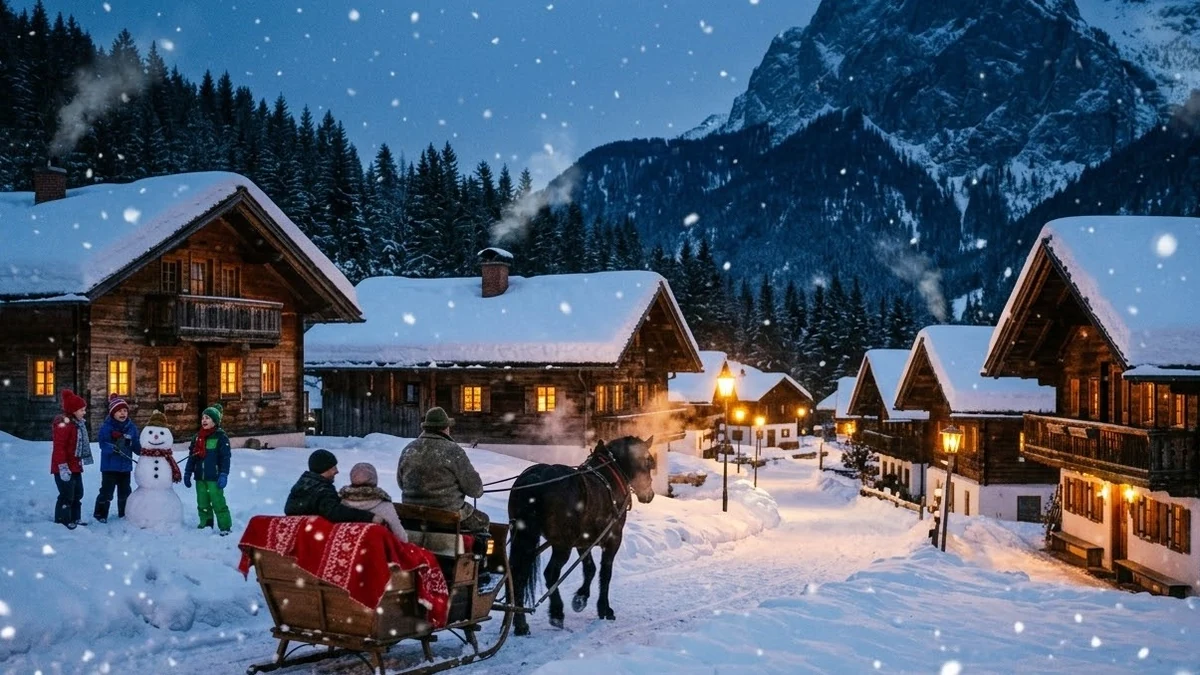
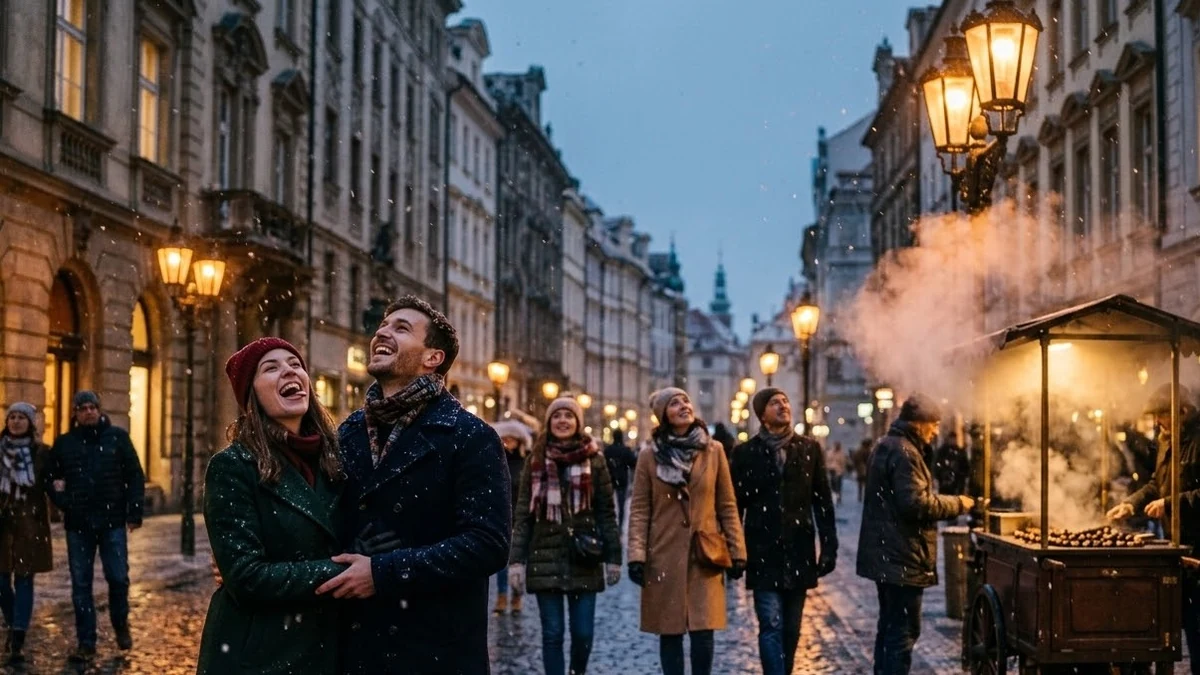
For a Reel or a WhatsApp status, the snowy village at evening prompt makes a full scenic clip from scratch: a small village at dusk, warm windows, falling snow, a slow crane shot. If you'd rather keep a city setting, the first snowfall in the city prompt does the same mood with street lamps and commuters instead of a village lane. Keep clips short; five seconds of gentle snowfall looks calmer than ten seconds of a busy scene.
Making it look real
Winter edits can tip into either too grey or too blue. Three fixes:
- Keep some warmth somewhere in frame. A window, a lantern or string lights stop the whole image reading as cold and flat.
- Ask for visible breath. "Visible breath in the cold air" is a small detail that sells a winter photo instantly.
- Add grain. A touch of film grain stops the snow looking like a flat digital overlay. Add "light film grain" to the prompt, or run the result through our film grain prompt.
Fixing common problems
The snow looks like a flat overlay. Ask for "snow with visible texture and depth, some flakes closer to the camera and out of focus".
Everything looks too blue or grey. Add "a warm light source somewhere in frame to balance the cold tones".
Face changed. Put "Keep my face exactly the same" first, and repeat it if the result drifts.
Where to go from here
For more seasonal edits, see our autumn aesthetic AI photo prompts and Christmas and New Year prompts. All the prompts here are free in the photo editing prompts collection, and the prompt builder can write a custom version for any photo.
Quick checklist
- Snow, layers, light: name all three.
- Keep a warm light source in frame to balance the cold tones.
- Add visible breath for realism.
- Keep faces and poses exactly the same, and say so first.
- Light film grain for a natural finish, not a flat overlay.
Prompts to try
More prompts on this topic
- Cosy knitting close-upVeo · Kling · Seedance
- Old money aesthetic portraitGemini · ChatGPT

Comments
No comments yet. Be the first to share what worked for you.