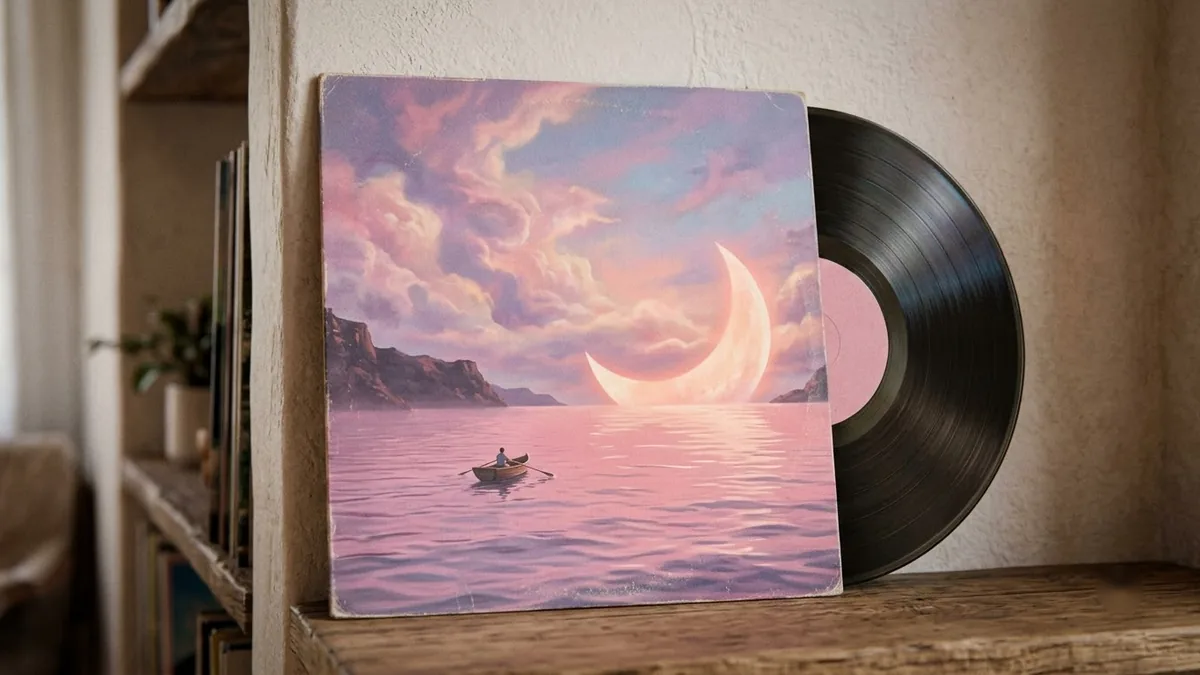
- Updated
Album or single cover art
This prompt creates square cover art for a track in your genre, with a surreal, artistic image such as a glowing figure in a field of mirrors. Check that the title is spelled correctly, or add the text yourself afterwards.
Square album cover art for a [GENRE] track called "[TITLE]". Surreal, artistic image of [SCENE, e.g. a glowing figure standing in a field of mirrors at dusk], grainy film texture, [COLOUR] palette, subtle vignette, small text "[ARTIST NAME]" in the corner. Looks great at 300x300 pixels. --ar 1:1 --style raw
Stick to one strong image. Streaming apps show it very small.
Get a better result
A square, grainy, surreal cover with one clear scene in your colours and a small artist name in the corner, built to stay readable when it is shrunk to thumbnail size.
The artist name is spelled wrongly in the picture.
Fix: Keep only the artist name in the picture and leave the track title out. For bigger text, generate the artwork with empty space and add the words in Canva.
- The scene is too busy to read at thumbnail size. Cut it to one subject and one background detail. Shrink the result to 300 pixels wide to test it, and simplify if you cannot tell what it shows.
- The “--ar 1:1 --style raw” codes appear as stray text or are ignored. Those codes are for Midjourney. In Gemini or ChatGPT, delete them and write “square 1:1 picture, natural film look” instead.
Change “track called” to “podcast called”, make the scene one object tied to the topic, and swap the grain for a flat colour block so the title stays readable in small podcast apps.
single central subject, bold shapes, high contrast, minimal background detail
About this prompt
What size should album cover art be?
Many music distributors ask for a square image, often 3000 by 3000 pixels. Generate in the 1:1 shape, check the exact size your distributor asks for, and upscale or export at that size.
Guides on this topic
More image generation prompts
See all 347 →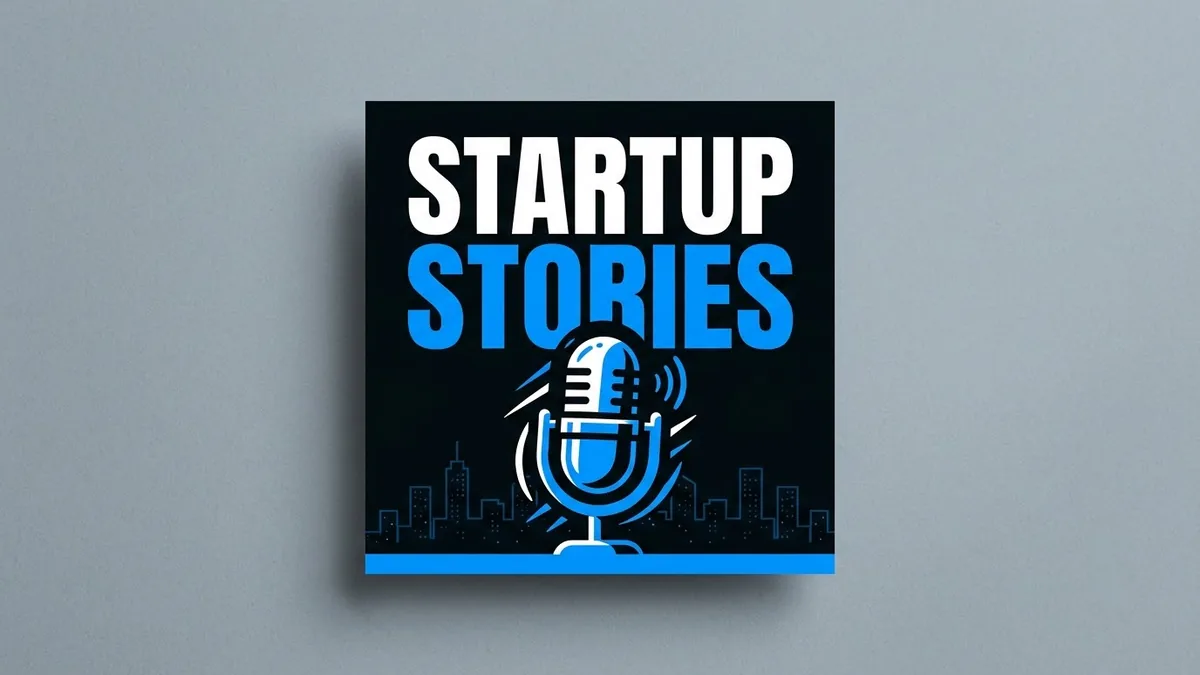
More like this
- Music album cover from your photoGemini · ChatGPT
- Botanical line art printMidjourney · Gemini · ChatGPT
- 1980s family album photoGemini · ChatGPT
- Christmas gift guide coverGemini · ChatGPT · Midjourney
- Pitch deck cover slideGemini · ChatGPT · Midjourney