- Updated
Write an executive summary of a long document
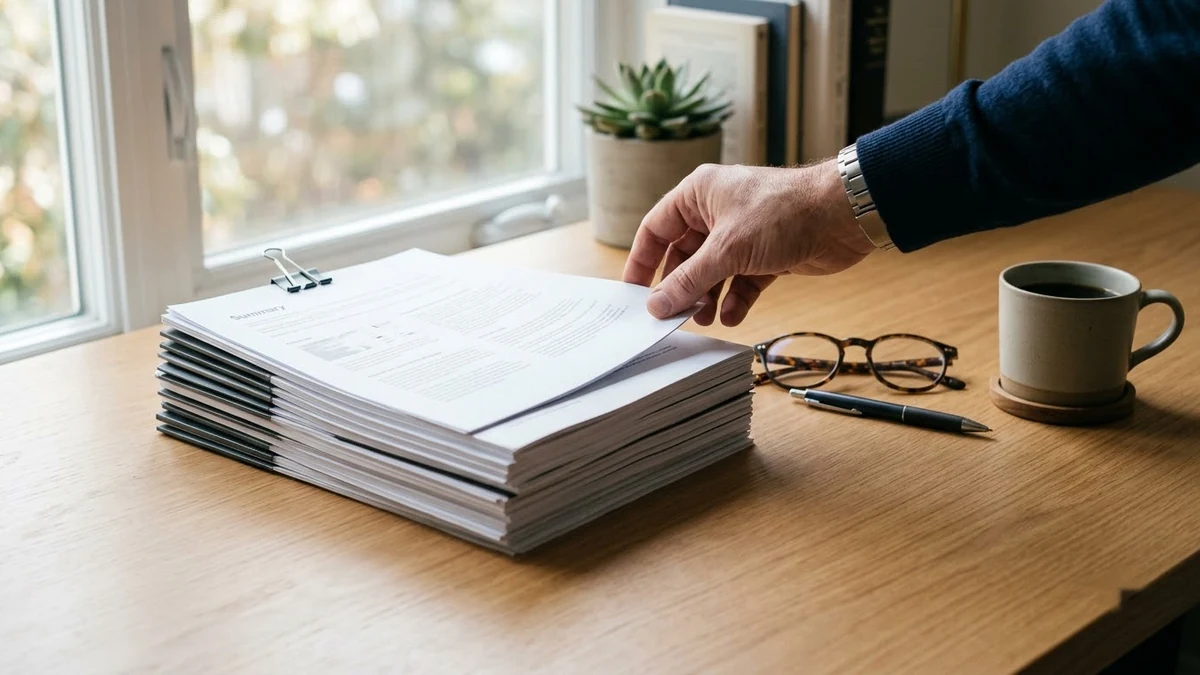
This prompt summarises a long document for a busy senior reader. It starts with a one-line bottom line, then five key bullets, then risks or decisions needed and recommendations.
Write an executive summary of the document below for a busy senior reader.

Document: [PASTE TEXT]

Format: one-line bottom line first, then 5 bullets of the most important points, then any risks or decisions needed, then recommended next step. Under 200 words. Do not add facts that are not in the text.
Add "Reader: our CFO" (or any role) so the AI picks the right details.
Get a better result
A one-line bottom line, five bullets of the most important points, any risks or decisions needed and a recommended next step, all under 200 words and using only facts from your document.
The summary follows the document’s order instead of what matters most.
Fix: Name the reader and what they must decide, for example “Reader: our CFO, deciding whether to approve the budget”. Importance depends on the reader.
- A number or date in the summary differs slightly from the source. Ask “quote the figure and the paragraph it came from next to each bullet”, then check them against the document.
- The next step is generic, such as “review the findings”. Reply “make the next step one concrete action with an owner and a date, from the document only”. If the document names no owner, ask it to flag that.
Add “write it as a short email, subject line first, with the decision needed in the opening sentence”. A summary that arrives as an email gets read, not filed.
Rewrite for a reader who has to decide this week. Put the decision first, check every number against the text, and stay under 200 words.
Guides that use this prompt
More chat & writing prompts
See all 465 →



More like this
- Remove a shadow from a document photoGemini · ChatGPT
- Act as a CFO and review my numbersChatGPT · Gemini · Claude
- Phone photo of a page to clean scanGemini · ChatGPT
- Write a clear how-to articleChatGPT · Gemini · Claude
- Travel documents and visa checklistChatGPT · Gemini · Claude