- Updated
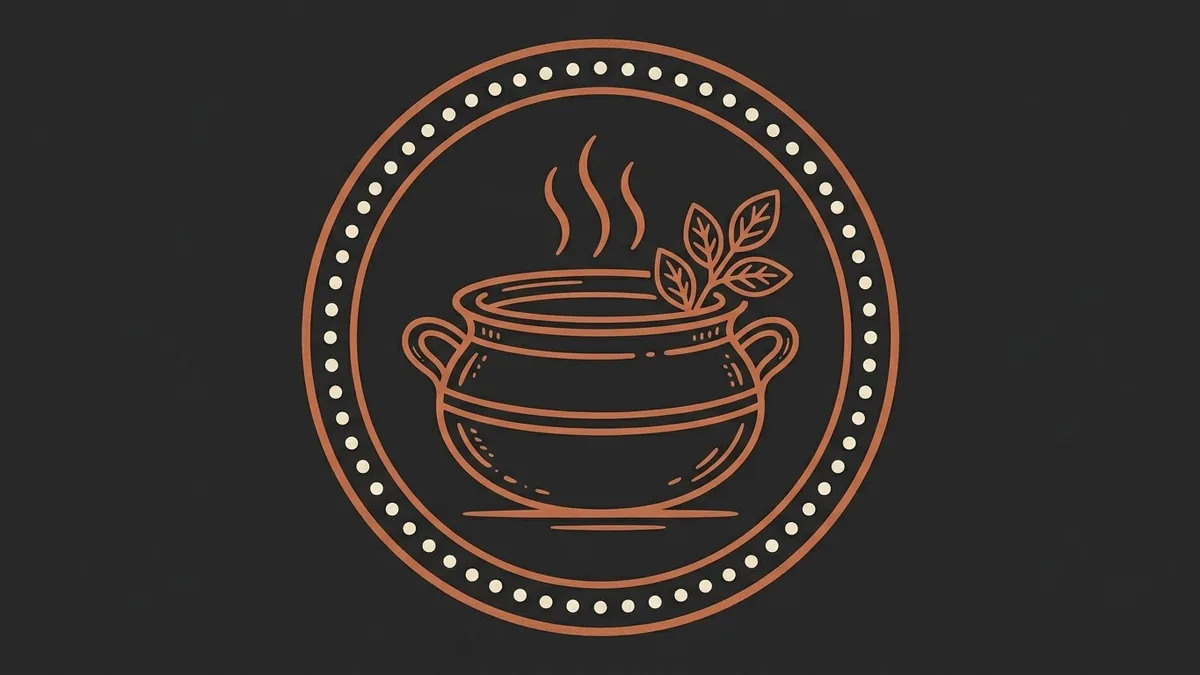
Restaurant logo badge
This prompt creates a circular badge logo for a restaurant of your cuisine and name.
Circular badge logo for a [CUISINE] restaurant named "[NAME]". A simple illustration of [SIGNATURE ITEM] in the centre, thin double-line border, hand-crafted lettering along the curve, warm [COLOURS] palette, vintage badge style, flat vector look, works on white and dark backgrounds. --ar 1:1
Ask for a version on white and a version on dark to test it works everywhere.
Get a better result
A round, vintage-style badge logo with a simple illustration of your signature dish in the centre, a thin double border, hand-lettered text curving around it and a warm colour palette.
The lettering along the curve is misspelled or warped.
Fix: Keep the restaurant name short and the signature item simple, such as a bowl or a chilli. Redraw the final logo in Canva before you print it.
- The illustration is too detailed to print small. Ask for “one simple shape, thick lines, three colours at most”. Test it at the size of a menu corner.
- The badge only works on a white background. Use the tip, and ask for “a version with colours that still work on a dark background”. A logo has to cope with both.
- The border and the lettering compete, so everything looks crammed. Add “generous space between the illustration, the lettering and the border”. Less content inside a circle looks cleaner.
Ask for “a one-colour stamp version, solid shapes only, no shading”. Handy for takeaway boxes, stickers and bags.
Fix the lettering so the name reads exactly as in my prompt, evenly spaced along the curve. Keep the badge the same.
More image generation prompts
See all 347 →
More like this
- Restaurant dessert flightGemini · ChatGPT · Midjourney
- Elegant restaurant menu layoutIdeogram · ChatGPT · Gemini · Canva
- Brighten a restaurant interior photoGemini · ChatGPT
- Make a restaurant dish photo look deliciousGemini · ChatGPT
- Brighten a dim restaurant dish photoGemini · ChatGPT