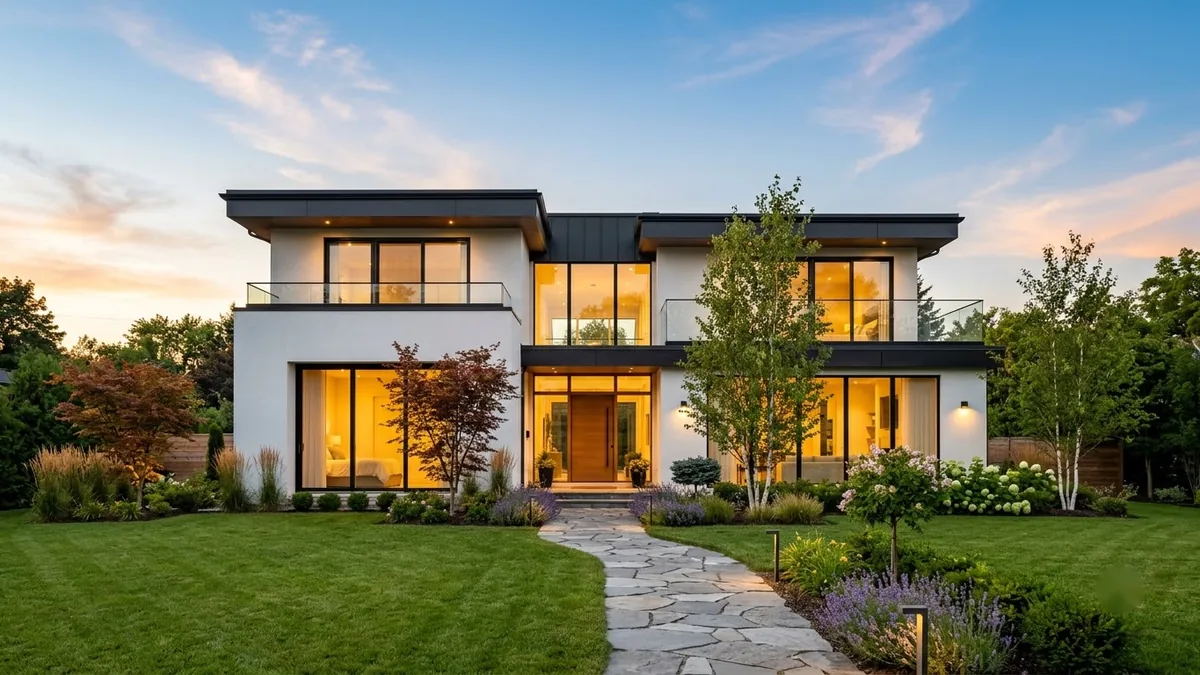
- Updated
Property listing flyer
This prompt lays out a listing flyer for a property of a given size and location, with a large hero photo of a bright living room at the top and three small photos below.
A real-estate listing flyer for a [BEDROOMS]-bedroom [PROPERTY TYPE] in [AREA]. Large hero photo of a bright modern living room at the top, 3 small photo tiles below, price "[PRICE]", 4 icons for bedrooms, bathrooms, parking, area, contact strip "[PHONE] · [AGENCY]", clean [COLOUR] and white layout, A4 portrait.
Swap in your real property photos. Never show features the property does not have.
Get a better result
A portrait A4 flyer for a property listing with a large hero photo of a bright modern living room, three small photo tiles, the price, four feature icons and a contact strip with phone and agency.
The price and phone numbers come out scrambled.
Fix: AI numbers are unreliable. Leave the fields blank, type the price, phone and agency in an editor, then check every digit.
- The hero photo shows a different home from the real one. Follow the tip: swap in your real photos, and never show features the property does not have.
- The four icons are unclear or wrongly labelled. Ask for “simple line icons for bed, bath, car and area, each with a number beside it”, and check them against the property.
Change the heading to “For rent” and replace the price with “monthly rent and deposit”. Keep the layout the same so your flyers look like one brand.
clean, simple lettering, spelled exactly as written in quotes
Guides that use this prompt
More image generation prompts
See all 347 →

More like this
- Property exterior at twilightGemini · ChatGPT
- Smooth property walkthroughVeo · Kling · Seedance
- Japandi bedroomMidjourney · Gemini · ChatGPT
- Hotel room photo for a listingGemini · ChatGPT
- Modern villa with a pool at duskMidjourney · Gemini · ChatGPT