- Updated
Smooth property walkthrough
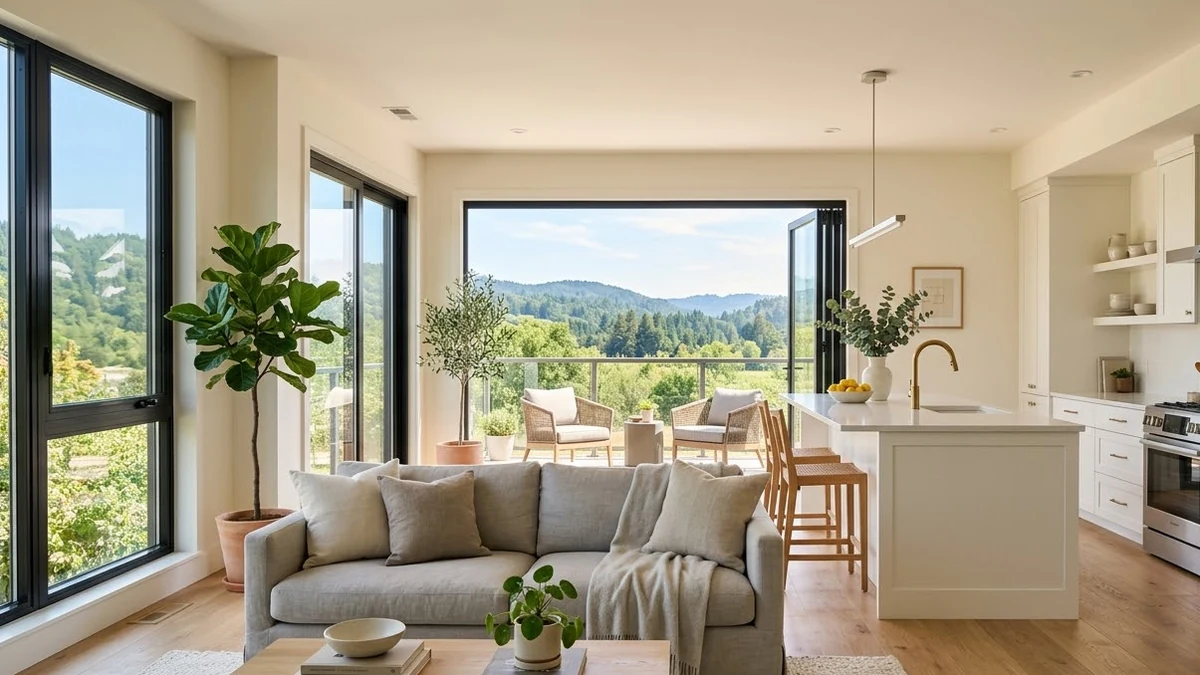
This prompt describes a smooth walkthrough of a home in the style you choose, starting at the front door and gliding through a bright open living room with large windows.
Smooth gimbal walkthrough of a [STYLE] home: starting at the front door, gliding through a bright open living room with large windows, into the kitchen with [DETAILS], then to a balcony with a view of [VIEW]. Natural daylight, tidy interior, steady slow movement at eye level, wide-angle lens, real-estate video look.
Use it as a concept or teaser. Do not use it to show a property that does not match.
Get a better result
A smooth gimbal-style walkthrough from the front door through a bright living room and kitchen to a balcony with a view, at eye level in natural light, with a wide-angle real-estate look.
The rooms are made up and do not match the real home.
Fix: Use it only as a concept or a teaser, as the tip says, and show real photos or video for the actual property. Mislead no buyer.
- The movement is jerky or the walls wobble. Ask for “slow, steady forward glide at eye level, no sudden turns”, and keep the route to three spaces.
- The layout changes between rooms. Describe each room in one line and in order, such as “door, hall, living room on the right, kitchen straight ahead”.
Ask for “the same walkthrough with the rooms unfurnished”, to show the space. Label any furnished version as a visual concept.
Keep the same home style. Slow the glide down, keep the camera at eye level and end on the balcony view for two seconds.
Guides that use this prompt
More video generation prompts
See all 489 →



More like this
- Property listing flyerIdeogram · ChatGPT · Gemini
- Desk setup tourVeo · Kling · Seedance
- Smartphone launch teaserVeo · Kling
- Boutique hotel room tourVeo · Kling · Seedance
- Electric car launch teaserVeo · Kling · Seedance