- Updated
Creative 404 page illustration
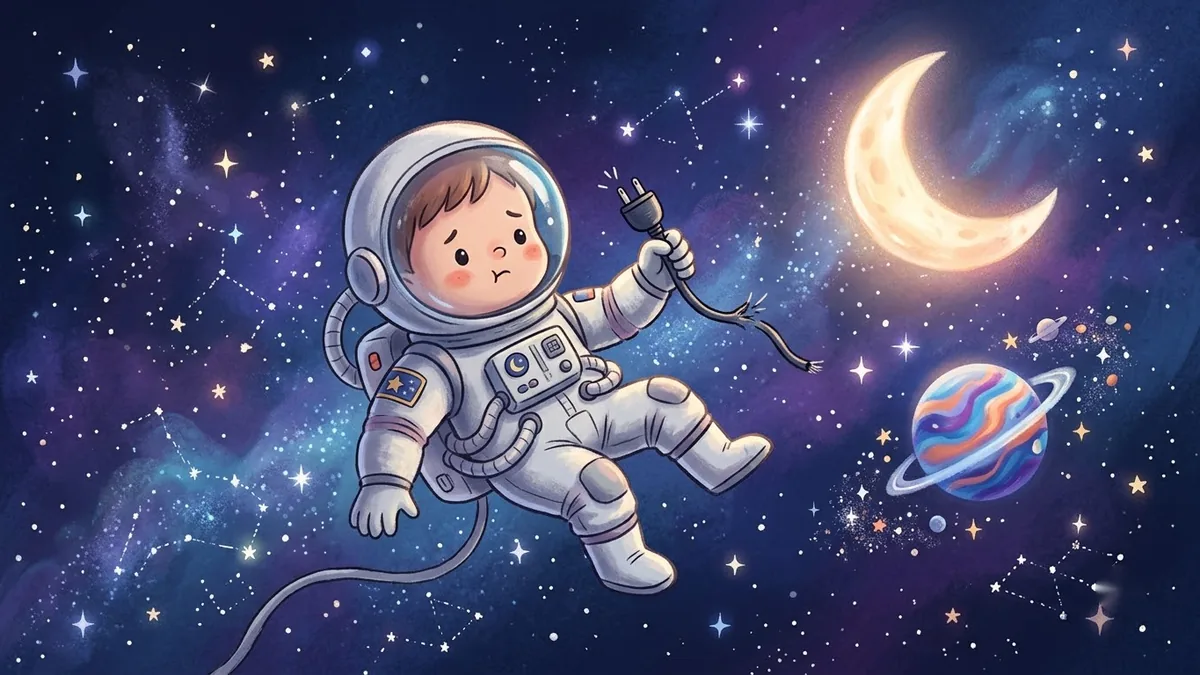
This prompt makes a cheerful 404 illustration with a lost character, such as an astronaut, robot or cat, floating beside a large broken 404 sign, with clear space below for a message and a button. Add a short humorous headline.
Playful 404 error page illustration. A lost [CHARACTER, e.g. astronaut / robot / cat] floating beside a large broken "404" sign in [COLOUR], stars and small clouds, flat vector with a hint of texture, cheerful colour palette, clear space below for a message and a button. --ar 16:9
Add a short humorous headline and a clear button back to the homepage.
Get a better result
A playful 404 page illustration of a lost character floating beside a large broken 404 sign, with stars and clouds, flat vector with a hint of texture, cheerful colours and clear space below for a message and button.
The 404 digits are wrong or look odd.
Fix: Check the numbers. If they fail, ask for a blank sign and add the number in your design tool.
- There is no space for a message. Say “keep the bottom third empty and plain”, and put the text and button there in your layout.
- The picture is too busy for a quick error page. Keep one character, one sign and a plain background, and make the picture light so the page loads fast.
Change the sign to a plain board and the character to holding a wrench, and keep the wording about space. It gives you a matching maintenance page.
Keep the character and the sign. Use fewer stars, make the background a flat colour and leave more space below for text.
More image generation prompts
See all 347 →



More like this
- Facebook or Instagram ad creativeIdeogram · ChatGPT · Gemini
- Creative portfolio portraitGemini · ChatGPT
- Creative writing prompts for kidsChatGPT · Gemini · Claude
- Paris cafe terrace illustrationMidjourney · Gemini · ChatGPT
- Food chain illustrationMidjourney · Gemini · ChatGPT