- Updated
Friendly empty state illustration
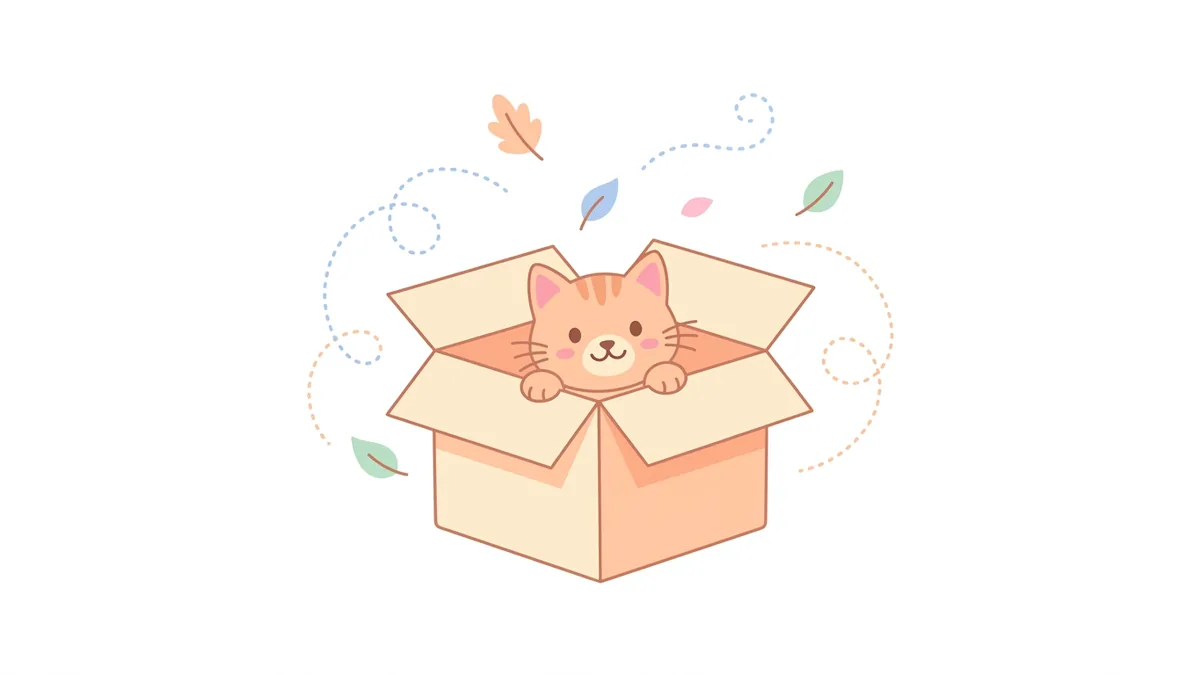
This prompt creates a flat vector illustration of a cute simple character looking at an empty object, with soft colours and lots of empty space, for the screen your app shows when there is no data yet.
Friendly empty state illustration for a [APP TYPE] app when there is no [DATA, e.g. messages]. A cute simple character looking at an empty [OBJECT], soft [COLOUR] palette, flat vector style with subtle shadows, rounded shapes, lots of empty space around it, reassuring and playful. --ar 4:3
Keep it simple with one character or object; empty states should calm people, not distract them.
Get a better result
A friendly flat illustration for an empty screen, with one simple character looking at an empty object, soft colours, rounded shapes and plenty of space around it.
The illustration is too detailed.
Fix: Ask for one character and one object only. Small screens need a very simple picture.
- The mood is sad. Say “calm and encouraging” and show a small positive cue, such as a sparkle, so users feel invited to act.
- The colours do not match your app. Give your exact brand colours and ask for the same line weight as your icons.
Ask for a similar character with a loose plug or a small crack, shown calmly, for a screen that tells people something went wrong.
plain background that works on both light and dark mode, the character small with space below for a message and a button
More image generation prompts
See all 347 →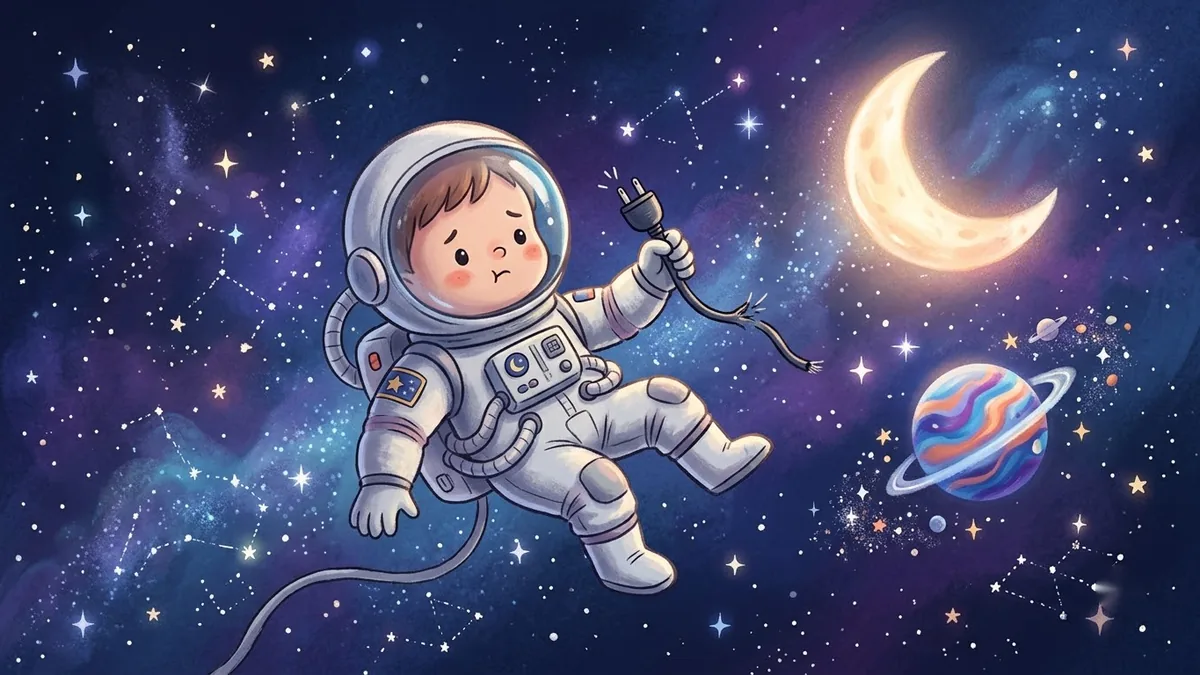


More like this
- Friendly cartoon dinosaurMidjourney · Gemini · ChatGPT
- Children's storybook illustrationMidjourney · Gemini · ChatGPT
- Friendly brand mascot characterGemini · ChatGPT · Ideogram
- Sleepy moon bedtime illustrationMidjourney · Gemini · ChatGPT
- Set a boundary without guiltChatGPT · Gemini · Claude