Superhero armor transformation prompts: suit up, AI style
Published
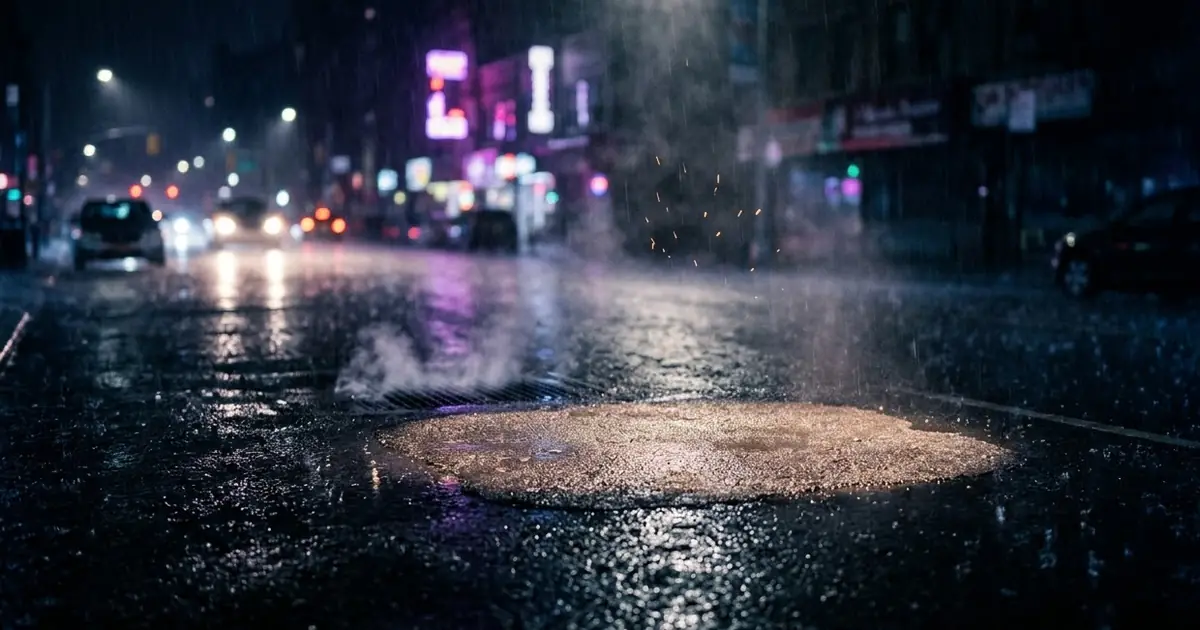
Short answerDescribe the armor arriving in stages, plate by plate, with sparks and glowing seams, and end on the helmet closing. Naming the stages in order matters more than any single word about how "epic" it should look.
Japanese tokusatsu and sentai shows have used the "suit-up" moment for decades: the hero stands still for a second, and armor locks onto their body piece by piece before the fight starts. Fans call it a henshin, Japanese for "transformation." AI video tools can now build a short version of that exact moment from a single photo and a text prompt, which is why it's become a popular clip to make of yourself.
What makes the moment work
A good transformation sequence isn't just "armor appears." It's a short sequence of specific beats:
- A pose, usually a confident stance before anything happens.
- Armor arriving in pieces, not all at once.
- Light and sound at the moment each piece locks, sparks, a glow, a click.
- A final piece, usually the helmet, closing last.
Naming these beats in order is what separates a convincing clip from a blurry, all-at-once costume swap.
The core prompt
Start with the superhero armor transformation prompt:
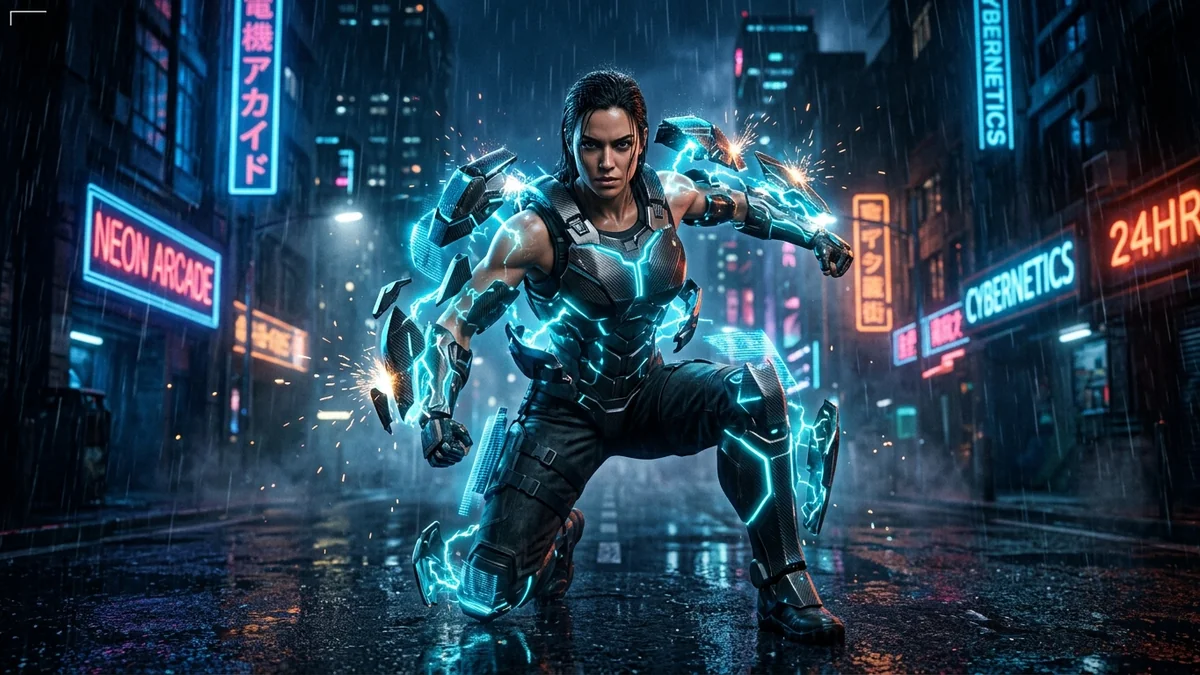
[SUBJECT, e.g. me standing on a rainy city street] strikes a pose as a futuristic armor suit climbs up my body plate by plate, locking into place with bright sparks and glowing blue seams, and finishes with the helmet visor closing.

Low-angle hero shot, a slow orbit, rain and neon reflections, and dramatic slow motion at the final lock.

Mechanical clicks, whooshes, and a deep bass hit at the end. Vertical 9:16, 8 seconds.
Upload a clear, full-body photo for the starting pose. The clearer your outfit and stance are in the source photo, the more convincingly the armor appears to build on top of you rather than replacing you.
Design your own suit
Describing the armor yourself, rather than leaving it generic, is what makes the clip feel like your character rather than a stock effect. Three details do most of the work:
- Colour and material. "Matte black with glowing orange seams" reads very differently from "polished chrome with cyan lines."
- Where the glow is. Seams, a chest emblem, the visor, pick one or two, not all of them, or the suit looks cluttered.
- The final piece. A closing visor, a snapping chest plate, or a hood pulling up all give you a different last beat to land on.
Keep it an original design. Asking for a specific existing franchise's suit tends to get refused or garbled, and an original one is more fun to claim as yours anyway.
Design it first as a still image
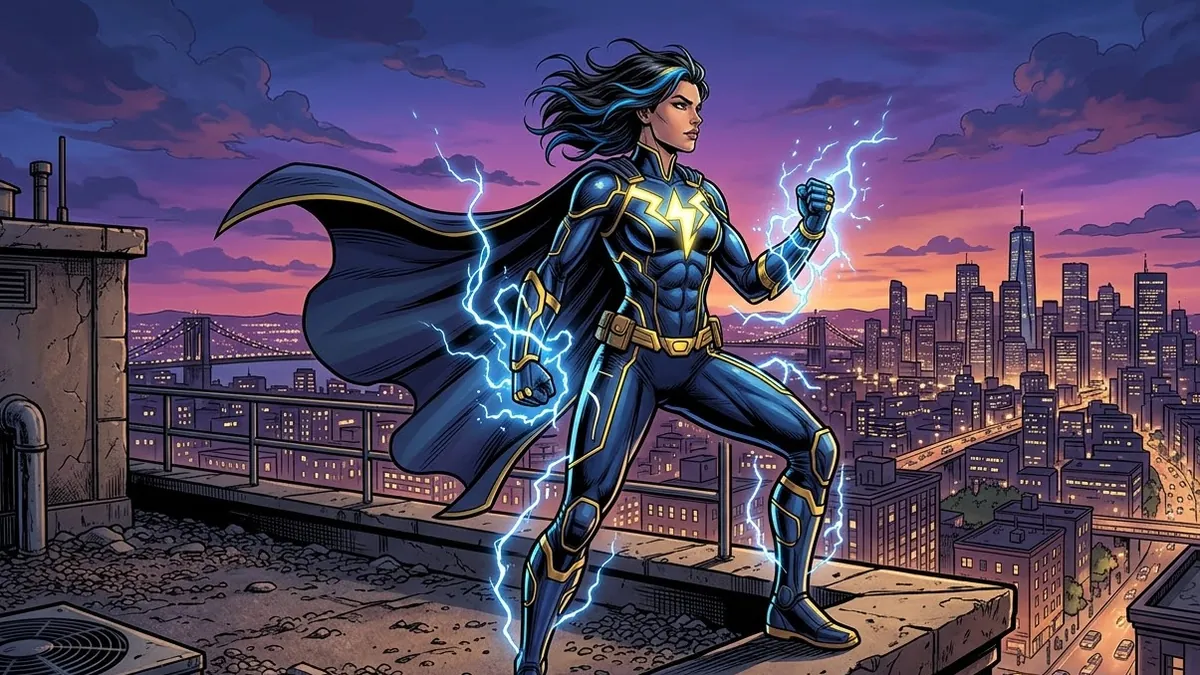
If you want to settle on a design before spending a generation on video, the original superhero character prompt builds a full-body concept image first:
Full-body concept art of an original superhero named "[NAME]" with the power of [POWER]. Suit design in [COLOURS] with a [SYMBOL] emblem, a dynamic heroic pose on a rooftop at dusk, cape flowing, dramatic comic-book lighting, clean line art with rich colours. Not based on any existing character.
Once you're happy with the colours and the emblem, describe the same details in the transformation video prompt, so the suit in the clip matches the one you designed.
After the suit-up: the landing
A transformation clip pairs naturally with a second clip of the hero in action. The superhero landing prompt makes a dramatic entrance you can cut in right after the helmet closes:
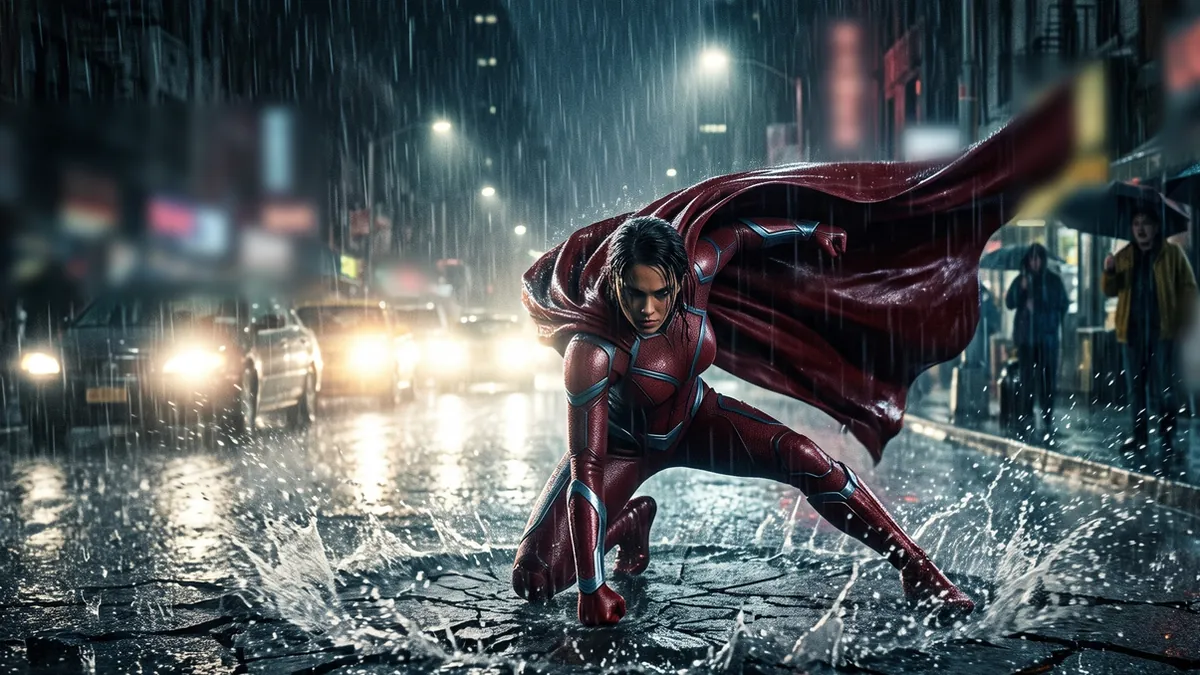
A [COLOUR] caped hero drops from the sky and lands in a crouch on a rainy city street, cracking the asphalt, shockwave ripples through puddles, cars and pedestrians stare, the hero slowly rises with the cape flowing, low-angle shot then slow push-in, dramatic light from car headlights, powerful orchestral hit.
Keep the colour and setting consistent between the two clips, rainy city street in both, same suit colour, and the edit reads as one continuous moment.
A quieter still version
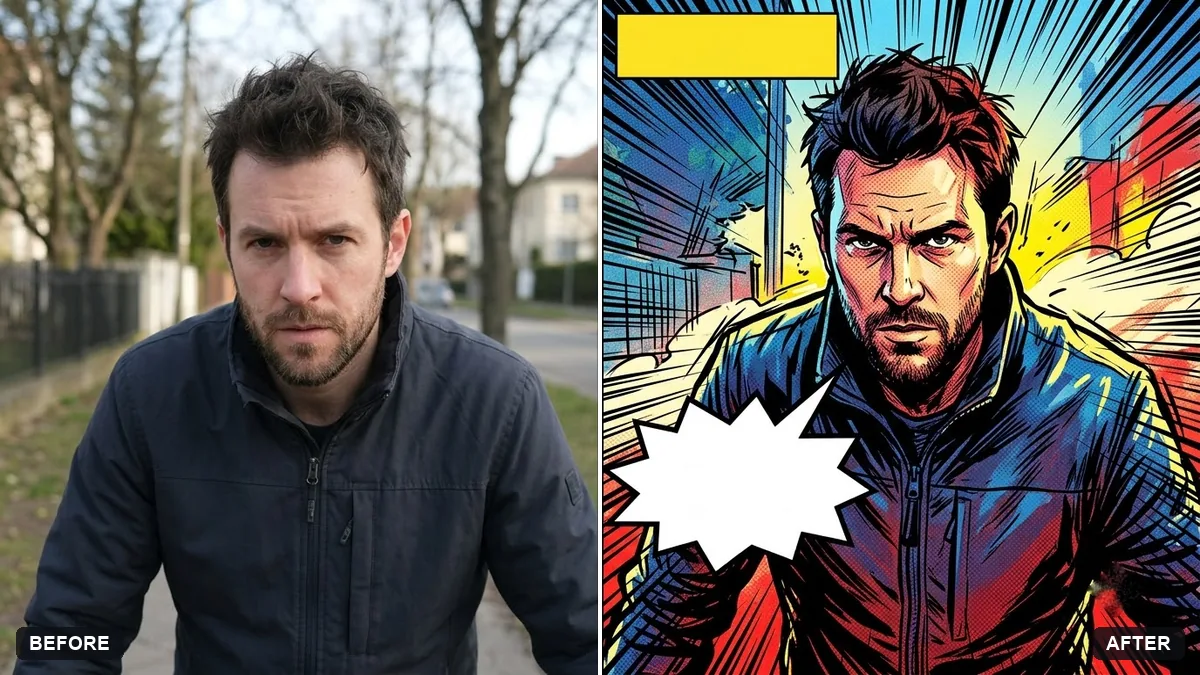
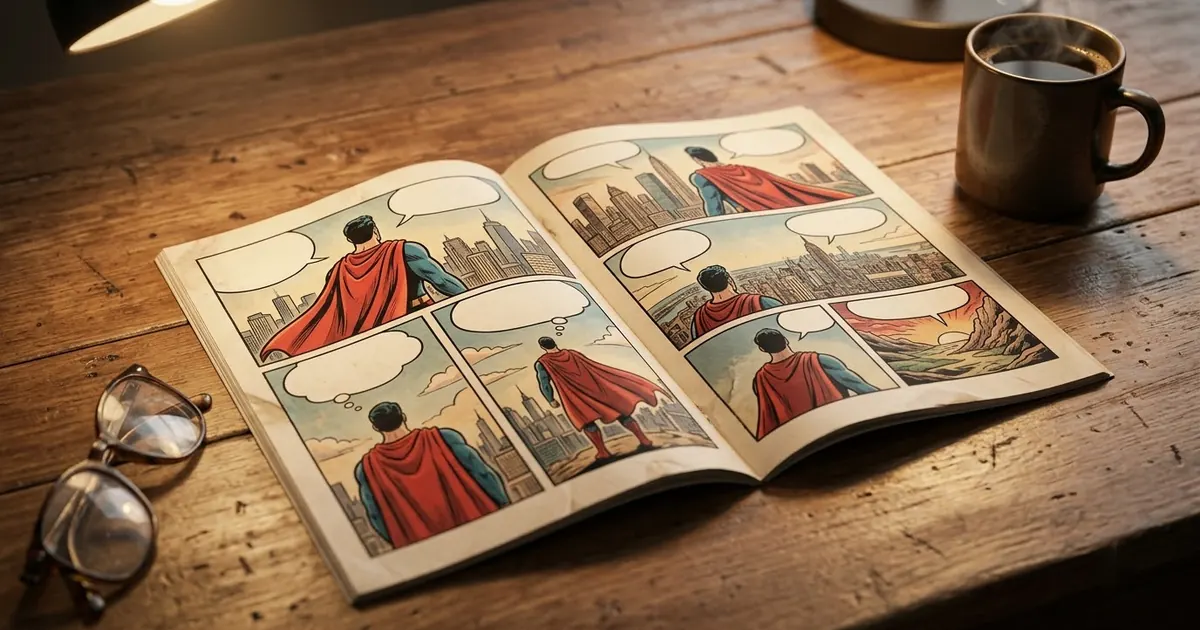
Not every version needs to be a video. The comic book panel prompt turns a single photo into a comic-style still of the same character, useful for a profile picture or a poster if you don't want to generate a full clip.
Fixing common problems
The armor looks like it's floating, not attached. Add "the armor wraps tightly around the body, following the pose exactly" to the prompt.
It changes my face or body shape. Add "keep my face and body proportions exactly the same" near the start of the prompt.
All the pieces appear at once instead of in sequence. Spell out the order explicitly: "first the boots, then the chest plate, then the gauntlets, then the helmet last."
The lighting looks flat. Name a specific light source: "rim-lit by neon signs," "lit only by sparks and headlights."
Where to go from here
For more ways to put yourself in a comic panel or design an original hero, see AI comic book and superhero prompts. For the basics of writing any video prompt, start with AI video prompts for beginners. More effect-style clips like this one are in the viral AI video effect prompts collection, and the prompt builder can help you design your own suit.
Quick checklist
- Describe the armor arriving in named stages, not all at once.
- Pick a colour, a glow location and a final piece for your own design.
- Upload a clear, full-body photo so the pose carries through.
- Keep "my face and body stay the same" in the prompt if you're starting from a photo.
- Pair it with a landing or action clip for a longer sequence.
Prompts to try
More prompts on this topic
- Before-and-after transformation revealKling · Veo · Seedance
- Superhero version of your petGemini · ChatGPT
Comments
No comments yet. Be the first to share what worked for you.