Free tool · Saturday 31 October 2026
Halloween card with your name
Type your names, pick a spooky design and download a Halloween card in a minute. Below it are Halloween wishes and short captions you can copy for a class, a neighbour or a family chat.
Make your card
The card is a JPG, 1080 pixels wide: 4:5 for posts, 9:16 for WhatsApp status, Instagram and YouTube stories. The link opens the same card with your names for whoever you send it to.
Make it with AI: prompts with your names in
Halloween 2026: date and what to write
Halloween is on Saturday 31 October 2026. Families carve pumpkins, dress up and go trick-or-treating in the US, UK, Canada and Australia, and Halloween parties have become common in Indian cities too.
A card with your names works for a school class, a neighbour, a party invite follow-up or a family group chat. Pick the picture design for a glowing pumpkin scene, or the Mandala design for a darker, type-only card.
Halloween wishes you can copy
Tap Copy to copy a wish with your names at the end, WhatsApp to send it with a link to your card, or Put on card to add it to the card above.
Halloween wishes in English
- Wishing you a night full of treats, no tricks and the perfect costume. Happy Halloween!
- May your pumpkins glow, your candy bowl never be empty and your night be only a little bit scary.
- Boo! Hope your Halloween is spooktacular.
- Happy Halloween from our family to yours. May your night be full of laughs and sweets.
- To my favourite partner in crime: happy Halloween. Matching costumes again next year?
- Stay spooky, stay sweet. Happy Halloween!
- Trick or treat? Treat, please. Happy Halloween from all of us.
- May your Halloween be filled with pumpkins, candlelight and just enough fright.
Short Halloween captions
- Fang-tastic night ahead. Happy Halloween.
- Pumpkins lit, candy ready.
- Spooky season, signed off. Happy Halloween!
- Eat, treat, repeat.
- Costume on, plans off. Happy Halloween.
How to make a Halloween card with your name
- Check the date. Halloween is on Saturday 31 October 2026. The countdown above shows the days left.
- Type your names. Add who it is for, your family name if the card is from the whole family, and pick the greeting language.
- Choose a design. Use the festival picture, add your own photo in a round frame, or pick the Mandala design. Pick Post, Story or Square for the size.
- Download or share. On a phone, Share card sends the picture to WhatsApp. On a computer, Download card saves it. Copy card link gives a link that opens the same card.
Want an AI photo of yourself in festival clothes? Read the Halloween AI photo prompts guide, or browse all AI festival photo prompts.
More festival cards
 Dussehra cardTuesday 20 October 2026
 Karwa Chauth cardThursday 29 October 2026
 Dhanteras cardFriday 6 November 2026
 Diwali cardSunday 8 November 2026
 Bhai Dooj cardWednesday 11 November 2026Chhath PujaChhath Puja cardSunday 15 November 2026Guru Nanak JayantiGuru Nanak Jayanti cardTuesday 24 November 2026
 Thanksgiving cardThursday 26 November 2026
 Christmas cardFriday 25 December 2026
 New Year cardFriday 1 January 2027
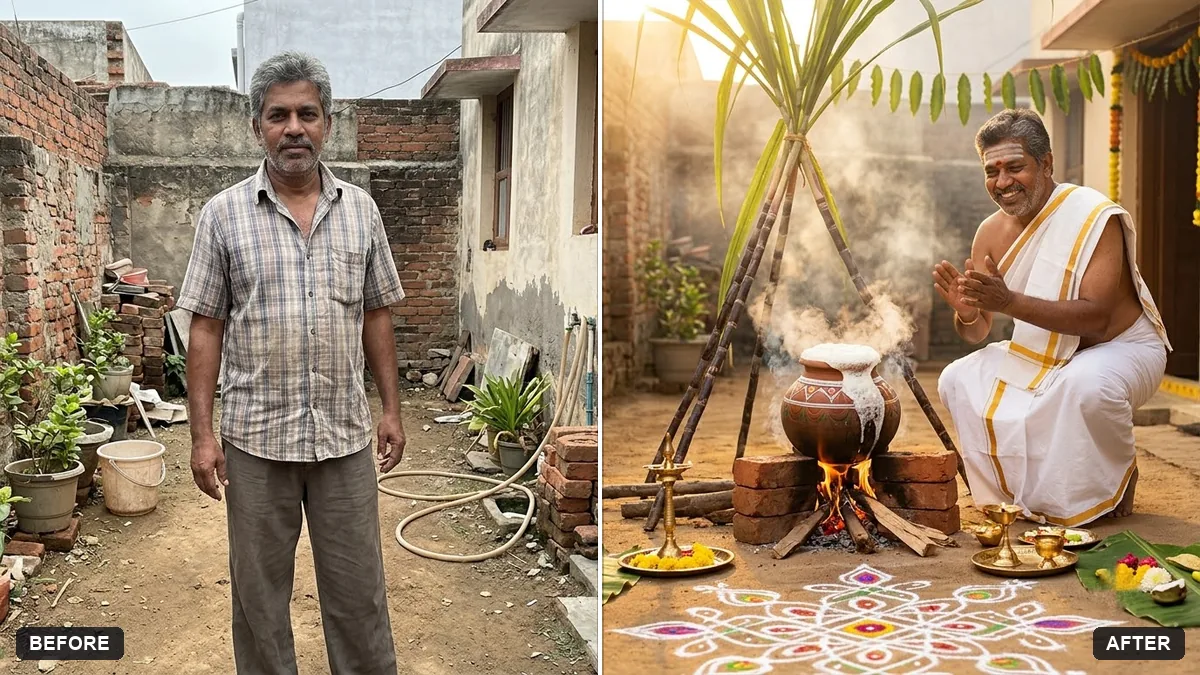 Pongal cardThursday 14 or Friday 15 January 2027
See all festivals on the Festival Studio page.
Questions, answered
When is Halloween 2026?
Halloween is on Saturday 31 October 2026.
What should I write on a Halloween card?
Keep it playful: a pun, a treat joke or a short wish, then sign with your names. The wishes and captions on this page are ready to copy.
Can I make a Halloween card for a child?
Yes. Type the child's name in the Names box and download the card. If you add a photo it stays on your device and is not uploaded.
Is the card maker free?
Yes. It is free, needs no sign-up and adds no watermark, only a small "usepromptup.com" line at the bottom of the card.
Are my names or photo sent anywhere?
No. The card is drawn in your browser and saved straight to your device. The names you type and the photo you add never leave your phone or computer, and PromptUp does not store them.
Can I put my own photo on the card?
Yes. Pick the Your photo design and add a picture from your gallery. It is shown in a round frame on the card. For an AI-made festival portrait, copy one of the prompts on this page and use it in Gemini or ChatGPT with your photo.
How do I send the card on WhatsApp?
On a phone, tap Share card and choose WhatsApp to send the picture. On a computer, download the card and attach it. Send on WhatsApp sends a text wish with a link that opens the same card with your names.