The Higgsfield viral video effects, and the prompts behind them
Published
Short answerHiggsfield's one-click video effects, such as Earth Zoom Out and Money Rain, are built from a plain-English prompt plus one photo. The same wording works in Kling and Veo, so you can recreate the look even without Higgsfield's presets.
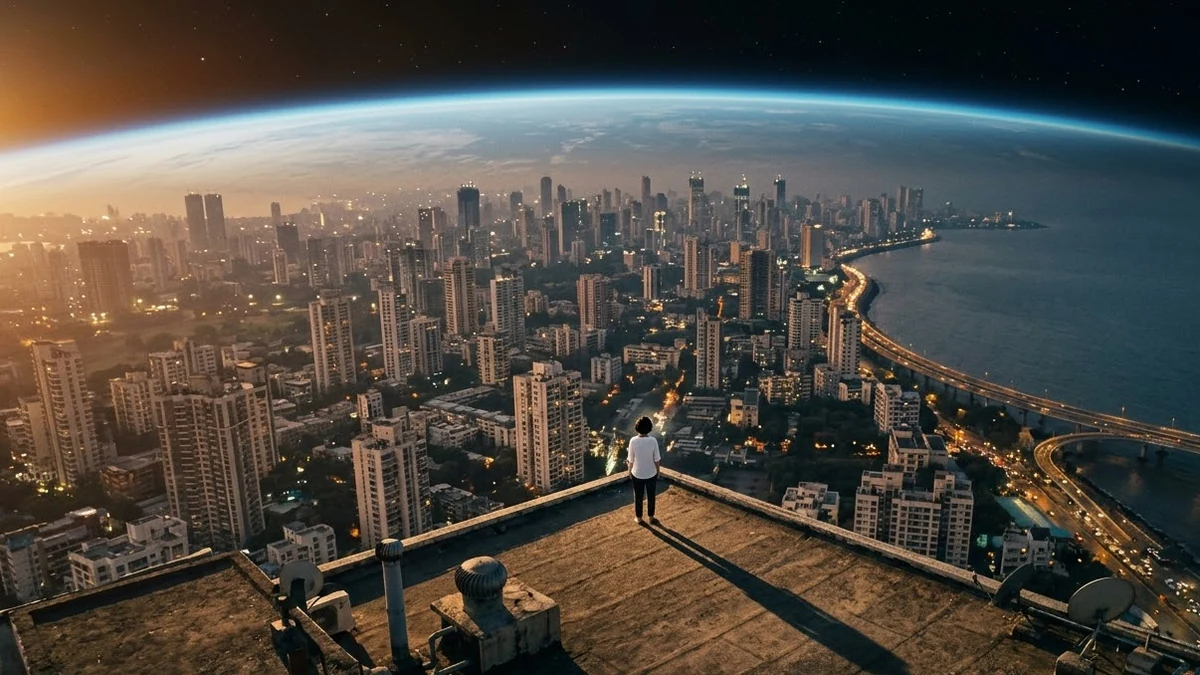
If you've scrolled Instagram Reels or TikTok lately, you've probably seen a photo turn into a short video: a person's rooftop photo pulls back into outer space, or banknotes fall gently around someone on a terrace. Most of these come from Higgsfield AI's Visual Effects tab, which turns one photo into a themed video clip using a preset template.
The Earth Zoom Out effect is the best documented of the bunch. Guides describe it as a continuous zoom-out from a person that expands through the buildings around them, into the sky, and eventually into space, and tutorials note it comes from the same tool that powered an earlier "eye zoom" trend that went viral on TikTok. It's available on Higgsfield's free plan, which is a big part of why it spread so fast.
The good news for anyone without a Higgsfield account: these effects are really just a photo plus a well-written prompt. The same wording works in Kling and Veo, so you can get a close version of the look wherever you already generate video.
Why naming the physics matters
Higgsfield's presets work because the underlying prompt is specific about three things: what happens to the subject, what the camera does, and what stays exactly the same. Skip any one of those and the result drifts. A vague prompt like "zoom out from this photo into space" will give you a generic shot where the person's face and clothes change halfway through. The presets below keep the face and clothes locked and name the camera move in one continuous sentence.
Earth Zoom Out
This is the most recognisable of the set. The Earth Zoom Out prompt:
Earth zoom out, 9:16, 6 seconds. Start on this photo of [SUBJECT AND PLACE, e.g. me on a Mumbai rooftop at sunset]. The camera pulls straight up and back in one smooth move: the rooftop shrinks, then the city, then the coastline, until the whole curved Earth floats in black space with a thin blue glow. The person's face and clothes stay exactly as in the photo during the first second. Realistic satellite detail, soft sun flare on the horizon. One continuous move, no cuts, no text.
Use a photo with open sky or open ground around the subject, so the model has somewhere to pull the camera back into. A tightly cropped selfie doesn't give it room to work.
Money Rain
The Money Rain prompt is simpler and faster to generate:
Money rain, 9:16, 5 seconds. Generic paper banknotes fall gently around the person in this photo, swirling and landing on the ground while they look up and smile with arms slightly open. Slow motion, soft light, shallow depth of field, [SETTING, e.g. a rooftop terrace at golden hour]. Face and clothes stay identical to the photo. The notes are plain colourful paper with no readable text or numbers. No text.
Ask for notes with no readable numbers. It keeps the video from trying to copy a real currency design, which tends to look worse, not better.
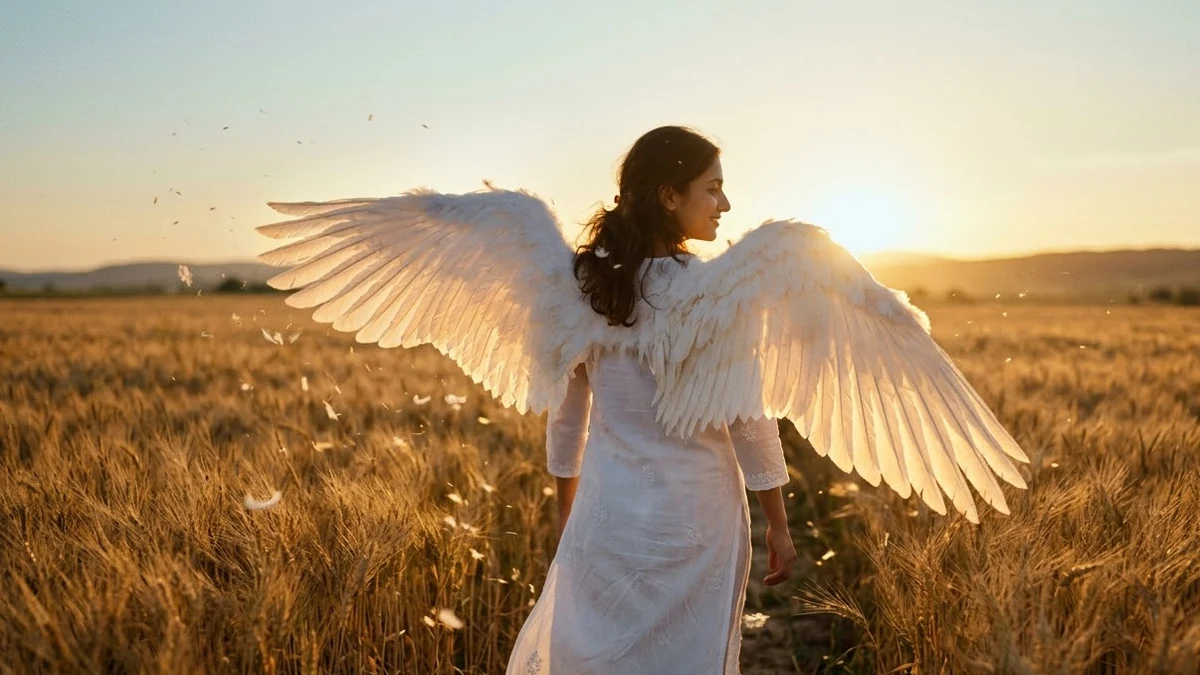
Angel Wings
The Angel Wings prompt works best on a front-facing photo with some space around the shoulders, since that's where the wings need room to unfold. Keep the camera mostly still with a gentle push-in, and ask for "a light breeze" so the feathers move instead of sitting frozen.
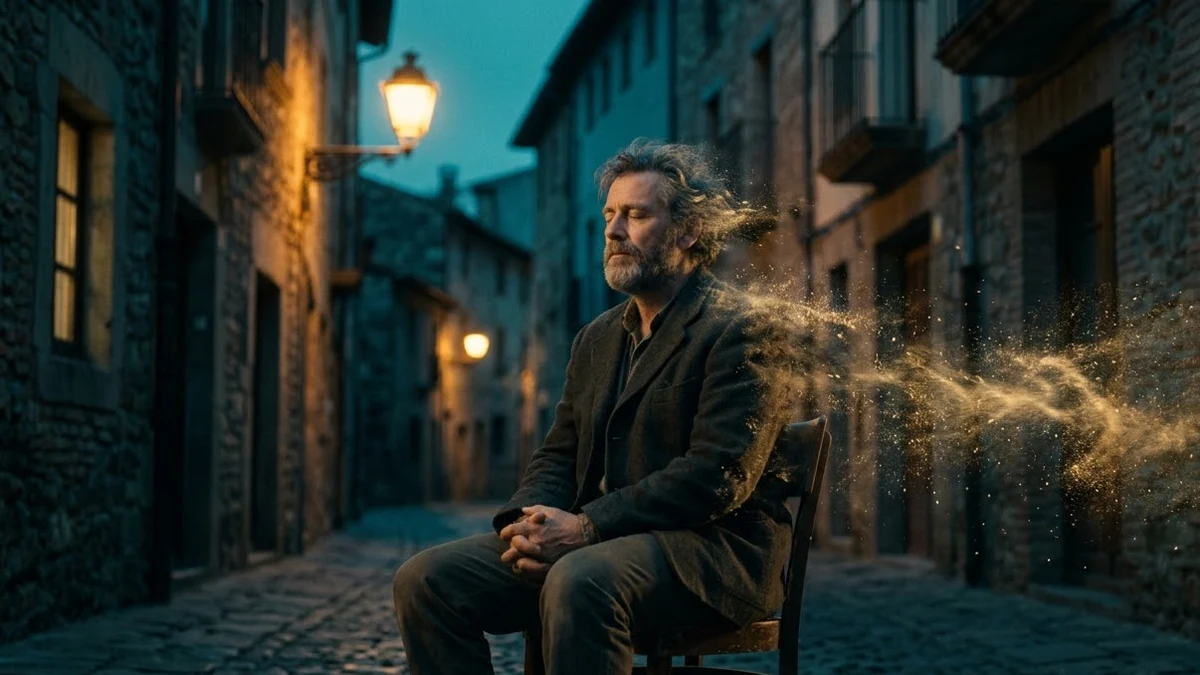
Disintegration
The Disintegration prompt is a quieter, more cinematic effect: the person breaks apart into dust and drifting particles, starting at the hands and hair. Name what's left behind afterwards, such as an empty chair or a quiet street, so the ending reads as intentional rather than like the generation simply ran out.
Colour Rain, for Holi
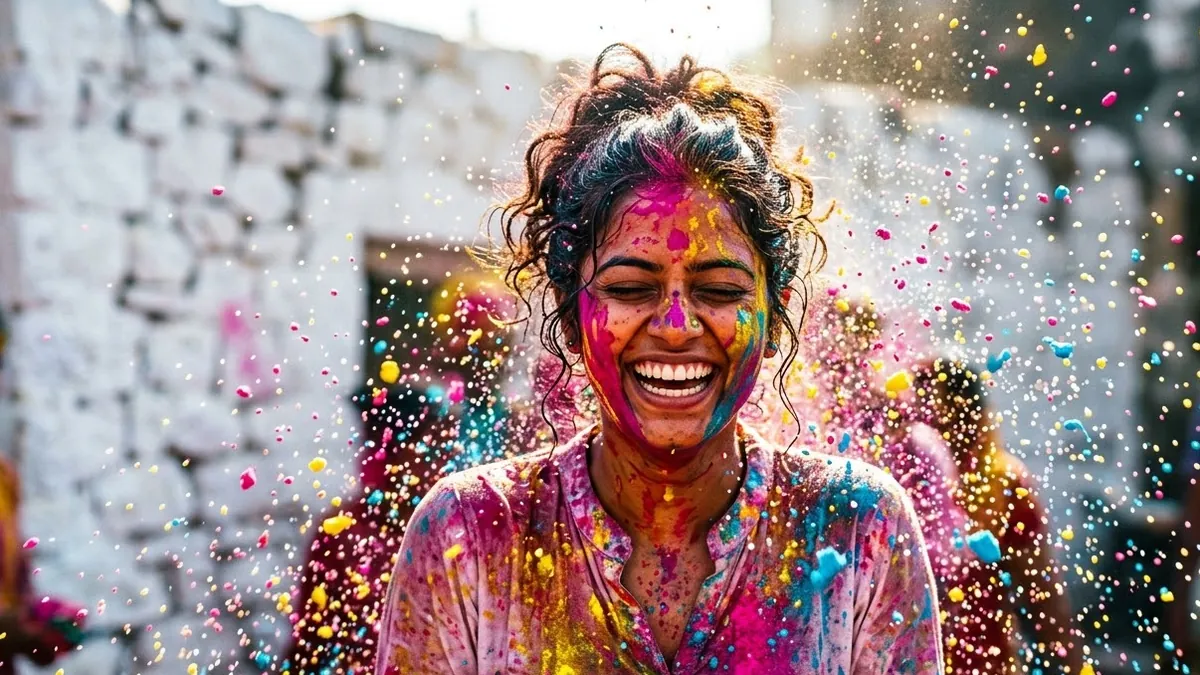
The Colour Rain prompt is built for Holi or a colour run: bright paint pours down over the person in slow motion until they're covered head to toe. Ask for bright, cheerful colours specifically. Without that, the splashes can come out looking closer to blood or mud than festival colour.
How to adapt any of these
Each prompt follows the same shape, and you can reuse it for an effect that isn't listed here:
- Name the effect and the format (vertical, length in seconds).
- Say what changes, in one continuous camera move, with no cuts.
- Say exactly what stays the same: usually the face, pose and clothes.
- Add "no text" at the end, since most of these effects don't need any on-screen text and models sometimes add it unprompted.
If a result looks too chaotic, shorten the brief: pick one change and one camera move, and drop any detail you didn't ask for.
Where to go from here
If you'd rather move the camera around a still subject than transform it, see Higgsfield camera move prompts for orbit shots, push-ins and reveals. All five effects above, plus more, are in the viral AI video effect prompts collection, and the prompt builder can help you swap in your own subject and setting.
Quick checklist
- Use a clear photo with room around the subject for the effect to work in.
- Lock the face, pose and clothes in the prompt so they don't drift.
- Describe one continuous camera move, not a series of cuts.
- Say what's left behind for effects that remove or transform the subject.
- Add "no text" unless you actually want on-screen text.
Prompts to try

More prompts on this topic
- Add a rain effect to a photoGemini · ChatGPT
- Earth zoom-out from where you standSeedance · Veo · Kling
- Crash Zoom reveal of a festival streetHiggsfield · Kling · Veo

Comments
No comments yet. Be the first to share what worked for you.