Camera move prompts for AI video: orbit, dolly zoom and crane shots
Published
Short answerNaming a real camera move, such as an orbit, a dolly zoom or a crane shot, gives an AI video tool a clear, physical instruction instead of a vague mood. Say what stays constant during the move, and keep people out of the frame if you want it clean.
Most AI video prompts describe what's in the shot. Fewer describe what the camera does, and that's usually the difference between a clip that looks generated and one that looks filmed. Real cinematography has names for its moves: an orbit, a dolly zoom, a crane shot, an FPV dive. Using those names, plus a short note on what to hold steady, gives a video model something far more precise to aim for than "cinematic camera movement."
These four prompts each build around one classic move and a simple, static subject, which is the easiest way to see whether the model actually followed the instruction.
Why naming the move beats describing the mood
"Make it feel cinematic" leaves the model to guess. "A smooth 360-degree orbit at a constant height and distance" doesn't. The second version also tells you, as the person checking the result, exactly what to look for: does the height stay level, does the distance stay constant. That's a specific thing to judge a generation against, not a vague feeling.
A smooth orbit around a still object
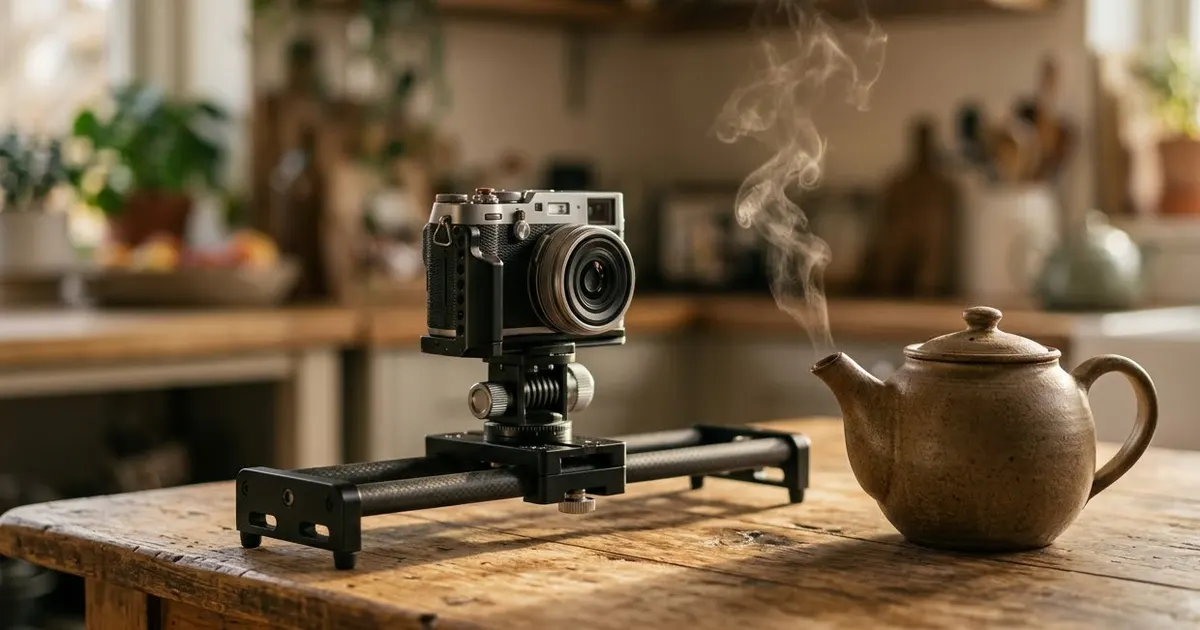
The teapot orbit prompt is a good first test, because an orbit is one of the moves AI video tools tend to drift on:
Vertical 9:16, 8 seconds. A smooth 360-degree orbit around [OBJECT, e.g. a ceramic teapot] on a wooden table by a window, steam curling from the spout and catching the soft side light, a small cup beside it, a blurred cosy kitchen behind. The camera keeps the same height and a constant distance, with perfectly steady motion. Calm warm tones, shallow depth of field, no people. Sound: a quiet kettle simmer and soft room tone.
"The camera keeps the same height and a constant distance" is the load-bearing sentence here. Without it, orbit shots tend to drift closer or further away partway round. A full 360 in 8 seconds is also a lot to ask, so treat a partial, steady orbit as a good result.
A dolly zoom, the vertigo effect
The library dolly zoom prompt names the effect by its two common labels, which helps the model recognise what you mean:
Vertical 9:16, 8 seconds. A dolly zoom (the vertigo effect) down a long [PLACE, e.g. old library aisle]: the camera moves backward while the lens zooms in, so the far end of the aisle seems to stretch away while the shelves close in. Warm lamps, dust in the air, no readable book spines, no people. Steady and precise. Sound: a low rising drone.
Pick a long, straight space for this one, such as an aisle, a corridor or a train platform. The stretching effect needs a clear vanishing point to be visible at all. "No readable book spines" is there because dense shelving is exactly the kind of detail a model tends to fill with garbled text if you don't rule it out.
A crane reveal
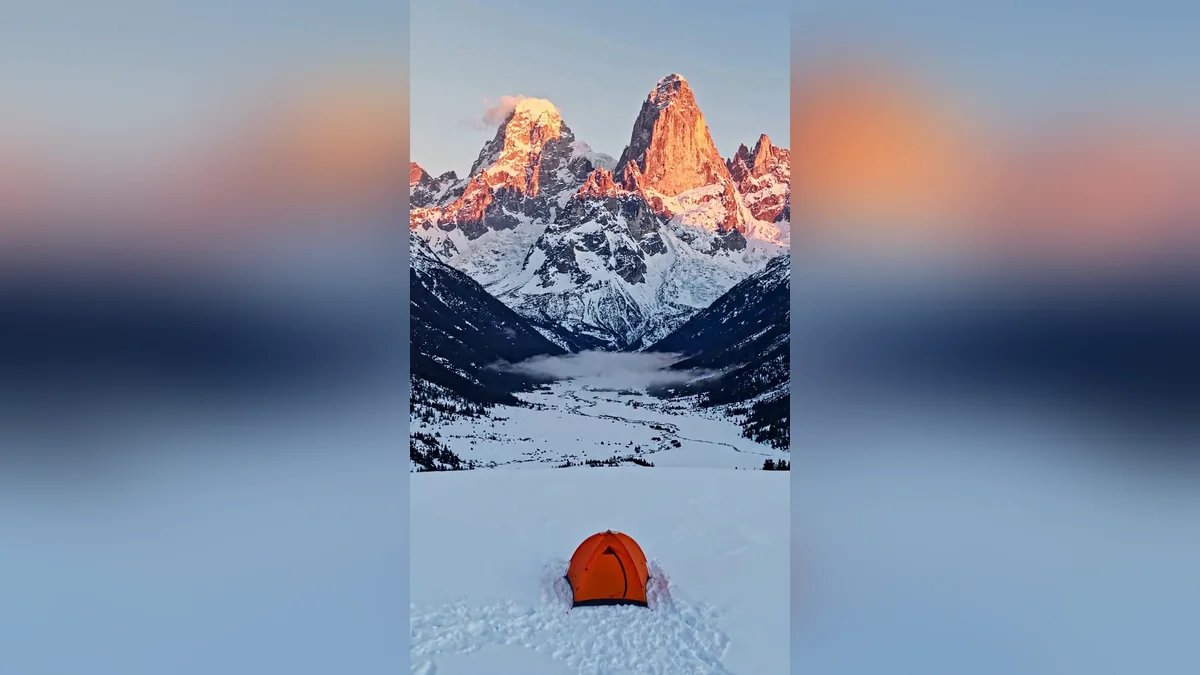
The crane up from a tent prompt pairs a small, specific subject with a big reveal, which gives the model a clear "from" and "to":
Vertical 9:16, 8 seconds. A crane shot rising slowly from a single [SUBJECT, e.g. orange tent] in a snowy valley at sunrise, revealing a vast range of jagged peaks glowing pink and gold, a thin mist in the valley below. The tent has no logos. A very slow smooth rise, wide cinematic frame, crisp cold air. Sound: soft mountain wind and a distant bird.
Starting on one small, named subject at the bottom of the frame matters more than it looks. It tells the model where the shot begins, so the rise has something to lift away from instead of just floating upward over generic scenery.
An FPV dive through a tight space
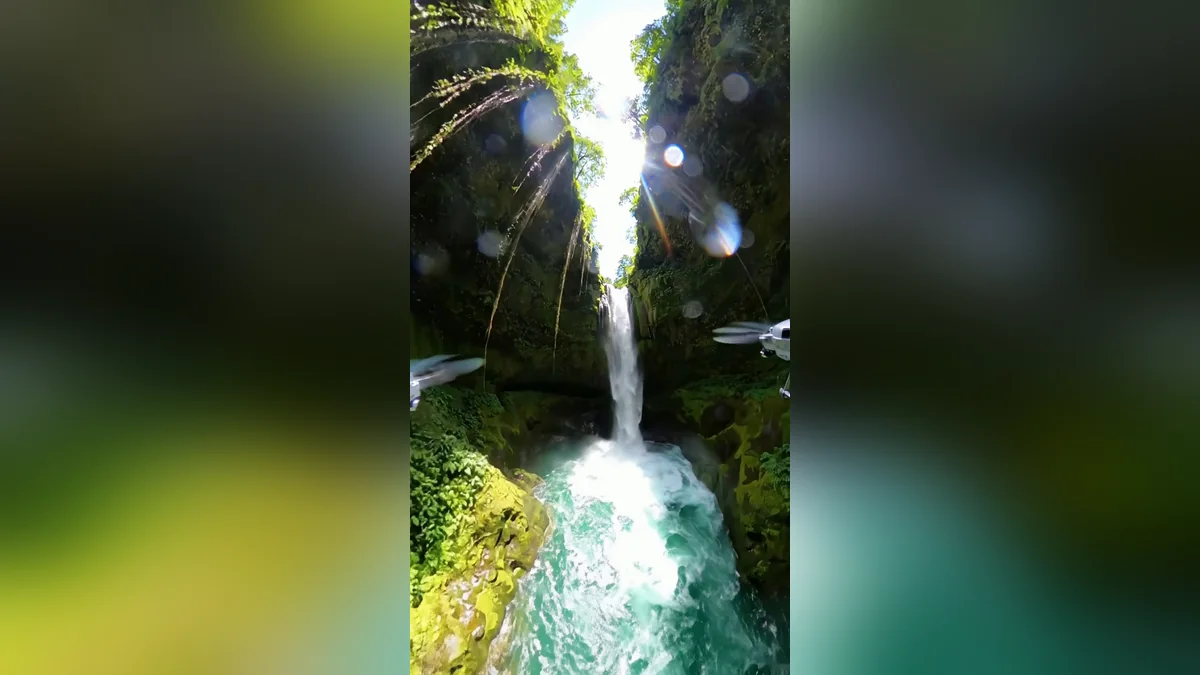
The FPV canyon prompt is the fastest, most energetic of the four, and the one most likely to invent odd detail at the edges of frame:
Vertical 9:16, 8 seconds. A first-person-view drone dives down alongside a tall waterfall in [PLACE, e.g. a tropical canyon], skims over a green pool and then sweeps fast between mossy canyon walls, spray beading on the lens, sunlight flashing through the mist. Dynamic but smooth FPV motion, vivid greens and blues, no people, no buildings. Sound: roaring water and wind.
"No people, no buildings" earns its place here. Fast-moving FPV shots tend to invent odd shapes at the edges of the frame, and ruling out two categories of detail ahead of time cuts down on how much needs fixing afterwards.
Reusing this for your own subject
The pattern behind all four is the same: name the move, name the one thing it does to the frame (zoom, reveal, dive), say what stays steady or stays out, and add a plain sound description. Swap the bracketed subject and setting, and the structure carries over to almost any still object, room or landscape you want to shoot.
Where to go from here
For camera moves built around Higgsfield's one-click presets rather than from a blank prompt, see Higgsfield camera move prompts. These four and more are in the video generation prompts collection, and the prompt builder can help you adapt any of them to a different subject.
Quick checklist
- Name the actual camera move: orbit, dolly zoom, crane, FPV, rather than "cinematic".
- Say what stays constant during the move, such as height or distance.
- Pick a subject that makes the move easy to judge: a long aisle for a dolly zoom, a small object for an orbit.
- Rule out people or dense detail you don't want the model inventing.
- Add a short, plain sound description.
Prompts to try


More prompts on this topic
- Crane Up reveal over a templeHiggsfield · Kling · Veo
- Dolly Zoom "vertigo" momentHiggsfield · Kling · Veo
- FPV drone dive through a busy marketHiggsfield · Kling · Veo
- Zoom deep into a photoKling · Veo · Seedance
- 360 Orbit around a productHiggsfield · Kling · Veo
- Crash Zoom reveal of a festival streetHiggsfield · Kling · Veo

Comments
No comments yet. Be the first to share what worked for you.