Make Claude Code work while your laptop is closed with /schedule
Published · Updated
Short answerType /schedule and describe the job in plain English. It runs on Anthropic's cloud on a schedule, so your laptop can be off. It needs a Pro, Max, Team or Enterprise account and runs count against your plan.
An AI that checks your code every morning while your laptop is shut. One command starts the setup.
Create a task
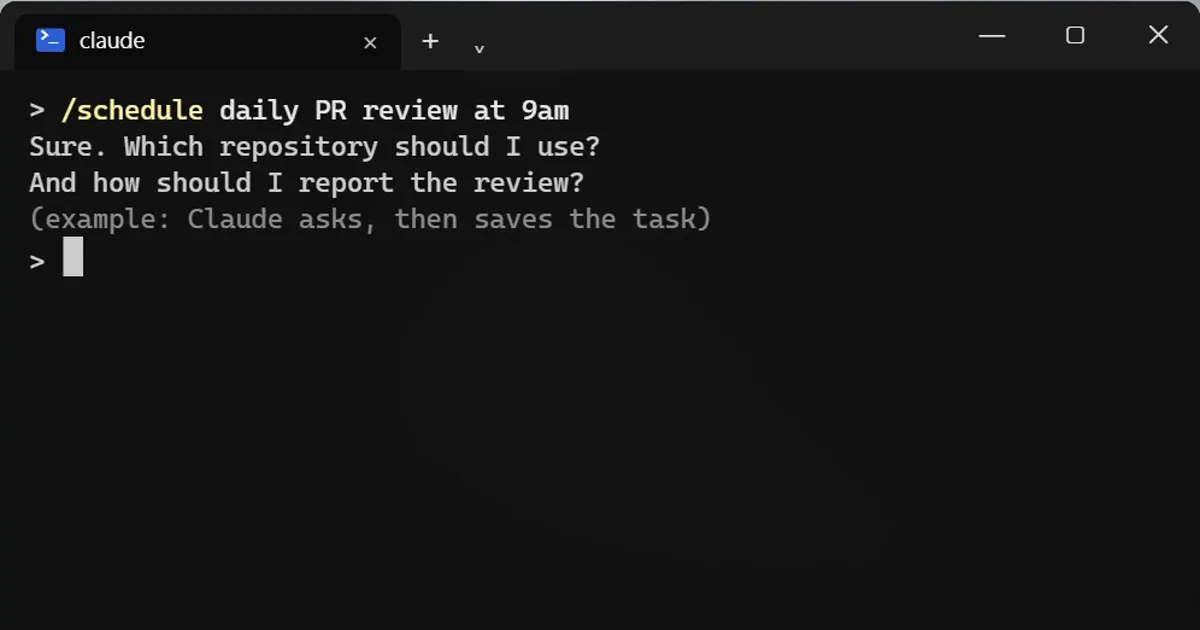
/schedule daily PR review at 9am
Claude walks you through the rest in plain English. The job runs on Anthropic's cloud, so your own computer can be closed or off. Ideas: nightly bug triage, weekly docs checks, a review of every new pull request.
See your tasks
/schedule list
Where the work lands
By default the task pushes its work to a separate branch whose name starts with claude, so you can look before you merge anything.
A tip from the docs
A task set for exactly 9:00 can start a few minutes late, because many tasks pick round hours. Pick 9:07 instead.
What you need
- A Pro, Max, Team or Enterprise Claude account.
- A Claude login, not just an API key.
- Runs count against your plan's usage.
- The feature is a research preview, so details may change.
For jobs that only run while your session is open
Use /loop instead. See the link below.
Start small
Begin with one task that only reads, such as a morning summary of open pull requests, before you schedule anything that changes code. Read its first few results on its branch before you trust it with more.
More quick tips
More prompts on this topic
- Study schedule around a full-time jobChatGPT · Gemini · Claude
- Fix closed eyes in a group photoGemini · ChatGPT
- Plan a deep focus work sessionChatGPT · Gemini · Claude
- Plan my day and prioritise tasksChatGPT · Gemini · Claude
- Plan a feature before writing any codeClaude · ChatGPT · Claude Code



Comments
No comments yet. Be the first to share what worked for you.