Make Claude Code babysit your tests and builds with /loop
Published · Updated
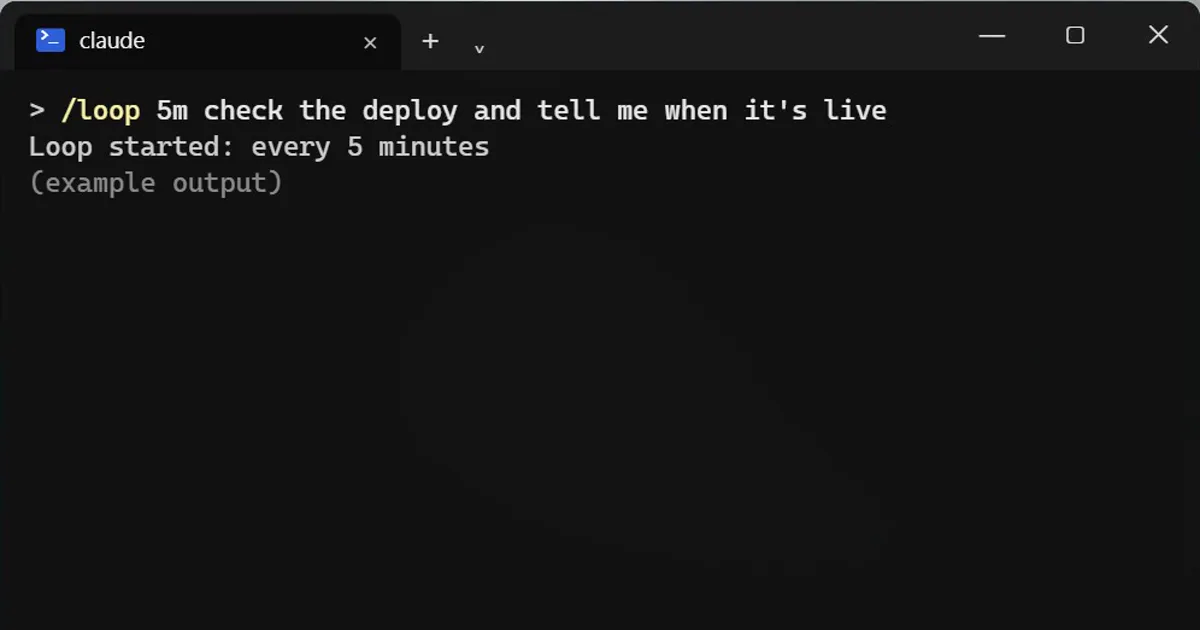
Short answerType /loop, how often, and what to do, such as /loop 5m check the deploy. Claude runs that prompt again at each interval while the session stays open. It stops when you close the session. For always-on jobs use /schedule.
Stop refreshing the build page. Let the AI watch it for you.
Start a loop
/loop 5m check the deploy and tell me when it's live
Every five minutes Claude runs that prompt again, for as long as your session stays open.
Shortcuts
- Skip the time, and Claude chooses the pace itself.
- Skip the prompt too, and it runs a built-in maintenance check.
It only lives in this open session
Close the session and the loop stops. For jobs that must run while your laptop is off, use /schedule, which runs in the cloud.
Watch your tokens
Every run sends your whole chat again, so a fast loop can use a lot of tokens. Pick a calm interval, and clear or compact the chat first if it is long.
Good uses
- Watching a deploy until it finishes.
- Re-running a flaky test and reporting when it passes.
- Checking a long job's output every few minutes.
Write a loop prompt with a finish line
Say what to check and what counts as done, for example "check the deploy page and tell me when it shows version 2.4". A clear finish line keeps each report short and easy to act on. When you have your answer, close the session or stop the loop, so it is not spending tokens on a job that is already done.
More quick tips
More prompts on this topic
- Chai by a monsoon train windowVeo
- Plan a deep focus work sessionChatGPT · Gemini · Claude
- Write a CLAUDE.md file for your projectClaude Code · Cursor



Comments
No comments yet. Be the first to share what worked for you.