Make Claude Code keep going until your tests pass
Published
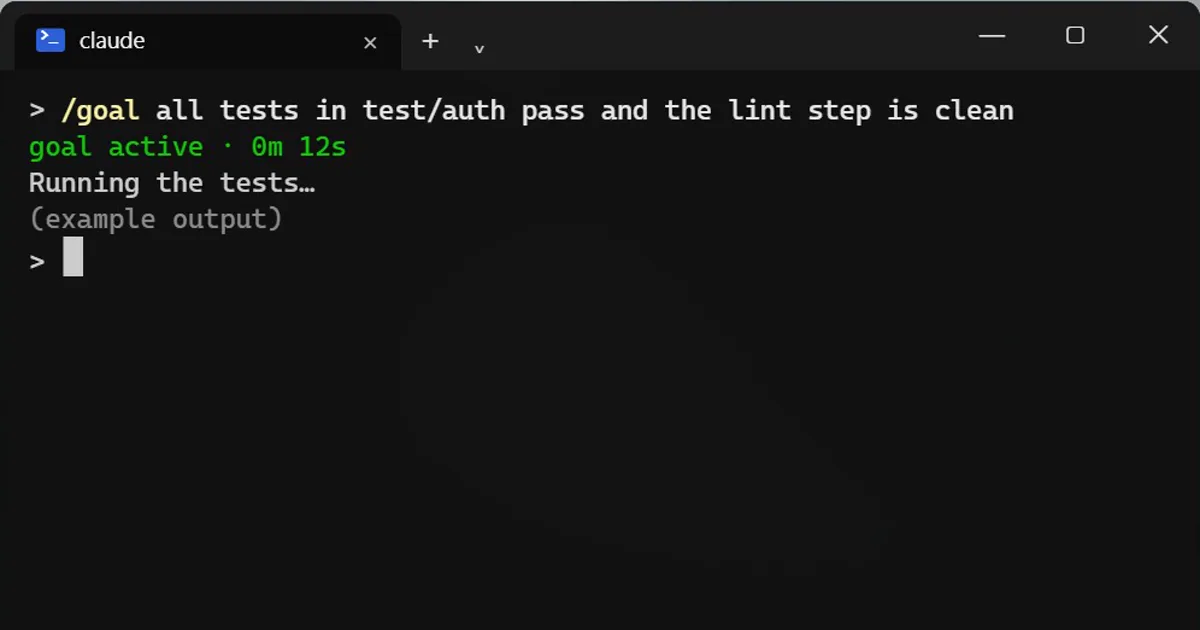
Short answerType /goal followed by a finish line such as all tests pass. After every turn a small model checks the goal, and Claude starts another turn if it is not met. Add or stop after 20 turns as a safety limit.
Claude Code normally stops after each answer and waits for you. /goal changes that: you say what "done" looks like, and it keeps going until that is true.
Set a goal
/goal all tests in test/auth pass and the lint step is clean
After every turn, a second small model checks your finish line. If it is not met yet, Claude starts another turn by itself. When it is met, the goal clears.
Write a finish line Claude can prove
Good: a test result, an exit code, an empty list. Weak: "make it better", because nothing can prove that.
Always add a safety limit
/goal npm test exits 0 or stop after 20 turns
Without a limit, a goal that can never be met could keep running.
Check or stop it
/goal
/goal clear
/goal on its own shows progress. /goal clear stops it.
Permissions still apply
/goal does not change your permission mode. In manual mode Claude still asks before running commands. For hands-off runs, use auto mode, and only in a project where that is safe.
Honest limits
The checker only judges what Claude has shown in the session, and it uses a few extra tokens each turn.
More quick tips
More prompts on this topic
- Mock an external API in your testsClaude · ChatGPT · Gemini
- Write the tests first for a new featureClaude · ChatGPT · Claude Code
- Plan a feature before writing any codeClaude · ChatGPT · Claude Code
- Write a CLAUDE.md file for your projectClaude Code · Cursor



Comments
No comments yet. Be the first to share what worked for you.