Put a spending limit on Claude Code with --max-budget-usd
Published · Updated
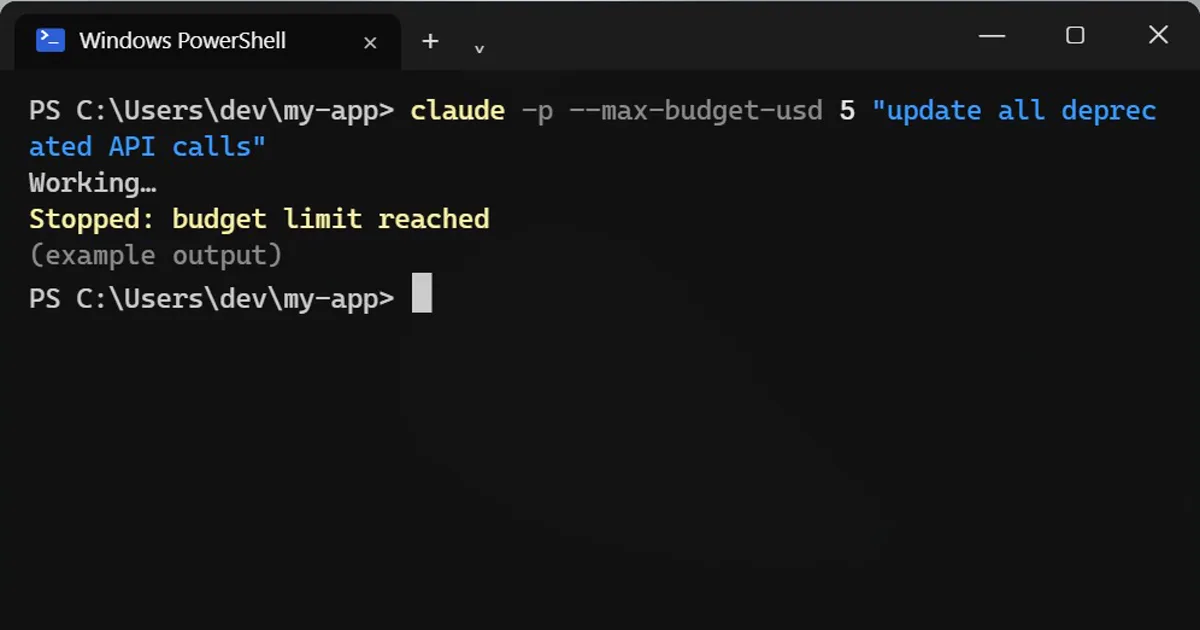
Short answerIn print mode, add --max-budget-usd with an amount to stop a Claude Code run once its estimated spend reaches it. The cost is estimated on your computer from token counts, can overshoot a little, and is not your bill.
A script with an AI inside can burn through money while you sleep. One flag puts a cap on it.
Add a budget
claude -p --max-budget-usd 5 "update all deprecated API calls"
-p is print mode: no chat, it just runs and finishes. That is where the cap works.
What the cap really is
- Claude Code adds up the cost on your own computer, from token counts. It is an estimate, not your bill.
- It can overshoot a little, so set it lower than your real limit.
- Helpers (subagents) Claude starts count toward the same budget.
Limit the steps instead
claude -p --max-turns 3 "explain this repo"
--max-turns limits how many agent turns the run can take. It also works in print mode only, and the run exits with an error when it hits the limit.
Before you script it
Cap it first, run it on something small, and check the account's own usage page for the real spend.
Pick a starting number
Run the job once on a small input with a low cap, then check your account's usage page for what that run really cost. Set the real cap from that number, with some room to spare, rather than guessing. If a run stops at the cap, look at what it finished before you raise the limit.
More quick tips
More prompts on this topic
- Plan a feature before writing any codeClaude · ChatGPT · Claude Code
- Estimate a trip budget before you bookChatGPT · Gemini · Claude
- Plan a simple monthly budgetChatGPT · Gemini · Claude
- Build a monthly budget that fits your lifeChatGPT · Gemini · Claude
- Write a CLAUDE.md file for your projectClaude Code · Cursor



Comments
No comments yet. Be the first to share what worked for you.