Get a report on how you use Claude Code with /insights
Published · Updated
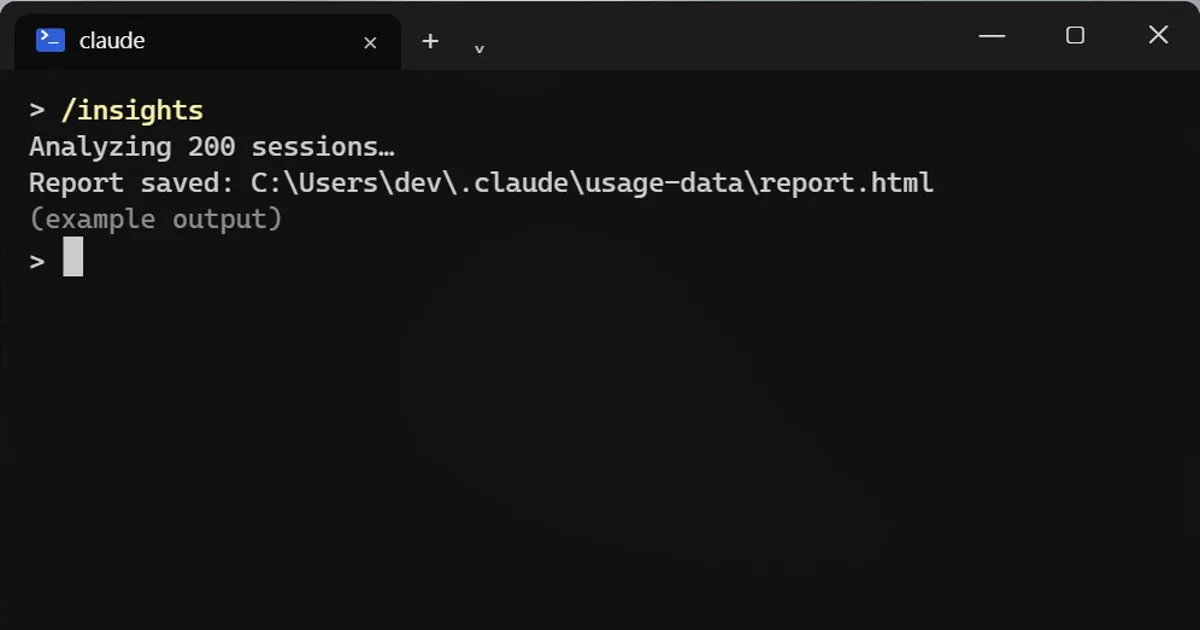
Short answerType /insights in Claude Code. It reads your recent sessions on this computer, up to 200 new ones per run, and builds an HTML report you open in your browser. The analysis uses your tokens.
What if your AI could tell you what you keep doing wrong with it? There is a command for that.
Run it
/insights
It reads your recent sessions, up to 200 new ones at a time, and builds an HTML report you open in your browser.
What the report shows
- Which projects you work on.
- How you use Claude Code.
- Where things went wrong, such as misunderstood requests or buggy code.
- Features you could try.
Limits to know
- It works on any plan, but the analysis uses your tokens, so it is not free.
- Only chats from this computer count. Other devices and the website are not included.
- Reports are saved in a folder under your Claude settings folder and cleared after 30 days by default, like your other session data.
Privacy
The report is built from your local chat history. If you want to clear that history, see the link below.
How to use the report
- Start with the part about where things went wrong. Pick one pattern, such as requests it misunderstood, and change how you write that kind of request.
- Try one suggested feature at a time, so you can tell whether it helped.
- Run
/insightsagain after a few weeks of new sessions and compare the two reports, to see whether the change stuck.
More quick tips
More prompts on this topic
- Write a clear bug reportChatGPT · Gemini · Claude
- Structure a lab reportChatGPT · Gemini · Claude
- Plan a feature before writing any codeClaude · ChatGPT · Claude Code
- Write a CLAUDE.md file for your projectClaude Code · Cursor
Keep reading
All guides →


Comments
No comments yet. Be the first to share what worked for you.