- Updated
Webinar teaser clip
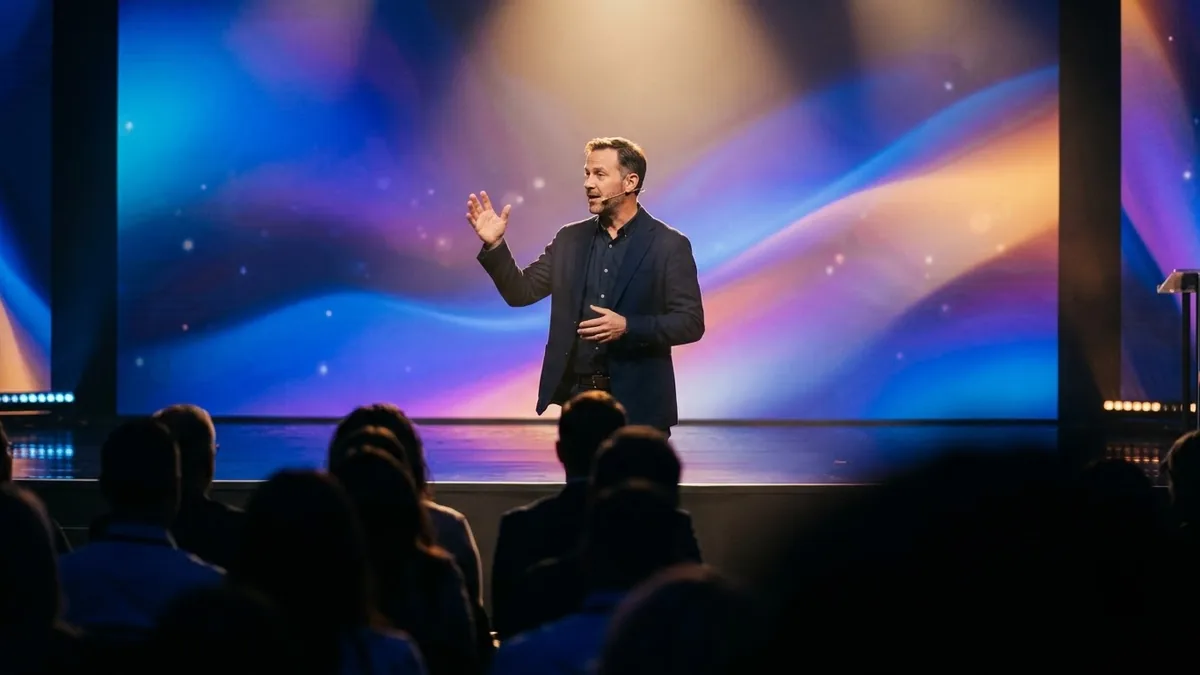
This prompt describes a 10-second teaser with dynamic split-screen shots of a speaker on stage and quick cuts.
A punchy 10-second webinar teaser: dynamic split-screen shots of a speaker gesturing on a stage, quick cuts to a laptop and audience taking notes, kinetic text placeholders, [COLOUR] brand-coloured light leaks, energetic build, ends on an empty area for the date and title. Professional and modern.
Add the real title and date in an editor for accuracy.
Get a better result
A punchy 10-second teaser with split-screen shots of a speaker on stage, quick cuts to a laptop and note-taking audience, placeholder kinetic text, brand-colour light leaks and an empty area at the end for the date and title.
Placeholder text appears as garbled words.
Fix: Ask for “no readable text anywhere”, then add the title, date and link yourself in an editor.
- The speaker looks like a real public figure. Describe a generic presenter, and use a real photo or clip of your actual speaker, with their permission, for the final version.
- The cuts are too fast to follow. Ask for “about five shots, each about two seconds, the last one held for the date and title”.
Ask for “a version ending with a blank card where I can add Tomorrow at 6 pm”. Make one for each day before the event.
Keep the energy and the colour. Use four shots, slow the cuts slightly and keep the last two seconds clean for the title.
Guides on this topic
More video generation prompts
See all 489 →

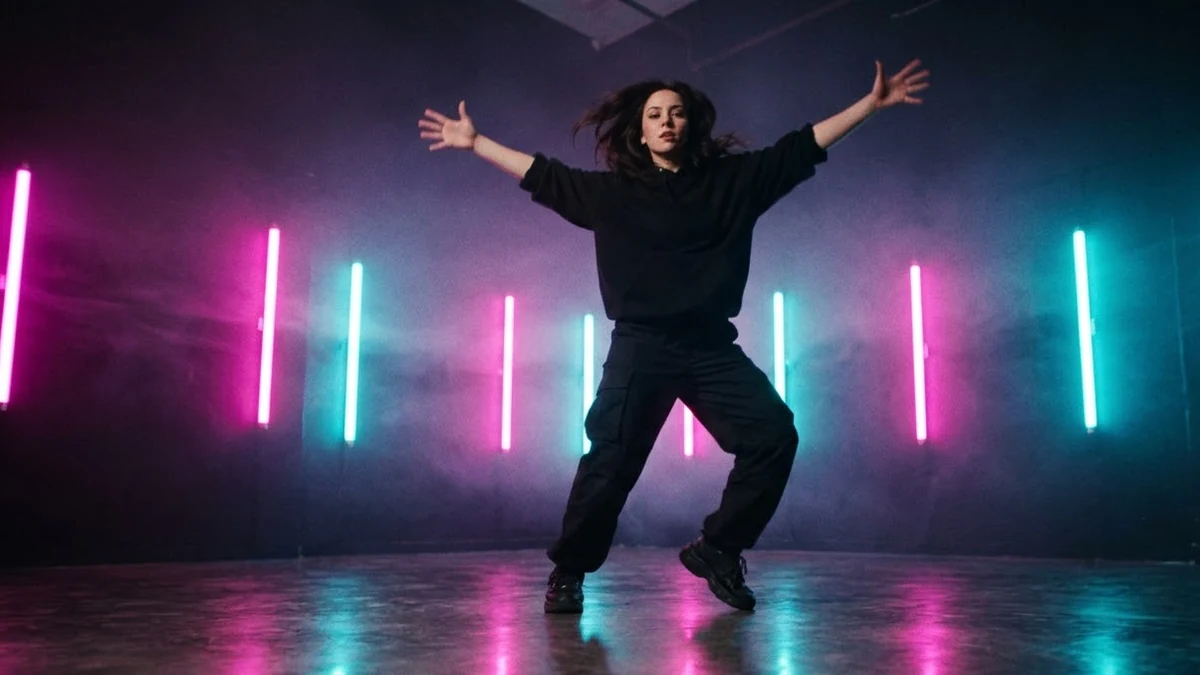

More like this
- Smartphone launch teaserVeo · Kling
- Electric car launch teaserVeo · Kling · Seedance
- Plan a webinar people stay forChatGPT · Gemini · Claude
- Webinar or online workshop cover graphicIdeogram · ChatGPT · Gemini
- Smooth property walkthroughVeo · Kling · Seedance