How to test your internet speed with one PowerShell line
Published
Short answerUse curl.exe to download 100 MB from speed.cloudflare.com to NUL, read the speed_download value and convert it to megabits per second. Divide Mbps by 8 for megabytes per second. On a Mac, run networkQuality.
Speed test sites are full of ads, and apps want permissions. Your PC can measure your download speed with curl, which is built into Windows, and Cloudflare's own speed-test server.
The one-liner
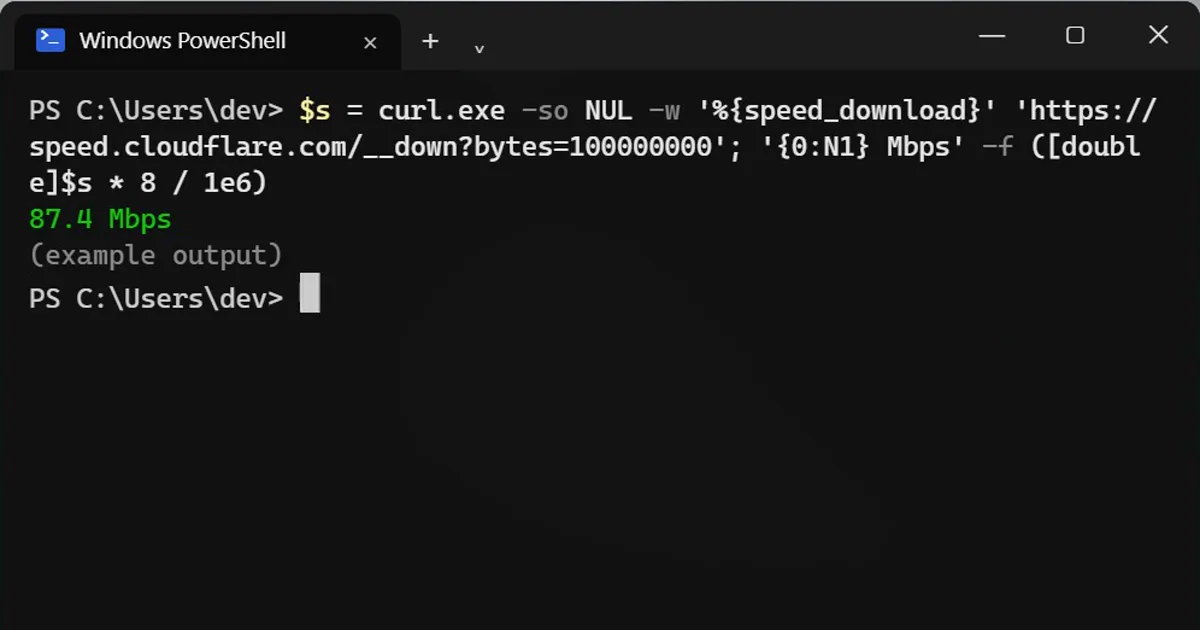
$s = curl.exe -so NUL -w '%{speed_download}' 'https://speed.cloudflare.com/__down?bytes=100000000'; '{0:N1} Mbps' -f ([double]$s * 8 / 1e6)87.4 Mbps
It downloads 100 MB and throws it away (NUL means nowhere), so nothing is saved. Curl measures the average download speed and the second half turns it into megabits per second, the unit your internet plan uses.
On mobile data or a capped plan? Change 100000000 to 25000000 to download 25 MB instead.
The part most people get wrong
Internet plans are sold in megabits (Mbps). Downloads show megabytes (MB/s). One byte is 8 bits, so:
- Mbps ÷ 8 = MB/s
- A 100 Mbps plan downloads about 12 MB per second, not 100.
So a 1 GB file on a 100 Mbps line takes about 80 seconds. That's not slow, it's the maths.
Much lower than your plan?
- Run it on a cable, then on Wi-Fi. Cable fast, Wi-Fi slow: the problem is your Wi-Fi, not your provider.
- Run it at different times. Slow only in the evening usually means a busy network.
- Very fast lines (over about 300 Mbps) can read lower here, because this uses one connection while speed sites use several.
On a Mac
It's built in. Open Terminal and type:
networkQuality
It shows download and upload speed and "responsiveness" (macOS Monterey and newer).



Comments
No comments yet. Be the first to share what worked for you.