Blog
PromptUp vs Gemini: what's the difference?
Short answer: Gemini is the AI assistant that generates the answer or image; PromptUp is the free, private builder that writes a detailed prompt for you to paste into it.
Published
PromptUp's Gemini prompts library leads a few people to ask whether PromptUp is a Gemini competitor or a Google product. It's neither. PromptUp is an independent, free tool that writes the prompt; Gemini is the assistant that turns that prompt into an answer, an image, or an edited photo.
What Gemini is
Gemini is Google's AI assistant. It's built to be multimodal from the ground up — you can hand it text, a photo, a PDF or a screenshot in the same conversation, and it can generate or edit images as well as write and reason about text. It's also woven into Google's own apps, so it can pull in context from Search, Gmail or Docs depending on how you're using it. Gemini is the tool that produces the result.
What PromptUp is
PromptUp produces nothing on its own. It's a free, in-browser builder and a library of over 1,400 ready-made prompts, covering photo editing, image generation, video and writing. You pick a category, adjust a few options, and it writes a detailed prompt for you to paste into Gemini — or into ChatGPT, Claude or an image/video tool that takes the same kind of prompt.
Where the two overlap
Barely at all, by design. Gemini answers; PromptUp helps you ask well. A prompt like "restore this old photo" leaves a lot unsaid — which details to preserve, what to avoid changing, what output size you want. PromptUp's version spells all of that out, so what you hand to Gemini is specific instead of vague.
What Gemini can do that PromptUp can't
- Actually restore the photo, generate the image, or write the answer
- Read a photo, PDF or screenshot you attach, and reason across text and images together
- Pull in context from Google Search or your Google apps, depending on the surface you're using
- Hold a running conversation and refine a result across several turns
What PromptUp can do that Gemini doesn't
- A searchable library of 1,400+ ready-made prompts across photo, image, video and text
- A guided builder that fills in structure (subject, style, constraints, format) so you don't have to know prompt-writing conventions
- Runs fully in your browser — no account, no login, nothing sent to a server
- The same library also works with ChatGPT, Claude and other image/video tools, so a prompt isn't locked to one assistant
Using them together
- Open the PromptUp builder and choose what you're trying to make.
- Fill in the bracketed details for your photo, subject or topic.
- Copy the finished prompt.
- Paste it into Gemini and review the result.
Which one do I need?
Use Gemini directly when you already know exactly what to ask for. Use PromptUp first when you know the outcome you want ("make my old photo look new again") but not how to phrase it as a prompt. Browse the Gemini prompts library, or read how to write an AI prompt to learn the technique behind the builder.
Prompts to try
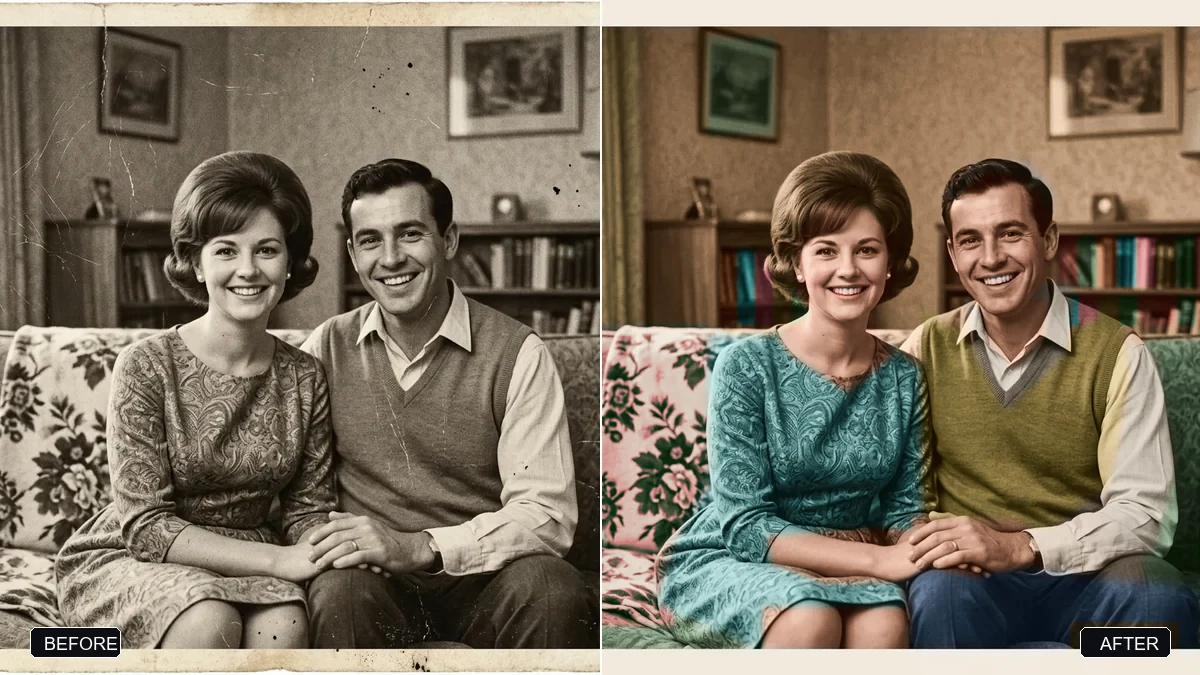 Photo edit · TrendingRestore an old, damaged family photoGemini · ChatGPT
 ImageMinimal modern logoChatGPT · Ideogram · Gemini
ImageFantasy trading cardMidjourney · Ideogram · Gemini
Text & chatSummarise anything in 3 bulletsChatGPT · Gemini · Claude
ImageMinimal modern logoChatGPT · Ideogram · Gemini
ImageFantasy trading cardMidjourney · Ideogram · Gemini
Text & chatSummarise anything in 3 bulletsChatGPT · Gemini · Claude
 Text & chatExplain any complex topic simplyChatGPT · Gemini · Claude