Higgsfield Soul AI portrait prompts: the same face, five different looks
Published
Short answerHiggsfield's Soul ID trains on photos of your face so later portraits keep the same face, skin tone and hair, then a short preset-style prompt changes only the scene, outfit and lighting.
Most AI portrait tools redraw your face a little differently every time, which is fine for one picture and a problem for a series. Higgsfield's Soul model is built around solving that specific issue with a feature called Soul ID: train it once on photos of yourself, and later prompts keep your face, skin tone and hair the same while changing everything else around it, according to Higgsfield's own documentation.
Once a Soul ID exists, the prompts themselves get short. You're not describing a face any more, just a scene, an outfit and a light.
The base Soul ID prompt
Every other prompt in this guide is a variation on the Soul ID photoshoot prompt.
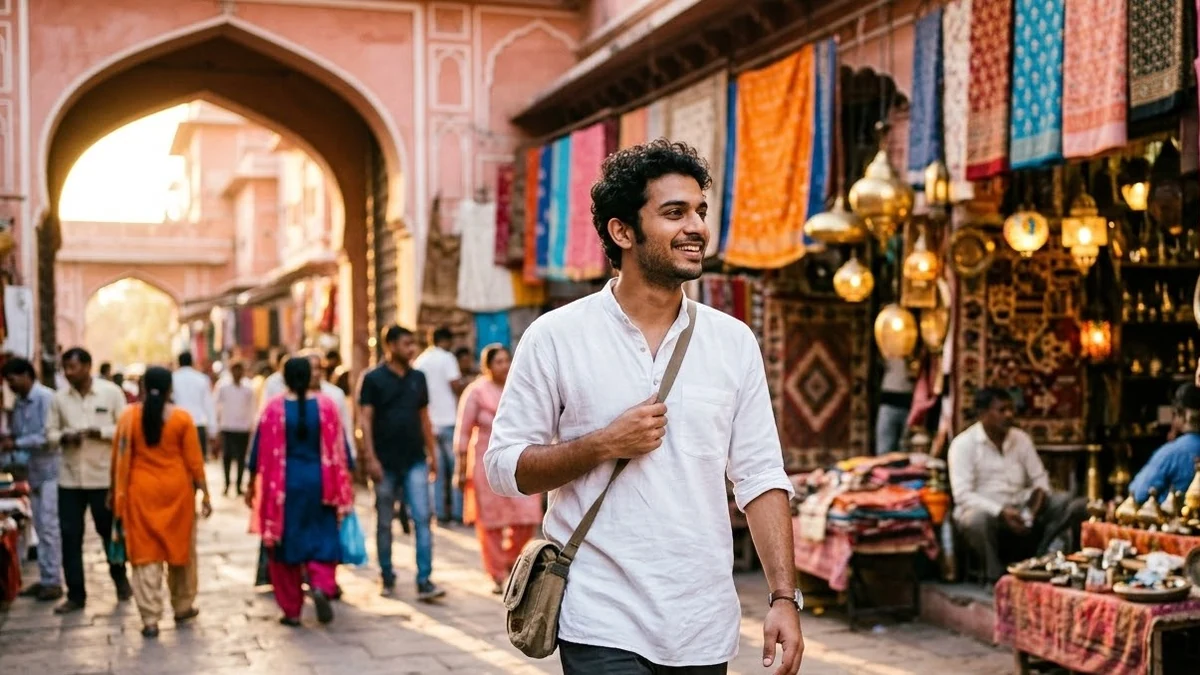
Using my Soul ID character, create a photo of me [SCENE, e.g. walking through a sunlit Jaipur market in a white kurta]. Keep my face, skin tone and hair exactly the same as my Soul ID. Natural candid pose, [LIGHT, e.g. warm late-afternoon sun], 35mm lens look, 4:5. No text.
Train your Soul ID once with a set of clear, varied, well-lit photos of yourself, following Higgsfield's own upload guidance in the app. After that, every prompt you write only needs to change the bracketed scene, light and pose, which is what makes it realistic to build a whole series rather than one lucky image.
A festive ethnic photoshoot
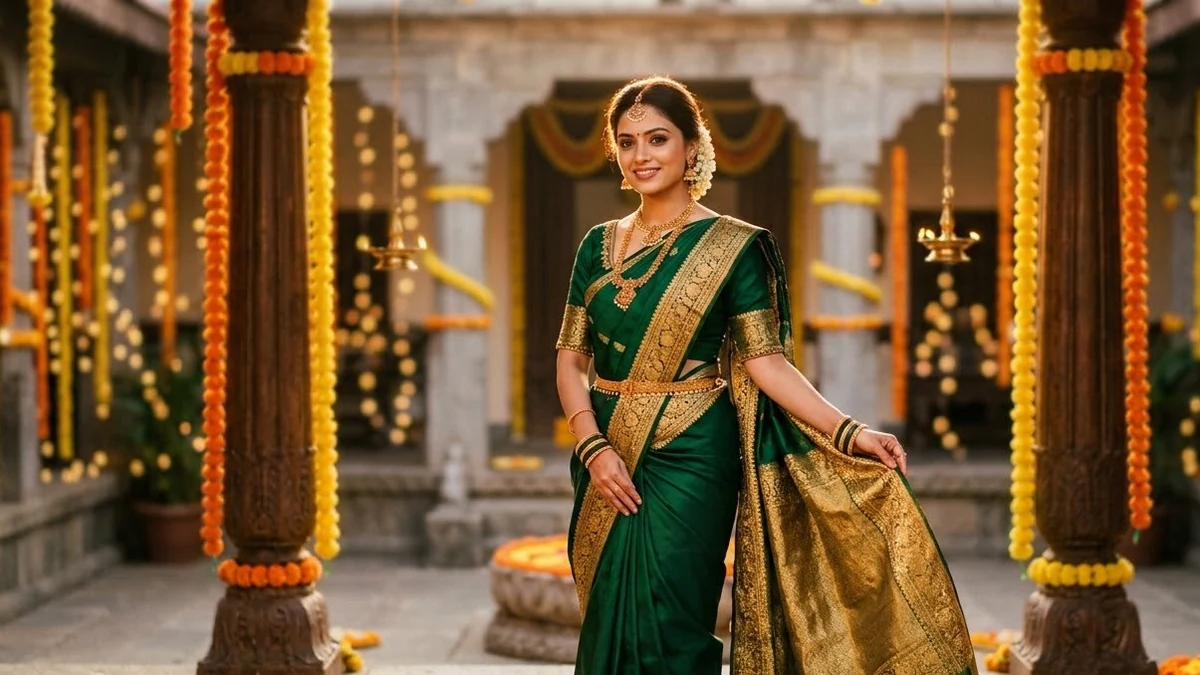
For Diwali, a wedding, or any festive occasion, the festive ethnic prompt is built for warm, golden-hour light.
Festive photoshoot. [SUBJECT, e.g. a woman in an emerald silk saree with temple jewellery] stands in [SETTING, e.g. a courtyard strung with marigold garlands and brass lamps] at golden hour, warm glowing light, soft bokeh from fairy lights, graceful natural pose, rich jewel tones, editorial wedding-magazine quality, 4:5. No text, no logos.
Pick the Warm Ambient preset inside Soul if it's available to you, which pushes the golden light further. Once your Soul ID is set, the same face carries across an entire festive series without you having to redo anything.
A Y2K street-style photo
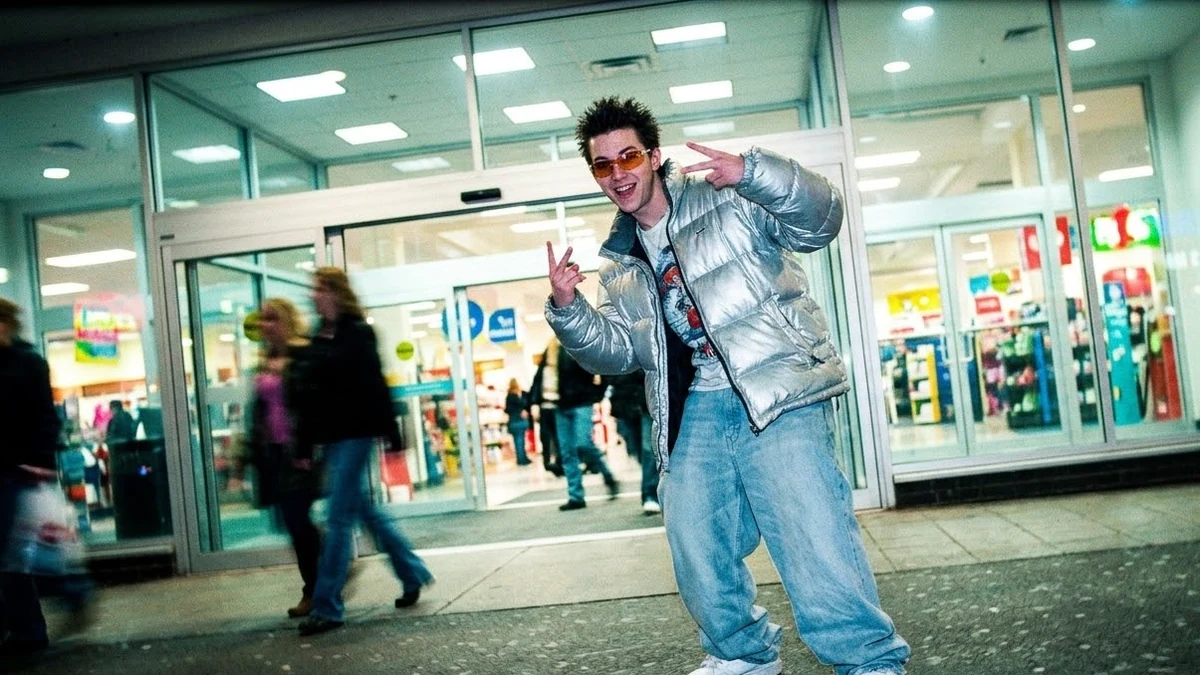
For a completely different mood, the Y2K street prompt leans into the low-resolution digital camera look of the early 2000s.
Early-2000s street style photo. [SUBJECT, e.g. a young man in baggy jeans and a metallic puffer jacket] poses at [SETTING, e.g. a busy mall entrance], low-resolution digital camera look, slight colour cast, timestamp-free, playful pose, bright candy colours, 4:5. No text, no logos.
Keep the outfit description period-accurate (baggy jeans, metallic fabrics, chunky trainers), since the clothes sell the decade as much as the camera look does.
A retro black-and-white portrait
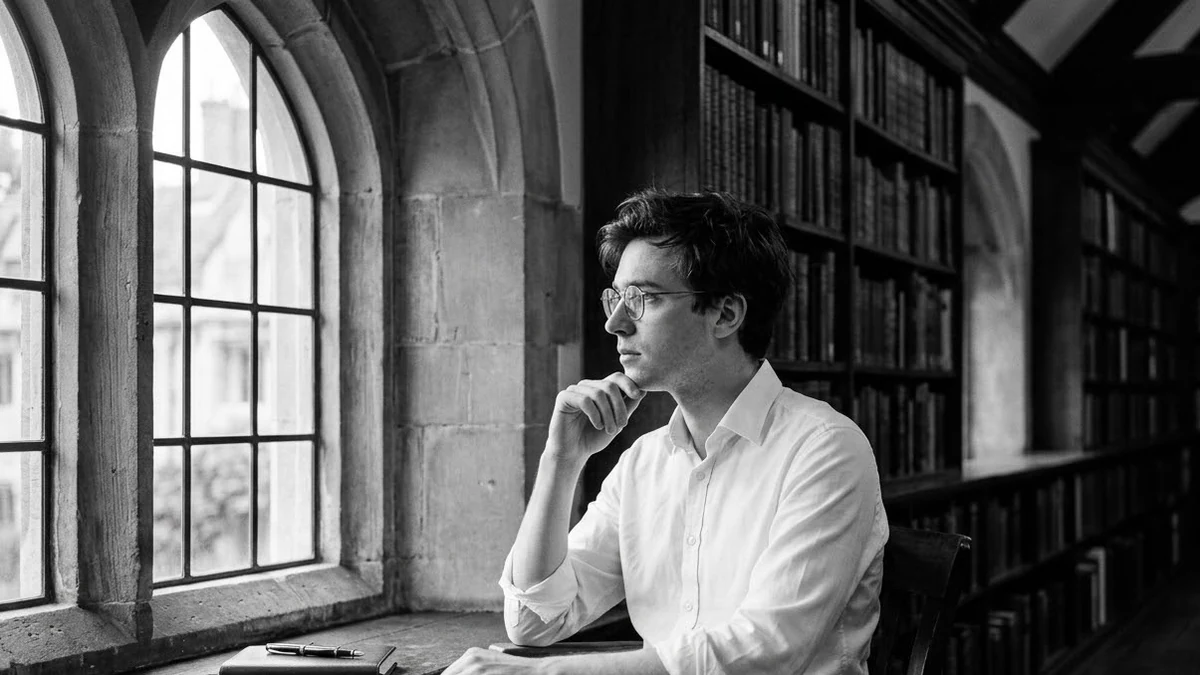
The retro black-and-white prompt goes for a calmer, documentary feel.
Timeless black-and-white photo. [SUBJECT, e.g. a man in a crisp white shirt and round glasses] sits by [SETTING, e.g. a tall window in an old library], soft side light, rich grey tones, fine film grain, calm thoughtful expression, 1960s documentary feel, 4:5. No text.
Side light from a window is doing most of the work. Black-and-white portraits need strong shadow shape to read as more than a desaturated colour photo, and side light is the simplest way to get it.
A candy-colour pop portrait
For something bright and playful, try the candy pop prompt.
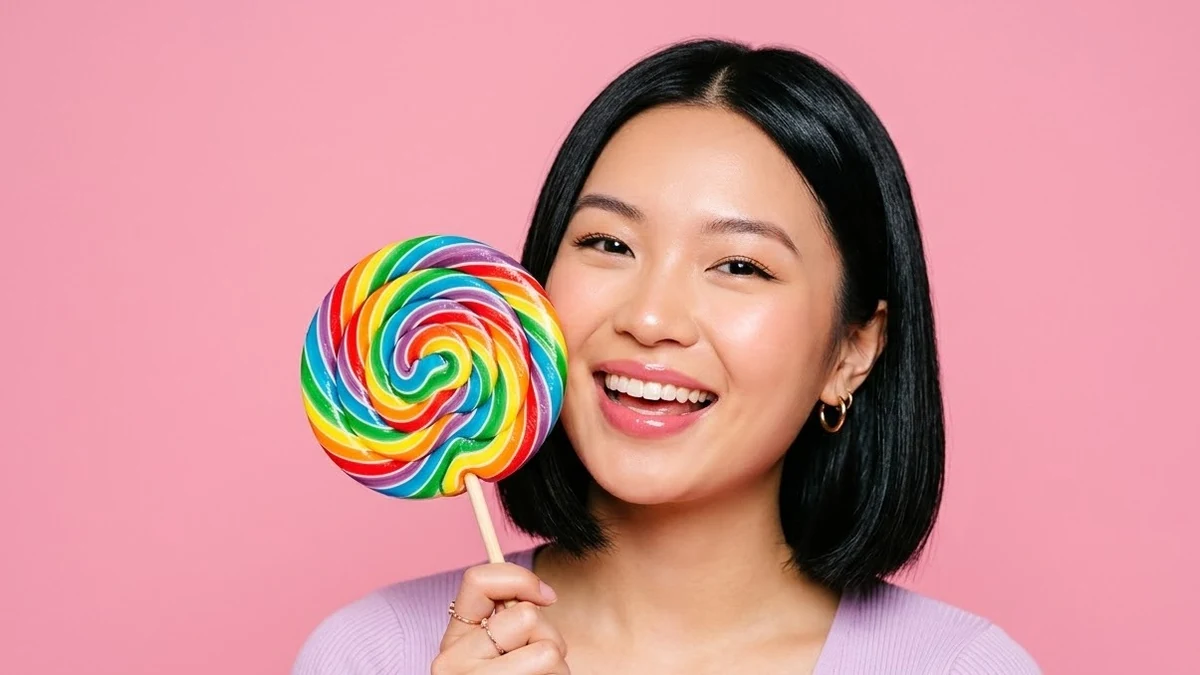
Playful candy-colour portrait. [SUBJECT, e.g. a young woman with a glossy bob haircut] holds [PROP, e.g. a giant swirl lollipop] against a seamless [COLOUR, e.g. bubblegum pink] backdrop, matching pastel outfit, bright even studio light, saturated sweet colours, fun expression, 4:5. No text, no logos.
Match the outfit colour to the backdrop colour. A single dominant colour across the whole frame is what gives this style its pop, rather than a mix of competing colours.
Keeping Soul ID consistent
A few things keep results close to your training photos: describe lighting and scene in detail, but leave your own appearance to the "keep my face, skin tone and hair the same as my Soul ID" line rather than re-describing your face each time. Expect close, not pixel-identical, results on unusual angles or extreme style changes, which Higgsfield's help documentation also flags as a normal limit of the feature.
Where to go from here
For a broader look at keeping any AI character consistent across images, see AI character consistency prompts. For Higgsfield's camera-move and viral effect presets rather than portrait presets, see Higgsfield camera move prompts and Higgsfield viral video effect prompts. All the prompts above are free in the Higgsfield prompts collection, and the prompt builder can adapt any of them to your own scene.
Quick checklist
- Train Soul ID once on clear, varied photos before writing any portrait prompt.
- Keep "my face, skin tone and hair" in the prompt instead of re-describing your face.
- Match outfit and backdrop colour for the candy-pop look.
- Use side light for black-and-white portraits.
- Expect close results, not a pixel-identical face, on unusual angles.



Comments
No comments yet. Be the first to share what worked for you.