How to find and clean your Windows Temp folder with PowerShell
Published
Short answerMeasure the size of $env:TEMP with Get-ChildItem and Measure-Object, preview the cleanup with -WhatIf, then delete only files older than seven days. Files in use are skipped. Old Windows Update files are in Settings > System > Storage > Temporary files.
Every Windows account has a Temp folder. Installers, updaters, browsers and crash reports drop files there and almost never clean up. After a year it can be several gigabytes.
Step 1: How big is yours?
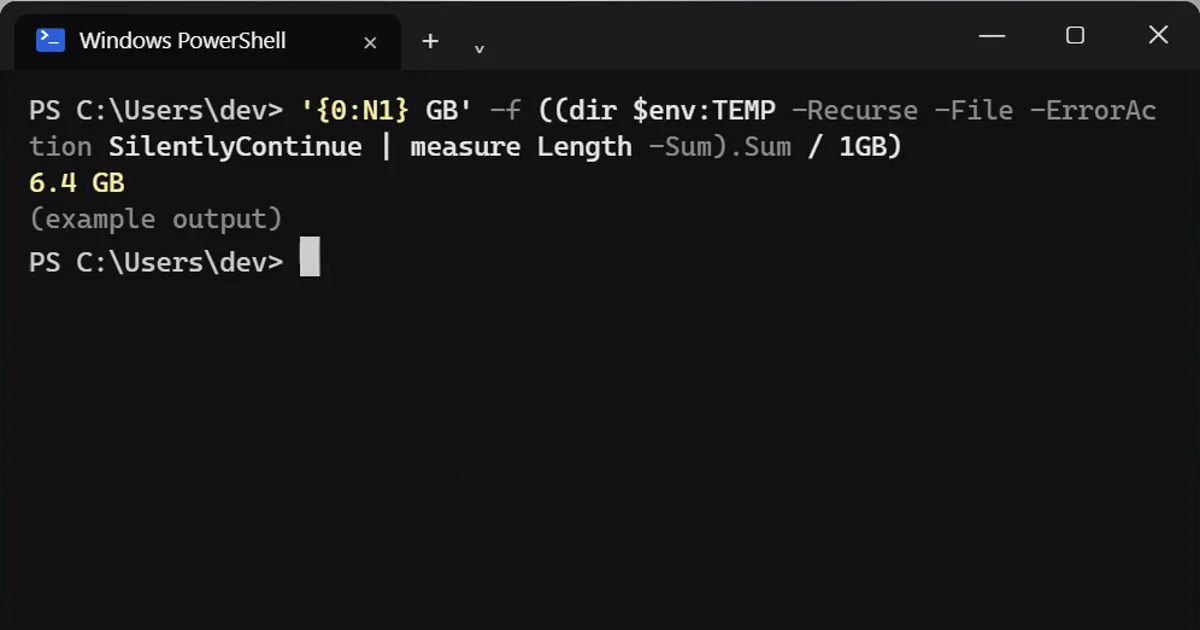
'{0:N1} GB' -f ((dir $env:TEMP -Recurse -File -ErrorAction SilentlyContinue | measure Length -Sum).Sum / 1GB)6.4 GB
$env:TEMP is your own Temp folder, usually C:\Users\<you>\AppData\Local\Temp. To look inside, press Win+R, type %temp% and press Enter.
Step 2: Preview the cleanup
This deletes only files older than 7 days, so nothing an app is using right now. Add -WhatIf first: it lists what would be deleted without deleting anything.
dir $env:TEMP -Recurse -File -ErrorAction SilentlyContinue | ? LastWriteTime -lt (Get-Date).AddDays(-7) | Remove-Item -Force -ErrorAction SilentlyContinue -WhatIf
Step 3: Delete
Happy with the list? Run it again without -WhatIf:
dir $env:TEMP -Recurse -File -ErrorAction SilentlyContinue | ? LastWriteTime -lt (Get-Date).AddDays(-7) | Remove-Item -Force -ErrorAction SilentlyContinue
Files an app still has open are skipped quietly. Nothing breaks: apps recreate what they need. Run step 1 again to see what you got back.
0.8 GB
The bigger junk: Windows Update leftovers
Old update files live elsewhere. Open Settings > System > Storage > Temporary files, tick Windows Update Cleanup and Delivery Optimization Files, and click Remove files. Leave Downloads unticked, or it deletes your Downloads folder too.
Storage Sense (same page) can clean Temp automatically every month.
On a Mac
macOS clears its temporary folders by itself on restart. For space, open Apple menu > System Settings > General > Storage.
More quick tips
More prompts on this topic
- Find dead code and safe things to deleteClaude · ChatGPT · Claude Code



Comments
No comments yet. Be the first to share what worked for you.