Find the 10 biggest files eating your storage
Published
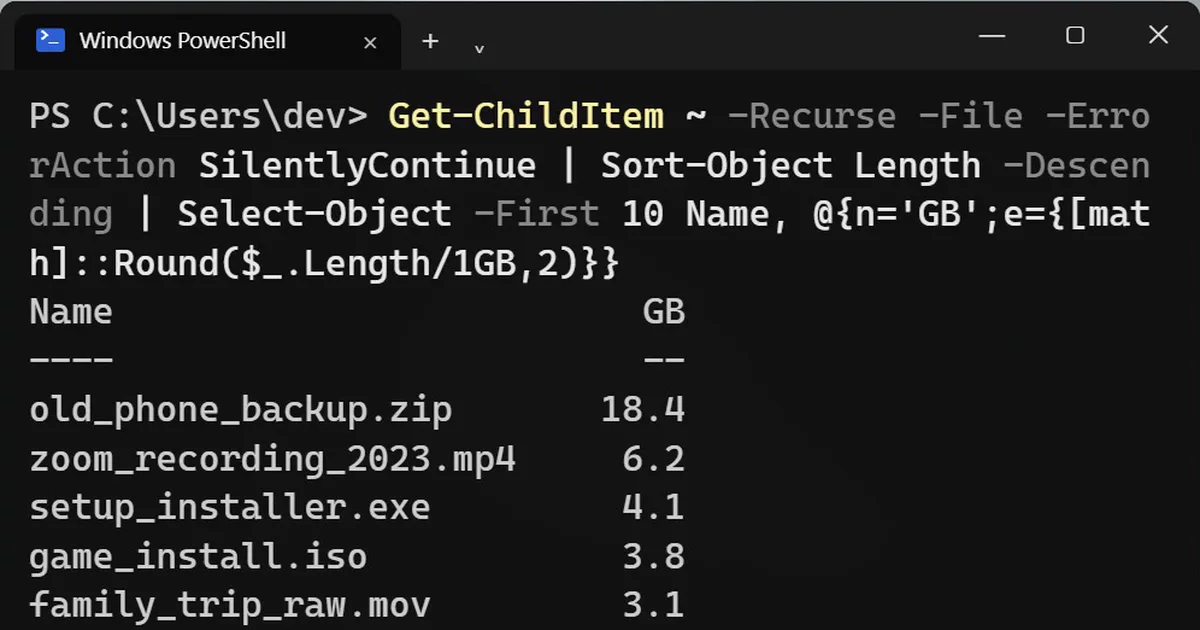
Short answerRun a PowerShell command that sorts every file in your user folder by size and shows the top 10. It takes a minute to scan. Usually the culprits are old backups, screen recordings and installers you only ran once.
"Storage full" usually means a few huge files, not thousands of small ones. This command finds them, so you can clear gigabytes in a minute instead of hunting through folders.
Step 1: List the 10 biggest files
Open PowerShell and paste this. It searches your whole user folder, so give it a minute:
Get-ChildItem ~ -Recurse -File -ErrorAction SilentlyContinue | Sort-Object Length -Descending | Select-Object -First 10 Name, @{n='GB';e={[math]::Round($_.Length/1GB,2)}}Example output (your files and sizes will differ):
Name                         GB
----                         --
old_phone_backup.zip       18.4
zoom_recording_2023.mp4     6.2
setup_installer.exe         4.1
game_install.iso            3.8
family_trip_raw.mov         3.1
android-studio.exe          1.4
movie_rip.mkv               1.3
project_backup.7z           1.1
presentation_final_v9.pptx  0.9
installer_old.msi           0.7
The ~ means your user folder. The command skips files it is not allowed to read.
What you usually find
Old phone backups, screen recordings, installers you only ran once, and big downloads. Check each file before you delete it, because a name can be misleading. If a file is in OneDrive or another synced folder, deleting it there deletes it from the cloud too.
Step 2: Clear Windows temp files
Windows leaves temporary files behind. This command empties the temp folder:
Remove-Item $env:TEMP\* -Recurse -Force -ErrorAction SilentlyContinue
Files that are in use are skipped, but close your apps first. If you would rather not use a command, there is a safer route with checkboxes: open Settings, go to System, then Storage, then Temporary files, and choose what to remove.
On a Mac
This lists the biggest items in your home folder:
du -sh ~/* | sort -rh | head -10
If Google storage is the problem
Your computer is one place storage fills up. Your Google account is the other:
More prompts on this topic
- Build a small command-line toolClaude · ChatGPT · Gemini



Comments
No comments yet. Be the first to share what worked for you.