How to check if someone can remote-control your Windows PC
Published
Short answerRun Get-Process for AnyDesk, TeamViewer, RustDesk and UltraViewer, check winget list for installed copies, and read fDenyTSConnections to see if Remote Desktop is on. Uninstall anything you did not install and change your passwords from another device.
The most common scam call goes like this: "We are from Microsoft, your PC has a virus, install this app so we can fix it." The app is a remote control tool like AnyDesk or TeamViewer, and it often stays on your PC after the call. These three checks take about ten seconds.
Check 1: Is a remote control app running now?
Get-Process *anydesk*, *teamviewer*, *rustdesk*, *ultraviewer* | select Name, Path
Name      Path
AnyDesk   C:\Users\dev\Downloads\AnyDesk.exe
Nothing printed is the good result. A remote app running from your Downloads folder usually means someone asked you to run it, and it can still let them back in.
Check 2: Is one installed, even if it isn't running?
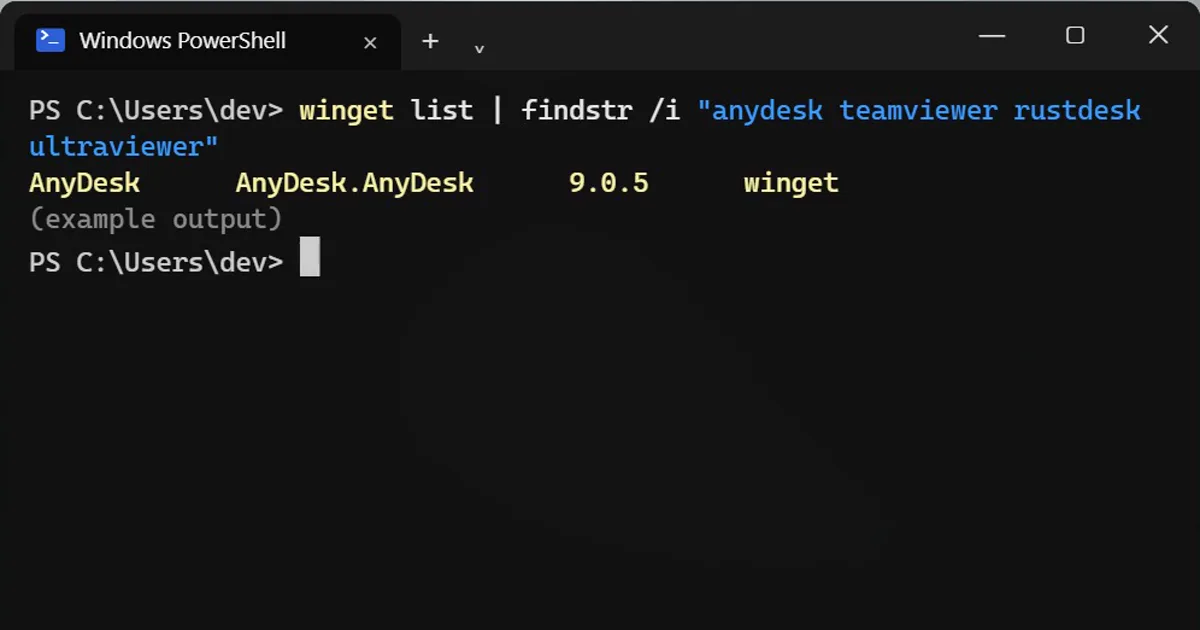
winget list | findstr /i "anydesk teamviewer rustdesk ultraviewer"
AnyDesk AnyDesk.AnyDesk 9.0.5 winget
findstr with several words in one pair of quotes matches any of them, so one line checks all four. Also look in Settings > Apps > Installed apps for anything with "remote", "desk" or "support" in the name.
Check 3: Is Remote Desktop switched on?
Get-ItemPropertyValue 'HKLM:\System\CurrentControlSet\Control\Terminal Server' fDenyTSConnections
1 means Remote Desktop is off. 0 means it is on. If you never use it, turn it off in Settings > System > Remote Desktop. Windows Home editions can't accept Remote Desktop connections at all.
Didn't install it yourself?
- Uninstall it:
winget uninstall AnyDesk.AnyDesk(use the ID from check 2), or from Installed apps. - Change your email, bank and other important passwords from another device, such as your phone.
- If you gave anyone bank details or a one-time code, call your bank now.
Using AnyDesk on purpose with your own family is fine. The point is to know it's there.
On a Mac
Open System Settings > General > Sharing. Screen Sharing, Remote Management and Remote Login should be off unless you use them. Then check Applications for remote apps you did not install.
Remember
Real support never calls you first. Microsoft, your bank and your internet company don't phone you to fix a virus.
More quick tips
More prompts on this topic
- Draft a simple remote work policyChatGPT · Gemini · Claude



Comments
No comments yet. Be the first to share what worked for you.