AI dance video prompts: make a dance trend clip from one photo
Published
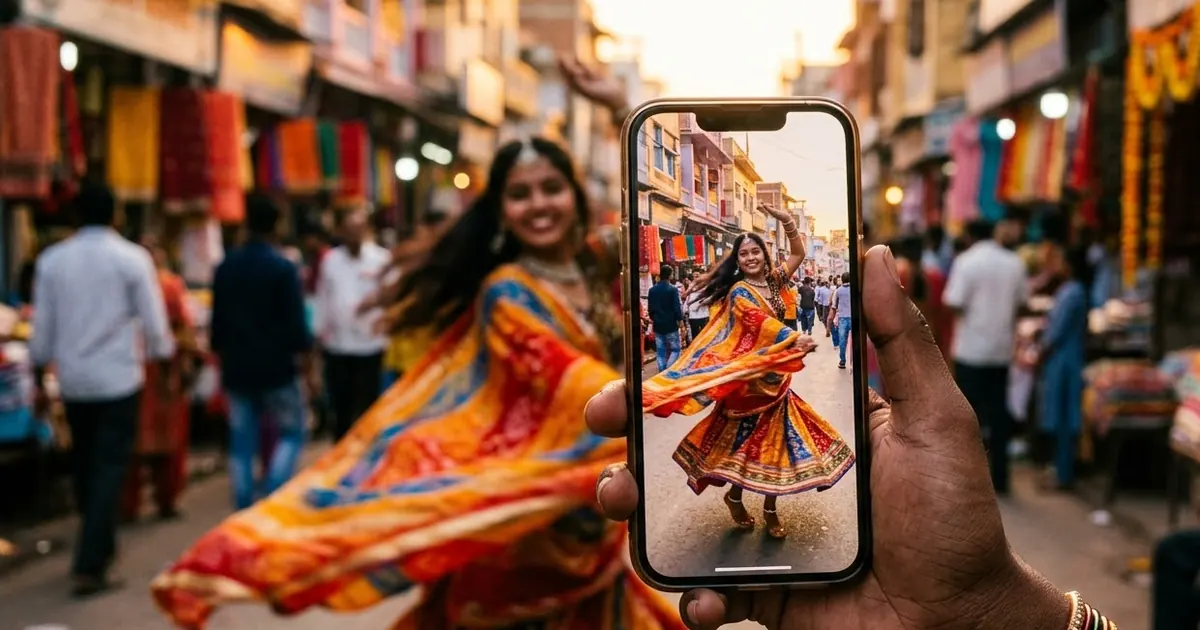
Short answerUse a full-body photo, keep the camera still, and describe simple, named moves for 5 seconds. Short clips with a static camera keep your face and outfit the same. Add the music afterwards in your editing app.
AI dance videos are everywhere on Reels and Shorts: one ordinary photo, and a few seconds later the person is doing the latest hook step. Media.io lists AI dance trends among the most used social effects of 2026, and our own dance trend video prompt is one of the most visited pages on PromptUp.
The tools have become good at movement. Faces and clothes are what still go wrong. These prompts and tips keep you looking like you.
Start with the right photo
The photo decides most of the result:
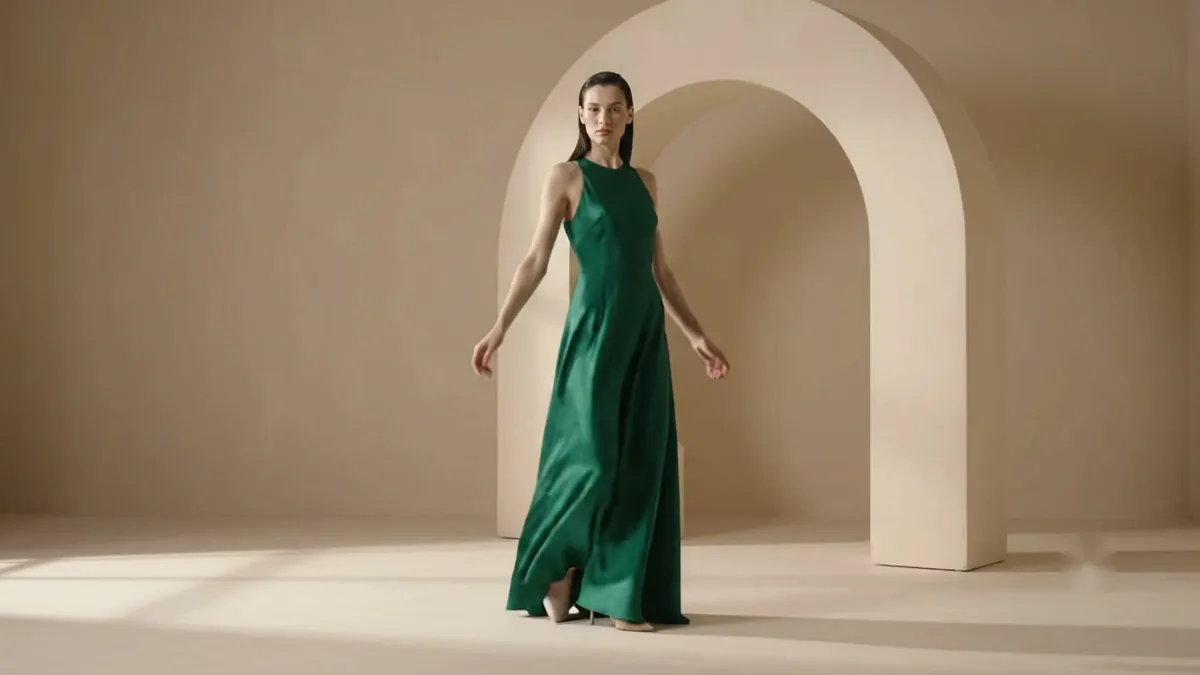
- Full body, head to toe. If your feet are cut off, the AI invents them.
- Plain clothes. Busy prints and long loose dupattas flicker between frames. Solid colours stay stable.
- Arms away from the body. The AI can see where your arms are and move them properly.
- Good light, facing the camera.
The main prompt
This is our dance trend video prompt, which works in Higgsfield, Kling, Veo and similar tools:
Dance video from this photo, 9:16, 5 seconds. Keep my face, body and outfit exactly the same. I do [DANCE, e.g. a few energetic Bollywood hook steps] in [SETTING, e.g. a colourful street at golden hour]. Smooth natural movement, static camera at waist height, bright cheerful light. No text.
"Static camera" is the most important instruction. When the camera moves as well as the dancer, faces drift.
Describing the dance
Names like "the new trending step" mean nothing to the AI. Describe moves it can picture:
- Bollywood hook step: "shoulder shimmy, one hand on the hip, the other waving above the head, small bounce".
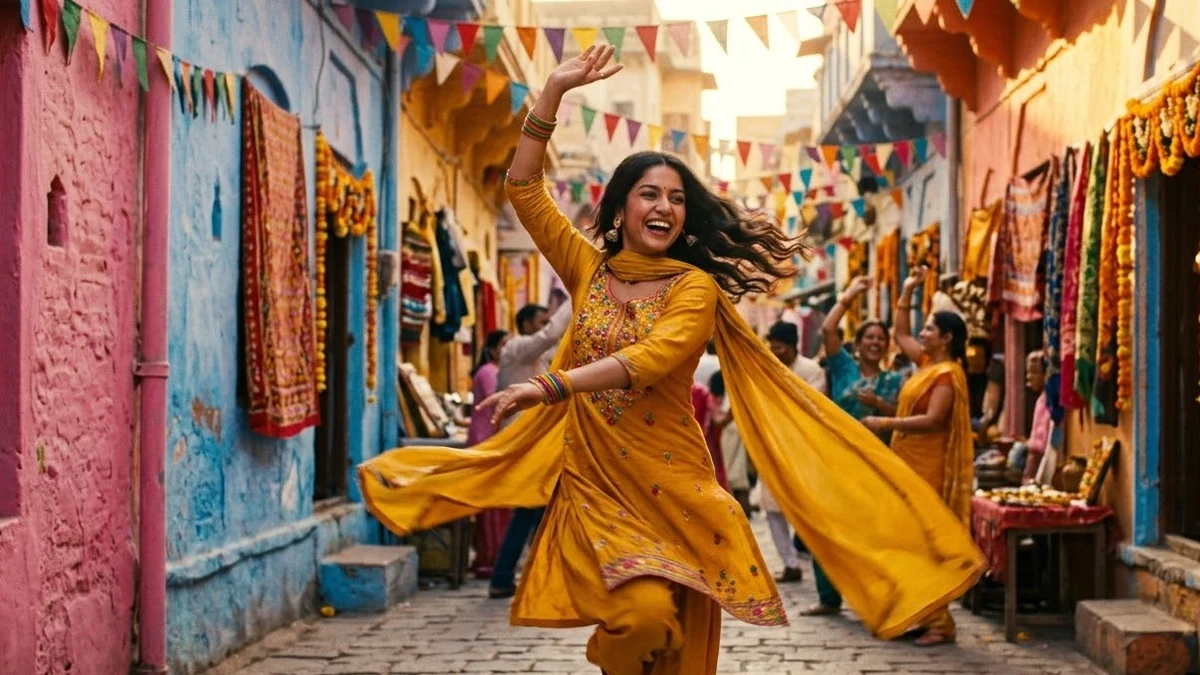
- Garba: "clapping, turning in a small circle, stepping side to side, arms swinging up and down".
- Bhangra: "arms raised high, shoulders bouncing, one knee lifting on the beat".
- K-pop style: "sharp arm movements, body wave, quick hair flip, stopping in a pose".
- Slow couple dance: "holding hands, slow sway and a gentle twirl".
Keep it to two or three moves in 5 seconds. More moves means blur.
Fun variations
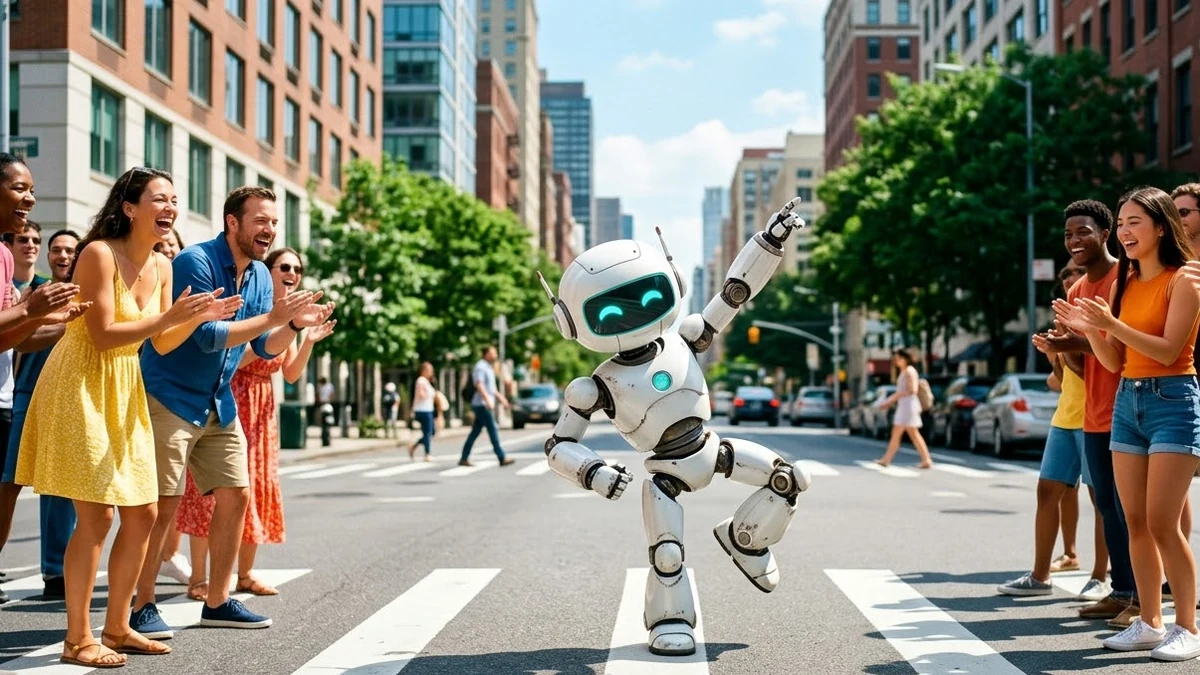
Dancing robot. Our robot dance prompt is a fun intro clip.
Your shop mascot. A dancing mascot makes a cheerful Diwali or sale video. See the mascot dance intro prompt.
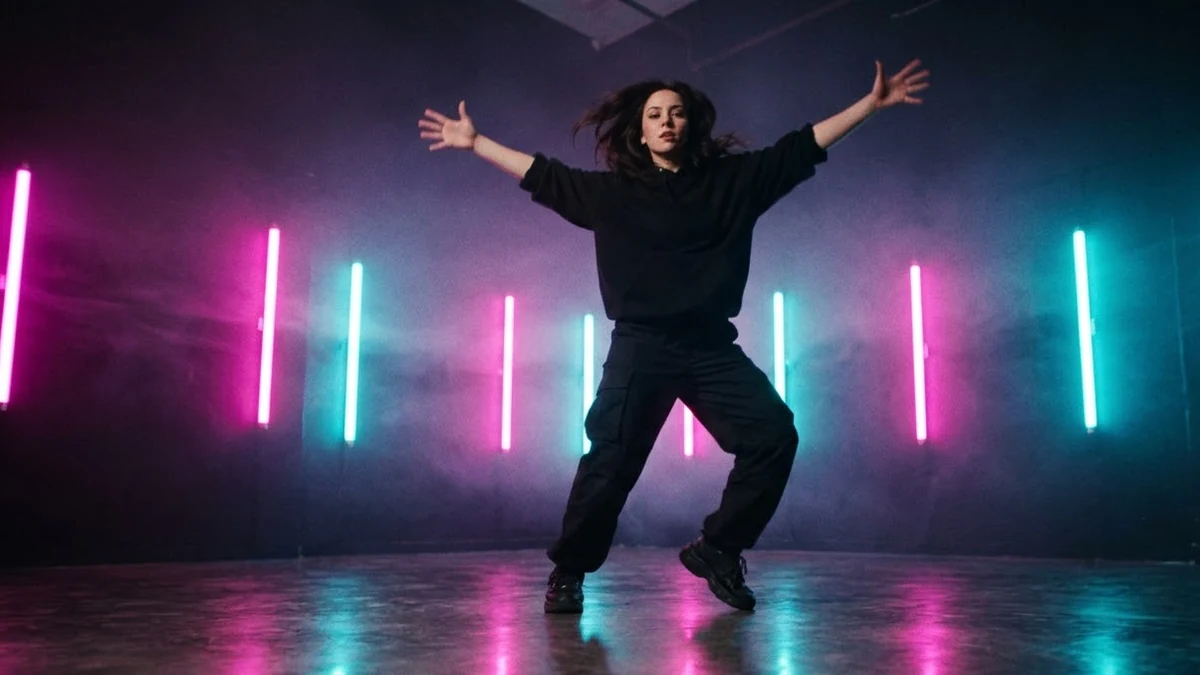
Neon music video. For a moodier, club look, use the neon dance music video prompt.
Pet dance. Upload your dog or cat and ask for "a small happy bounce side to side, paws tapping". Keep it silly and short.
Fashion pose. If you'd rather move than dance, the fashion pose motion prompt gives a slow model turn.
Adding music
Make the video without music, then add the song in Instagram, YouTube Shorts or CapCut. The app's own music library is licensed, so your Reel won't be muted. Line up the first move with the beat by trimming the start of the clip.
Fixing common problems
Face changes mid-dance. Shorten to 5 seconds, keep the camera still, and make the moves smaller.
Extra arms or melting hands. Use a photo with arms clearly visible, and avoid fast spins.
Clothes change colour. Say the outfit in the prompt: "white kurta and blue jeans stay the same".
It looks stiff. Add "loose, relaxed, natural body movement, hair and clothes move with the dance".
A note on consent
Only animate photos of yourself, or of people who have said yes. Making someone dance in a video they never made can embarrass them, even as a joke.
Where to go from here
New to AI video? Start with AI video prompts for beginners, then read animate a photo with AI. There are more dance and motion prompts in the Higgsfield collection and the video generation collection, and the prompt builder can describe your dance for you.
Quick checklist
- Full-body photo, plain clothes, arms visible.
- 5 seconds, static camera.
- Describe two or three moves, not a trend name.
- Add music in the app afterwards.
- Only animate people who agreed.
Comments
No comments yet. Be the first to share what worked for you.