Free tool · runs in your browser
Retro AI photo prompt maker
Pick a decade, a look and where in India, and get a prompt that turns your photo into a real-looking 70s, 80s or 90s picture, including a 90s Diwali family photo or a garba night. Paste it in Gemini or ChatGPT with your photo. Your face stays the same. Free, no sign-up.
Make your retro photo
Your prompt
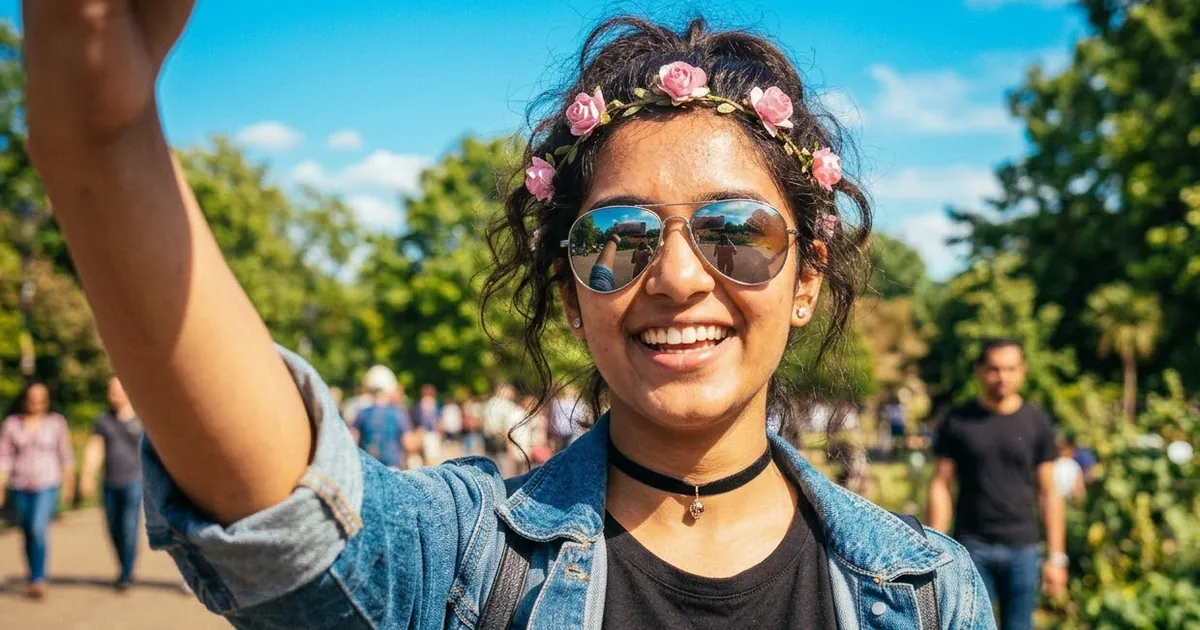
Open Gemini or ChatGPT, upload a clear photo of your face, then paste the prompt. The picture above is an example of the look.
Your retro album: 6 prompts, same decade and region
How to make a retro photo of yourself
- Pick the decade. The 70s give soft, faded film colours, the 80s warm 35mm film with flash, the 90s bright point-and-shoot colours.
- Pick a look and a region. The prompt adds the clothes and places of that region, like a kasavu saree in Kerala or a phulkari dupatta in Punjab.
- Copy the prompt. Open Gemini or ChatGPT, upload a clear front-facing photo and paste it.
- Not quite right? Ask for one change at a time, for example "more film grain" or "make the colours more faded". Keep "keep my face exactly the same" in every message.
More retro photo prompts
Each guide has more prompts for one retro trend, with example pictures.
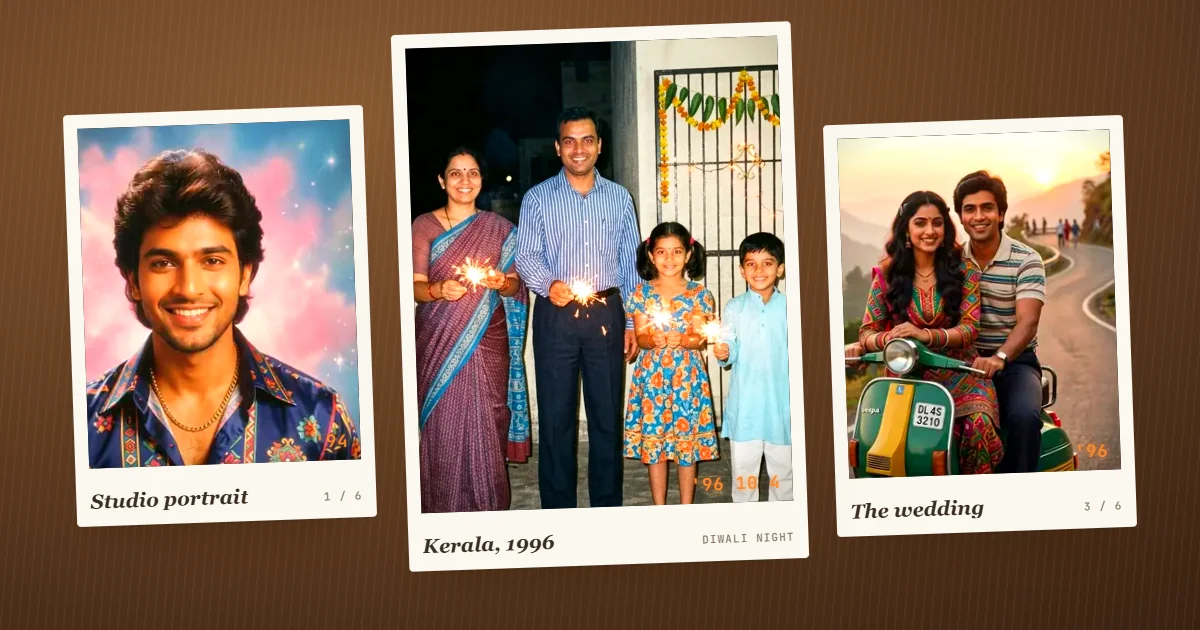 90s retro Diwali photo prompts
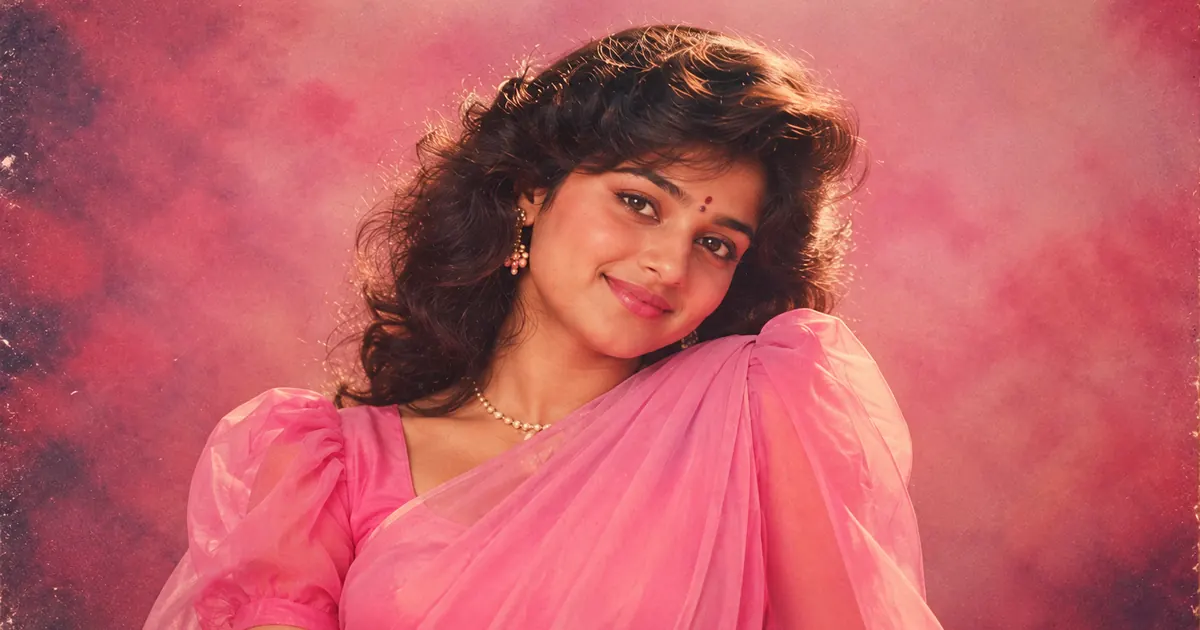 80s AI photo trend prompts
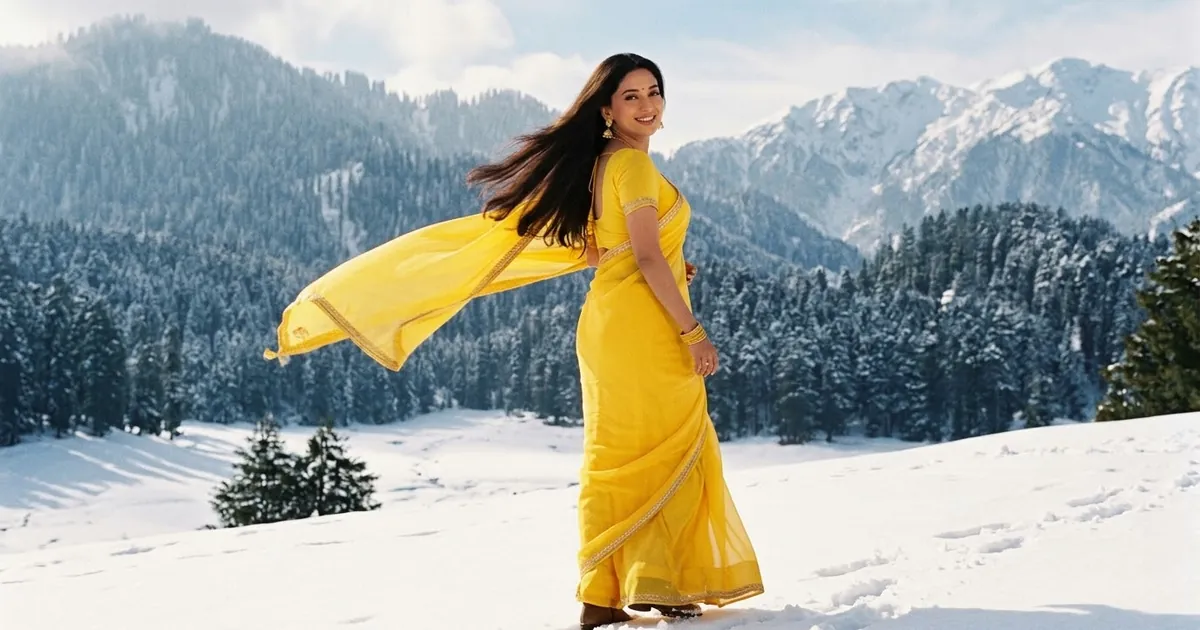 90s Bollywood AI photo prompts
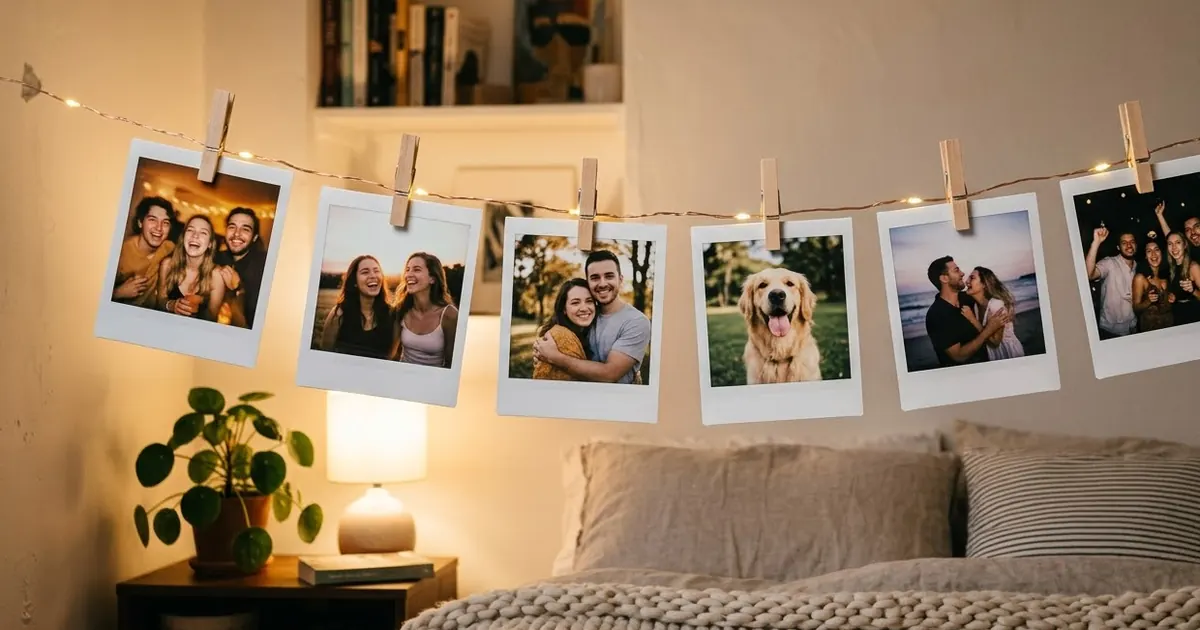 AI polaroid photo prompts
 2016 aesthetic photo prompts
Questions, answered
Is the retro photo maker free?
Yes. PromptUp writes the prompt for free with no sign-up. You then use it in Gemini or ChatGPT, which can make the photo on their free plans.
How do I make a 90s Diwali photo with AI?
Pick the 90s, the Diwali night look and your region, then copy the prompt into Gemini with a clear photo of you or your family. It keeps faces the same and adds diyas, sparklers, marigolds and harsh 90s flash. Our 90s retro Diwali prompts guide has more versions.
Can I make a retro Navratri or garba photo?
Yes. Pick the Navratri garba look and a decade. The prompt puts you in a garba circle under strings of bulbs, in the clothes of your region, with film colours from that time.
Will the AI keep my face the same?
Every prompt says "keep my face exactly the same". Use a clear, front-facing photo in good light. If the face still changes, reply "keep my face exactly like the photo I uploaded" and try again.
Which AI is best for retro photos?
Gemini (Nano Banana) is very good at keeping faces the same. ChatGPT is good at film colour and grain. Try the same prompt in both and keep the one you like.
Is my photo uploaded to PromptUp?
No. This page only writes text. You upload your photo straight to Gemini or ChatGPT, never to PromptUp.