- Updated
Kids toy advertisement
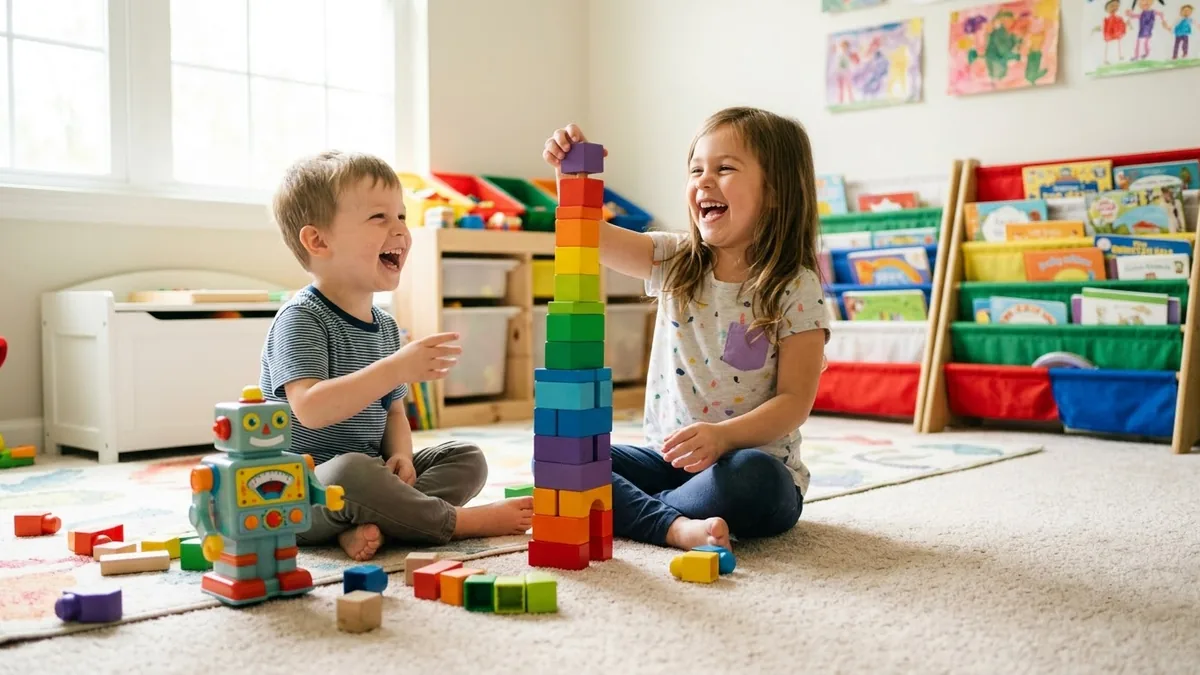
This prompt describes children building and playing with a toy of a type you choose in a colourful playroom, with the toy moving, lights and sounds and quick cuts.
Colourful playroom where children build and play with a [TOY TYPE], the toy moving, lights and sounds, bright saturated colours, quick cuts, giggles, a playful bouncing camera, cheerful music, toy brand ad.
Keep the action playful and bright, and avoid unsafe scenarios.
Get a better result
A bright, bouncy toy ad in a colourful playroom where children build and play with your toy type, the toy moving with lights and sounds, quick cuts, giggles and cheerful music.
Toy ads mirror the energy of play: bright colour, quick cuts, laughter and a camera that bounces with the action. The lights and sounds line shows what the toy does without words. The safety tip matters for children’s products, both for trust and for the advertising rules many places have.
A child is shown climbing or playing in an unsafe way.
Fix: Keep the play on the floor or a low table, as the tip says, with nothing near the mouth for toys with small parts.
- The toy looks different in every cut. Describe the toy the same way in each shot, with colour, size and one key feature, and use a reference photo if your tool allows it.
- The toy does things in the ad that it cannot do. Show only features the real toy has. Ads aimed at children face extra rules in many countries, and parents notice.
Ask for soft morning light, a wooden stacking toy, a toddler placing one piece at a time and gentle acoustic music.
play on the floor or a low table, the toy described the same way in every shot, only the features the real toy has
More video generation prompts
See all 489 →


More like this
- Garba dancers as toy building-block figuresVeo
- Beverage advertisement with splashMidjourney · ChatGPT · Gemini
- Cartoon animals cooking togetherKling · Seedance · Veo
- Me as an action figure in toy packagingGemini · ChatGPT
- Wind-up tin robot dancing, 1970s film lookVeo