- Updated
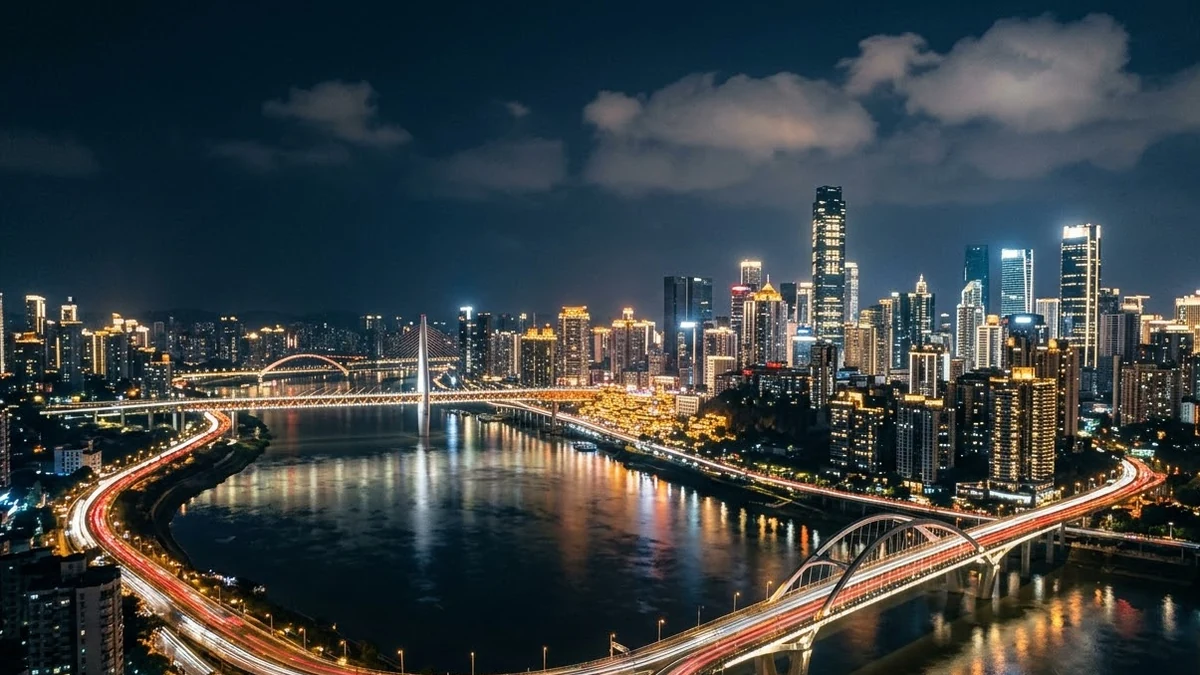
Drone over a city skyline at night
This prompt describes a slow forward drone flight over a skyline at night, with glowing windows, traffic light trails and a river reflecting the lights under a deep blue sky.
A smooth drone flight over a glittering [CITY] skyline at night, tall buildings with glowing windows, traffic light trails on the streets, a river reflecting the lights, a deep blue sky with a few clouds, slow forward motion, cinematic and epic.
Ask for a slow forward move with reflections on water for the best depth.
Get a better result
A smooth night drone flight over your city’s skyline, with glowing windows, light trails on the streets, a river reflecting the lights and a deep blue sky.
A night skyline needs depth, and the prompt builds it in layers: lit windows in the towers, light trails on the streets and a river reflecting it all. A slow forward drone move lets those layers slide past each other, which is what makes aerial footage feel three dimensional. A deep blue sky with a few clouds keeps the frame from going black. The city blank gives the model a real skyline to aim for, though famous buildings may not be exact.
Famous buildings look wrong.
Fix: Expect landmarks to be inaccurate. Use a generic city, or real drone footage if the skyline must be right.
- Windows flicker on and off. Ask for steady window lights and keep the clip short.
- The flight has no depth. Ask for a slow forward move over water, as the tip says, so reflections give depth.
Ask for fireworks bursting over the river at midnight, with the lights reflecting on the water.
a slow steady glide, the final wide shot of the skyline held still with empty dark sky at the top
More video generation prompts
See all 489 →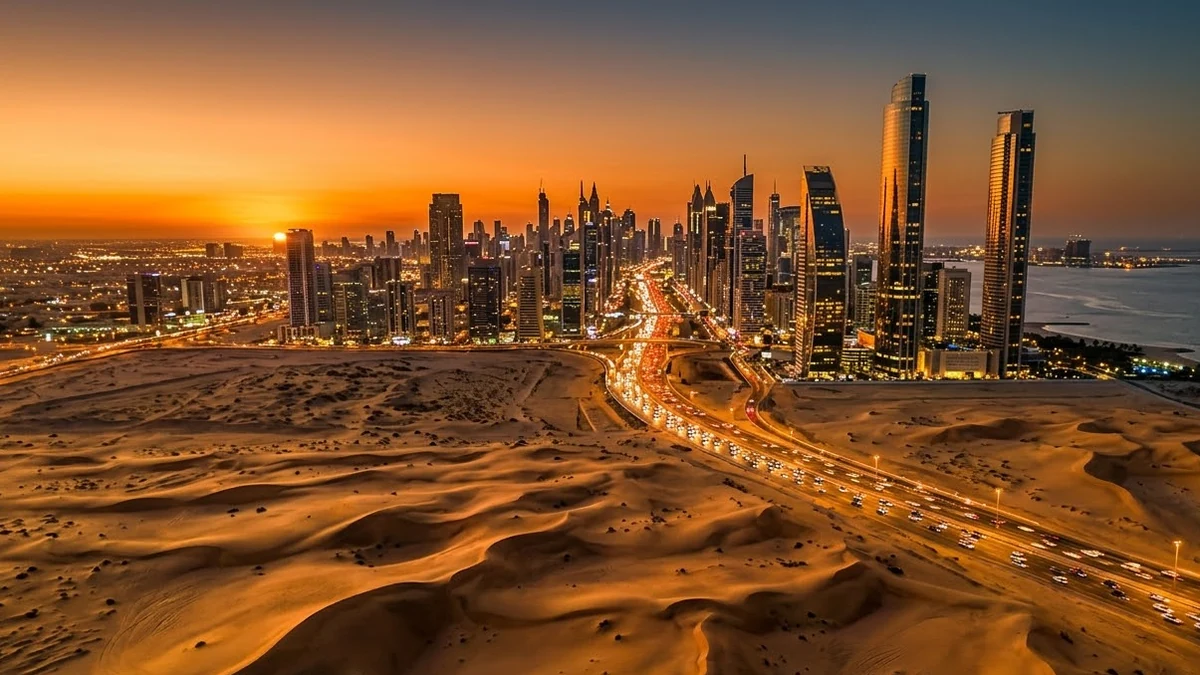
More like this
- City day-to-night timelapseVeo · Kling
- Minimal city skyline posterMidjourney · Gemini · ChatGPT
- Night bus window reflectionsVeo · Kling · Seedance
- Landscape photo with depth parallaxKling · Veo · Seedance
- Hologram billboards in a cityVeo · Kling · Seedance