- Updated
Countdown timer intro for a live stream
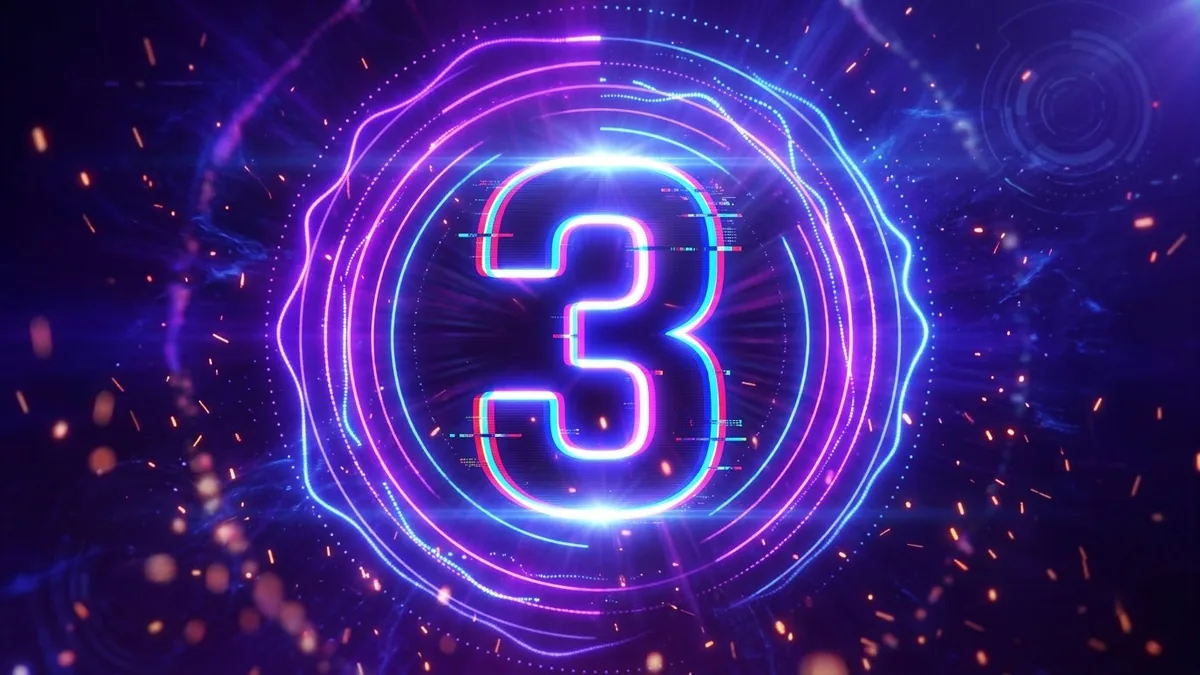
This prompt makes a countdown intro with large glowing numbers from 10 to 1 popping in the centre of a coloured background. Numbers can come out wrong, so check the result.
A 10-second countdown intro for a live stream: large glowing numbers from 10 to 1 pop in the centre of a [COLOUR] and [COLOUR] animated gradient background, pulsing rings around each number, floating particles, subtle glitch on each change, energetic beat, final frame flashes to a blank space for your title.
Combine with your title card in your editing software.
Get a better result
A 10-second countdown intro with large glowing numbers from 10 to 1 popping in the centre of a moving two-colour gradient, pulsing rings, floating particles, a small glitch on each change and a blank end frame for your title.
A stream countdown has to be clear and exciting at once, so the prompt makes the numbers large and centred, adds pulsing rings and particles, and gives each change a small glitch on the beat. Two gradient colours let it match your channel. Ending on a blank frame leaves space for your title, so the intro flows straight into the stream.
Numbers are skipped or misdrawn.
Fix: AI video often garbles numbers. Make the background and effects with the prompt, then add the numbers in your editor.
- Timing is uneven. Place each number on its own second in the editor, which also keeps the beat steady.
- Glitches are too strong. Ask for a small glitch only on the change, for less than half a second.
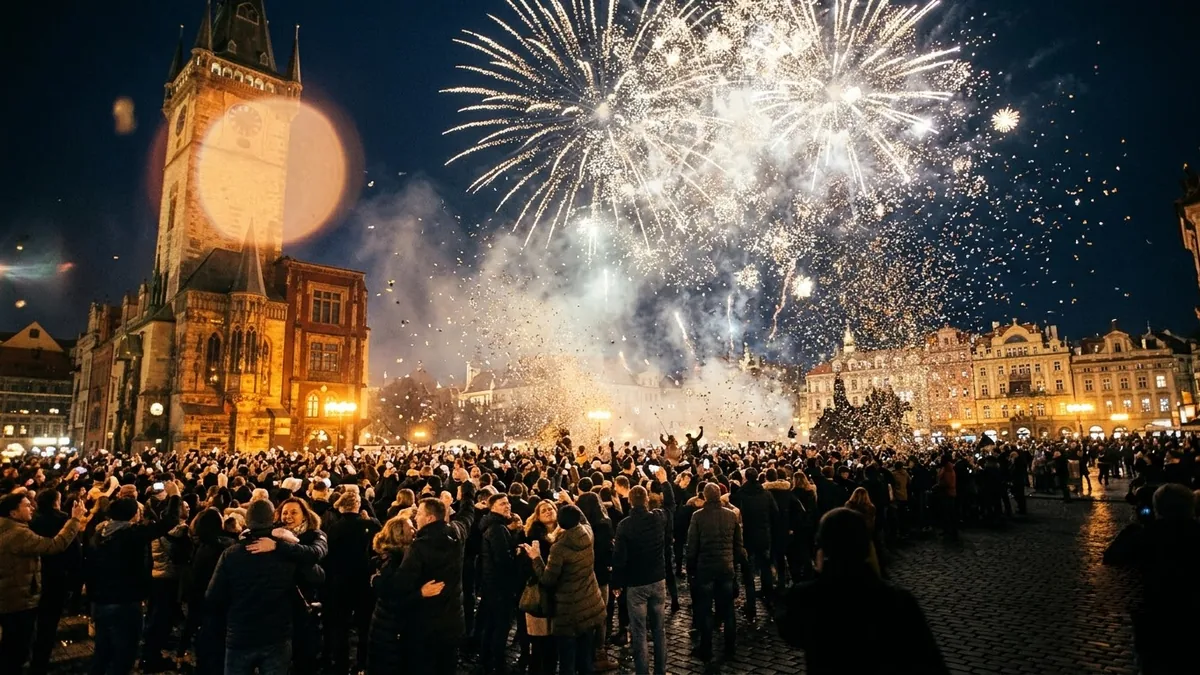
Ask for gold and midnight blue, fireworks bursting at zero and confetti falling, for a New Year’s Eve stream.
the numbers counting down evenly one per second, ending on an empty gradient frame for two seconds
More video generation prompts
See all 489 →


More like this
- Study-with-me desk videoVeo · Kling · Seedance
- Thought-leader intro clipVeo · Kling
- Live Concert video promptHiggsfield · Kling · Veo
- Forest stream loopVeo · Kling · Seedance
- Coloured smoke artVeo · Kling · Seedance